How to Run a Robinhood Chain Node (Arbitrum Nitro)
Robinhood Chain runs on Arbitrum Nitro. Here is what a full node needs — hardware, an Ethereum RPC and beacon endpoint, chain files, a snapshot — and how to start and check it.
 DegenKitNovember 2, 2026 · 4 min read
Most people never need their own node: a wallet or a token launch works fine with a public RPC or a provider. You run a Robinhood Chain node when you want your own unrestricted RPC, independent data, or an indexer that doesn't depend on someone else's limits.
This guide summarises Robinhood's full node documentation. Check it for the current versions before you start.
What the node is
Robinhood Chain is an Arbitrum chain running Arbitrum Nitro. A node runs the official offchainlabs/nitro-node Docker image. At the time of writing, Robinhood's docs list v3.11.2-3599aca and ArbOS 61, and tell you to confirm the current version first.
Hardware
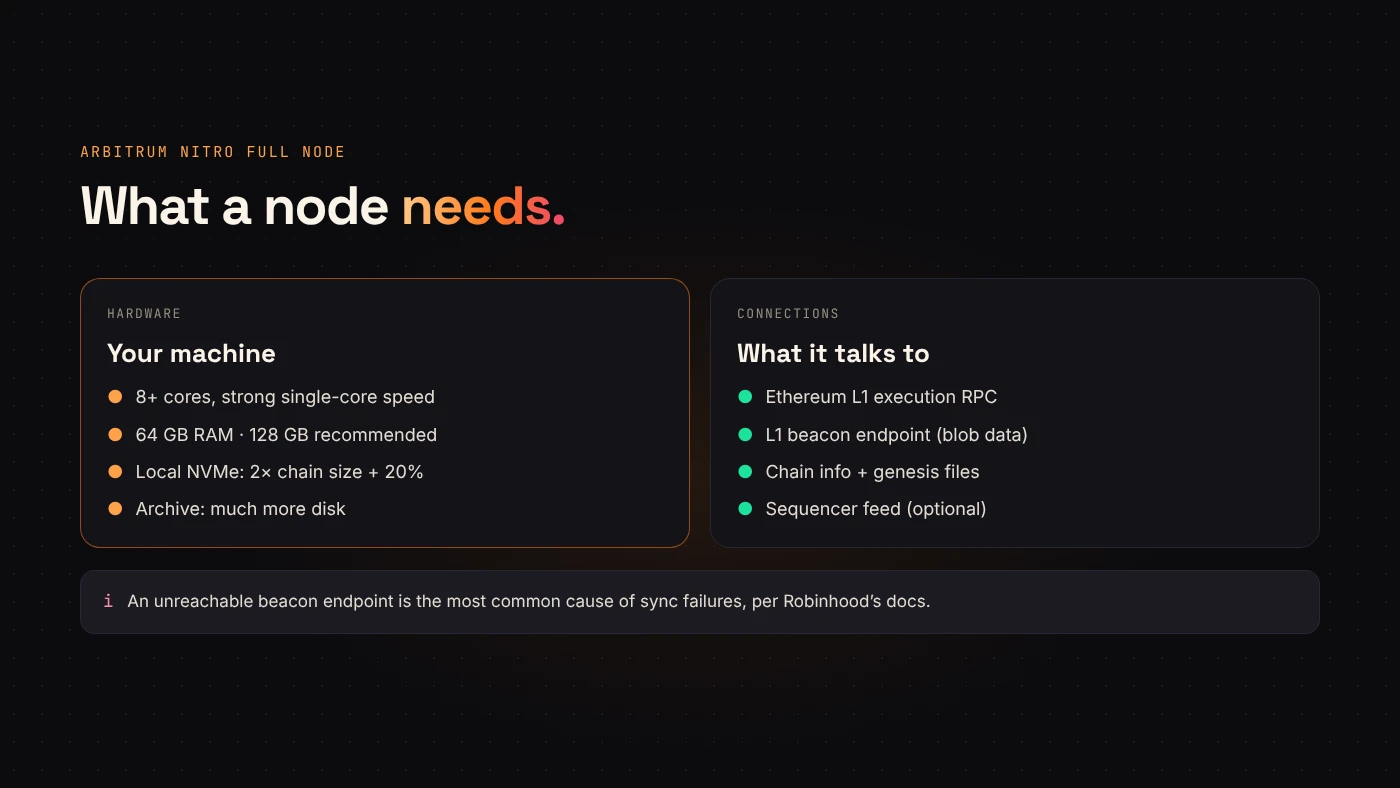
- CPU: 8+ modern cores with strong single-core speed.
- RAM: 64 GB minimum, 128 GB recommended.
- Disk: locally attached NVMe SSD, about twice the current chain size plus 20%. Networked storage slows sync a lot.
- Archive nodes need substantially more disk than full nodes.
What it connects to
A Robinhood Chain node reads from Ethereum, because that's where the chain settles. You need:
- An Ethereum (L1) execution RPC — your own synced node or a provider.
- An L1 beacon endpoint for blob data. Robinhood's docs say an unreachable beacon endpoint is the most common cause of sync failures.
- The chain info file (
robinhood-chain-info.json) and, for mainnet, the genesis file (robinhood-genesis.json) from Robinhood's docs. - Optionally, the sequencer feed (
wss://feed.mainnet.chain.robinhood.com) for low-latency updates, with the delayed feed as backup.
Starting the node
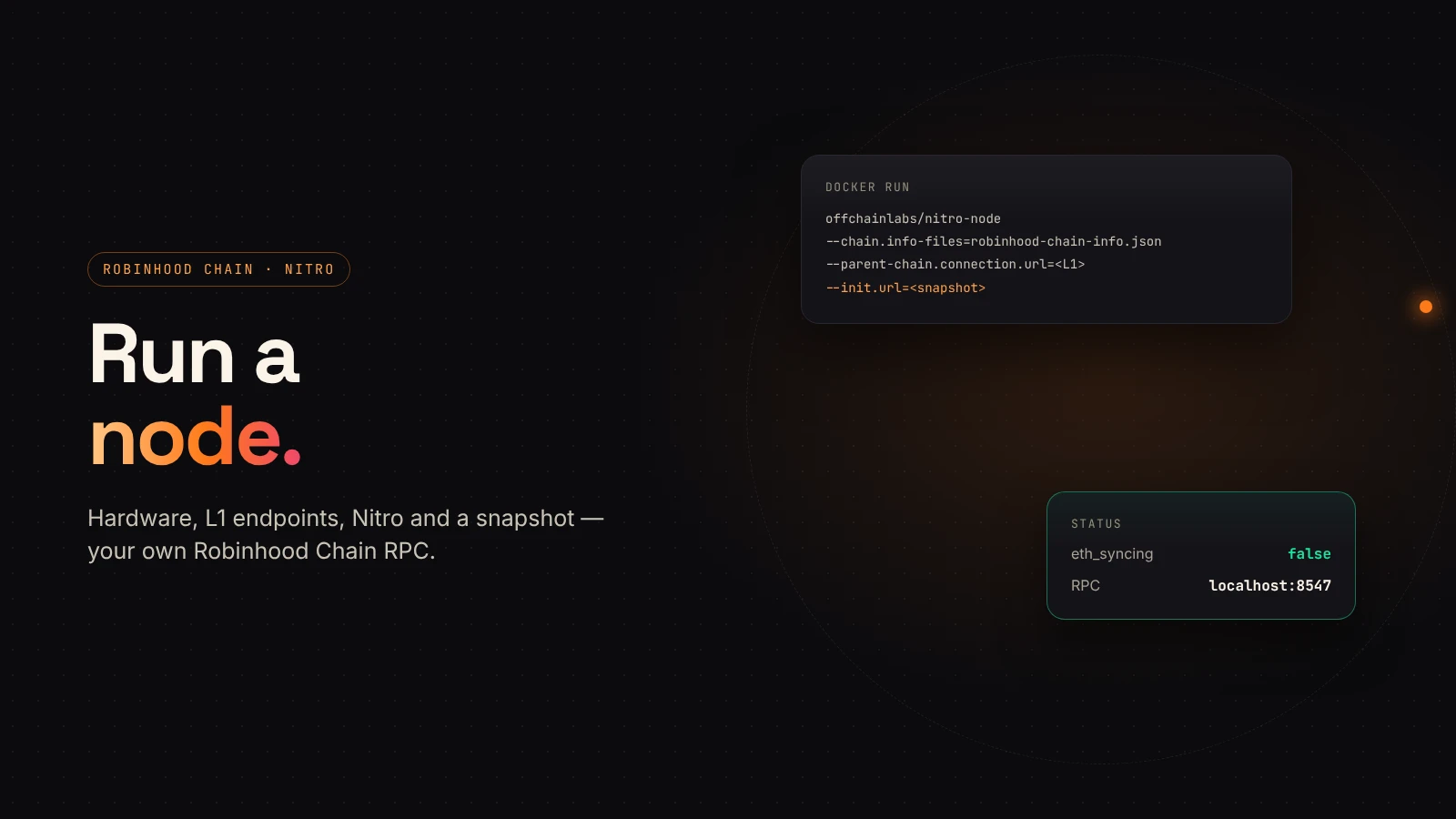
The shape of the command, from Robinhood's docs:
docker run --rm -it \
  -v "$DATA_DIR":/home/nitro/.arbitrum \
  -v "$HOME/rh/config":/home/nitro/config \
  -p 8547:8547 -p 8548:8548 \
  offchainlabs/nitro-node:v3.11.2-3599aca \
  --chain.info-files=/home/nitro/config/robinhood-chain-info.json \
  --parent-chain.connection.url=<L1_RPC> \
  --parent-chain.blob-client.beacon-url=<L1_BEACON> \
  --init.genesis-json-file=/home/nitro/config/robinhood-genesis.json \
  --http.addr=0.0.0.0 --http.port=8547 \
--http.api=net,web3,eth- Data must be mounted at
/home/nitro/.arbitrum. - Port 8547 is HTTP RPC, 8548 is WebSocket.
- Add
--init.url=<snapshot-url>on first start to begin from a recent pruned snapshot instead of genesis. Archive nodes have to sync from scratch.
Checking it's synced
Call eth_syncing on your node. A fully synced node returns false. Then eth_chainId should return 0x1237.
curl -s http://localhost:8547 -H 'content-type: application/json' \
  -d '{"jsonrpc":"2.0","id":1,"method":"eth_syncing","params":[]}'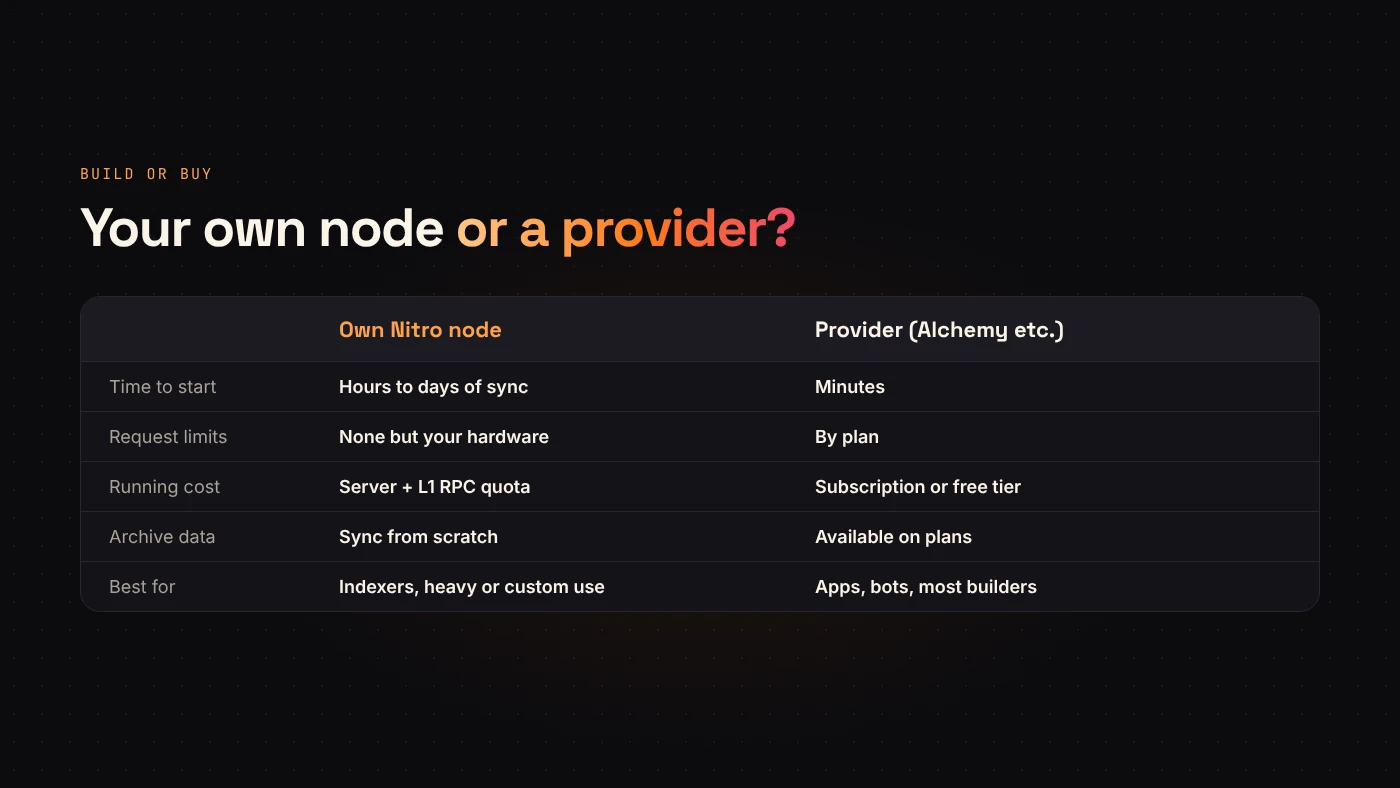
Node or provider?
- Use a provider if you need an endpoint today, don't want to manage hardware, or only need recent data.
- Run a node if you make heavy or unusual requests, need full independence, or are building an indexer.
Questions people ask
Can I run a testnet node?
Yes. Use the testnet chain info file and leave out the genesis flag, as Robinhood's docs describe.
Do I need a node to launch a token?
No. DegenKit's Robinhood Chain launcher works through your wallet and the public network. A node is for builders who need their own RPC.
Wrap up
A Robinhood Chain node is a Nitro container with fast NVMe storage, an Ethereum RPC and a beacon endpoint. Start from a snapshot, wait for eth_syncing to return false, and you have your own RPC on port 8547. For quick access instead, see our Robinhood Chain RPC tool.