Multisend App for Solana: Send Tokens to Many Wallets at Once
A multisend app sends a token to many wallets in a few signatures instead of one transfer at a time. See how DegenKit's Solana Multisender works, what it costs, and how to pick a multisend tool safely.
 DegenKitNovember 2, 2026 · 4 min read
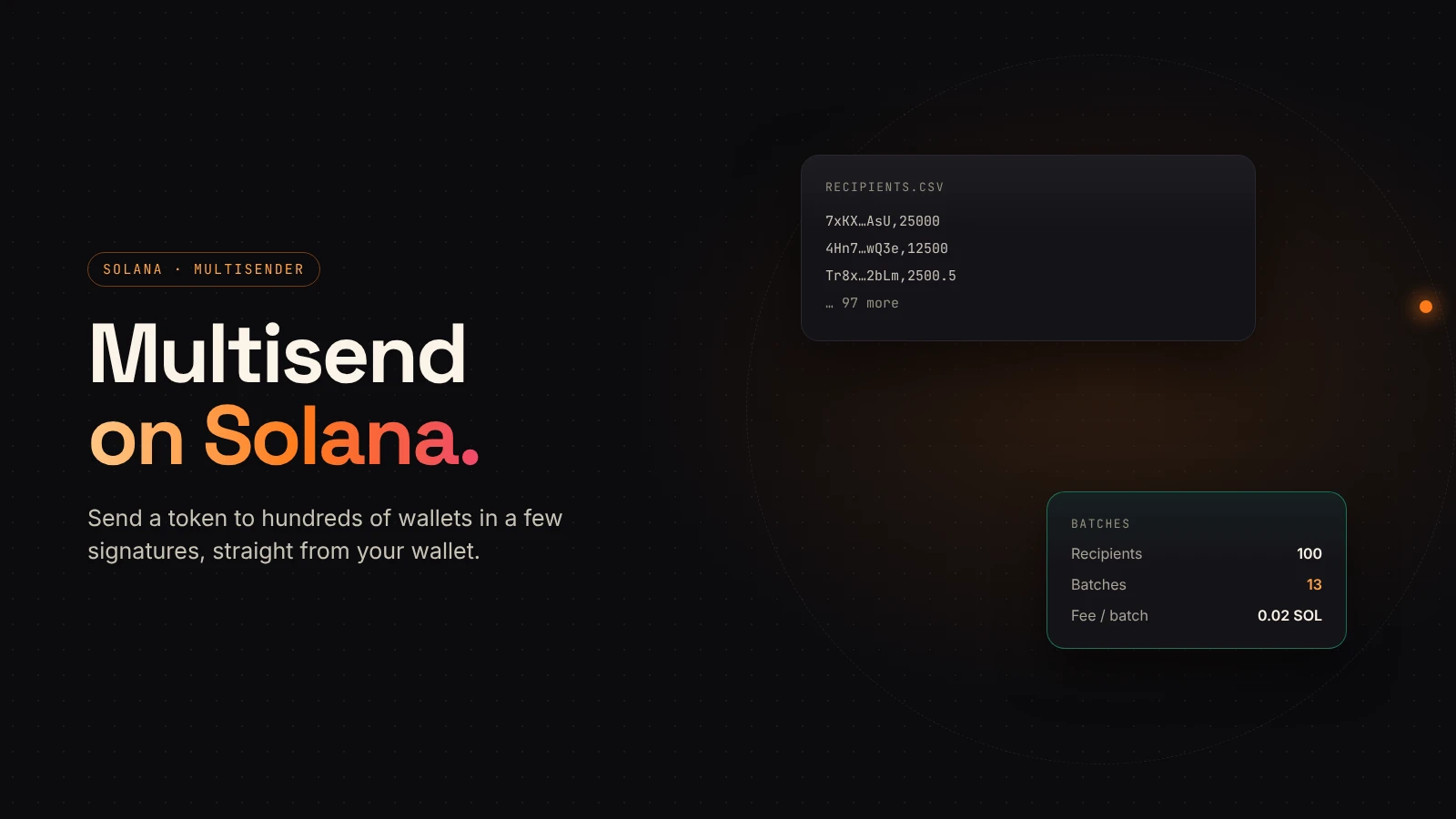
Paying contributors, rewarding a community or sending tokens to a team list means dozens or hundreds of transfers. Doing them one by one means dozens or hundreds of signatures. A multisend app bundles them, so you sign a handful of transactions instead.
DegenKit has a free-to-open, non-custodial multisend tool for Solana tokens: the Multisender, plus Airdrop for equal amounts.
What a multisend app does
You give it a token and a list of recipients. It packs several transfers into each transaction and asks your wallet to sign each batch. The tokens go straight from your wallet to the recipients.
On DegenKit:
- Multisender sends a different amount to each wallet, from an
address,amountlist or a CSV. - Airdrop sends the same amount to every wallet on the list.
How DegenKit's Multisender works
- Open the Solana launcher and choose Multisender.
- Paste the token's mint address and Load to see your balance.
- Paste recipients, one
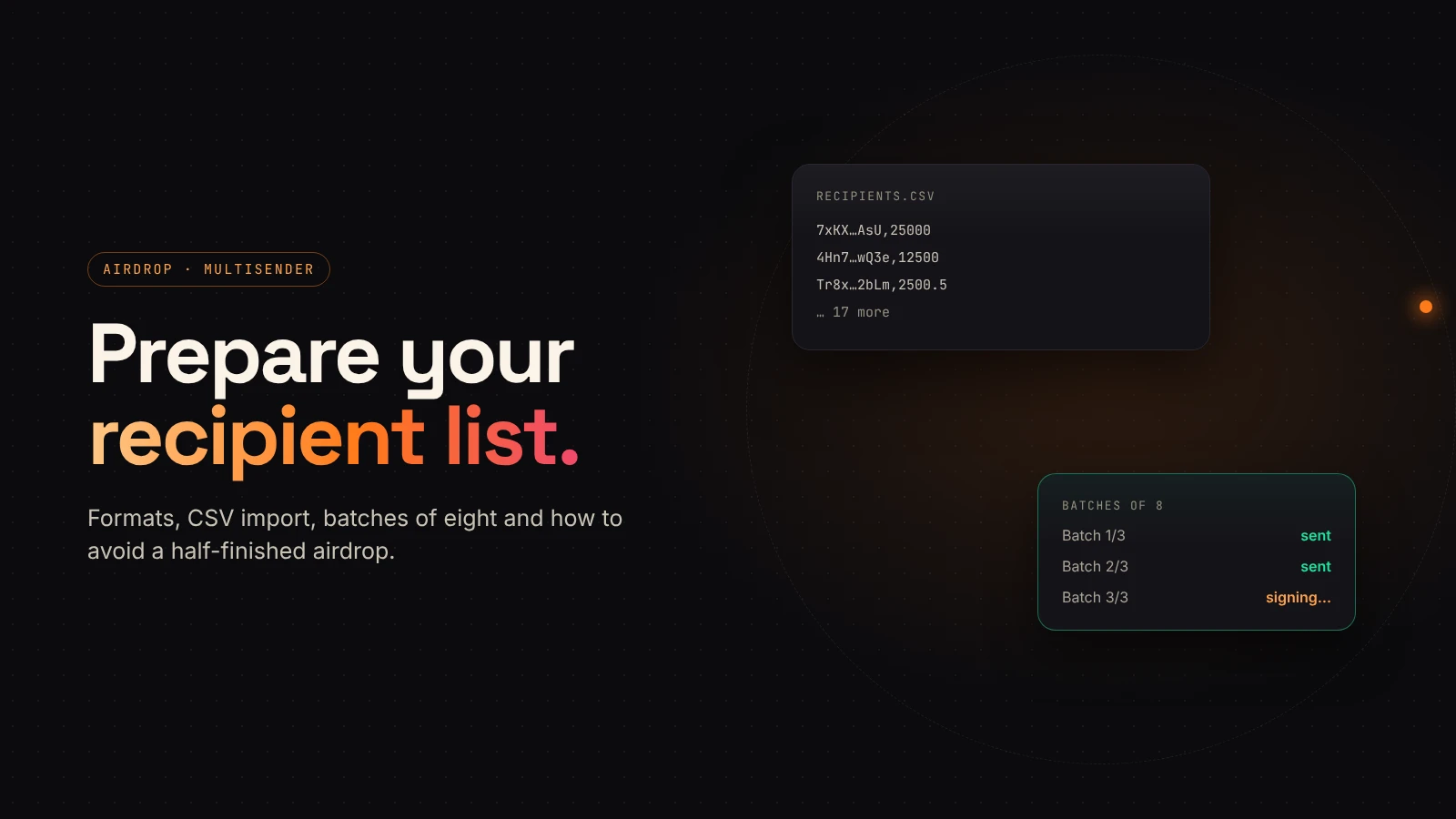
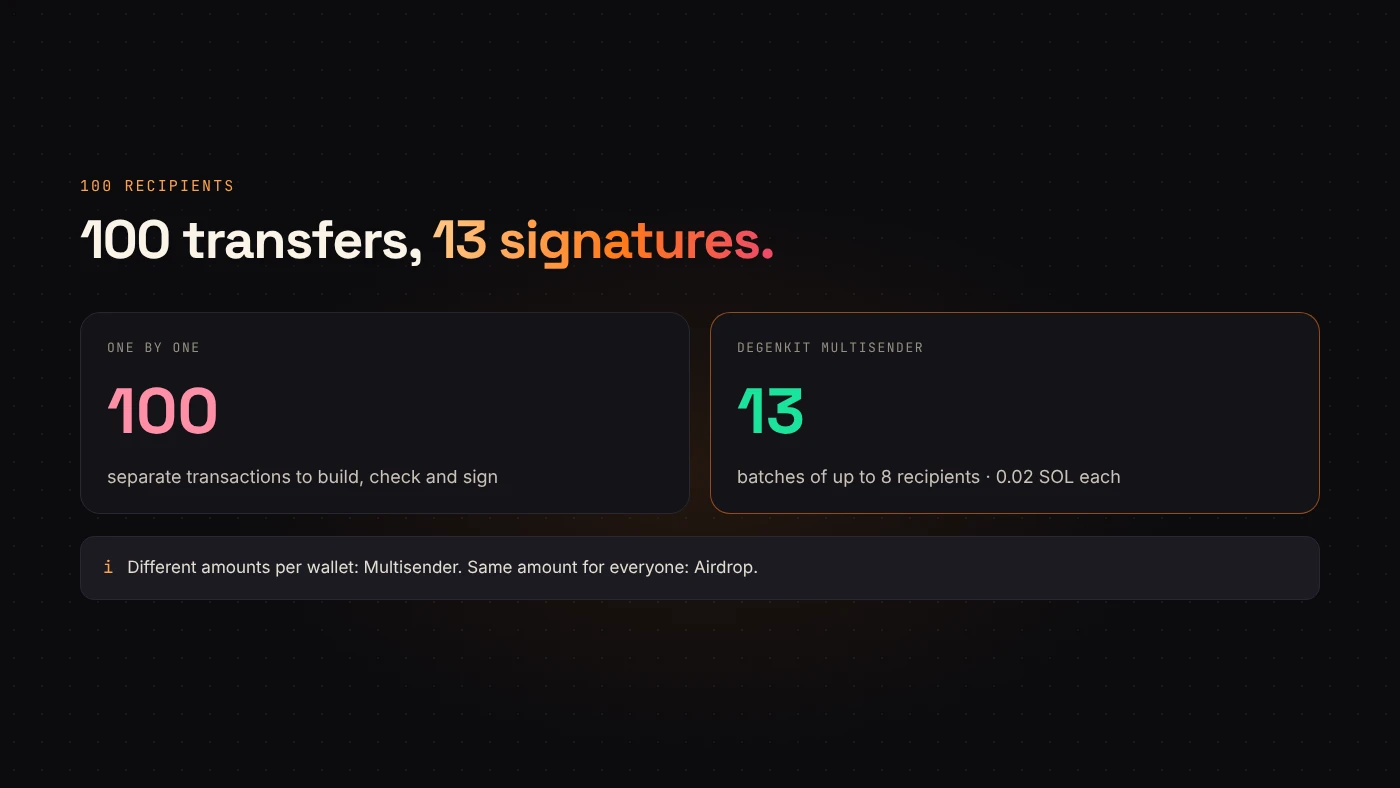
address,amountper line, or use Import CSV. - Choose Send tokens. DegenKit splits the list into batches of 8 recipients.
- Sign each batch in your wallet. Progress shows as "Batch 2/5".
If a recipient doesn't have a token account for your token yet, DegenKit creates it in the same batch. Our recipient list guide covers formats and common mistakes.
What it costs
- Service fee: 0.02 SOL per batch, not per recipient.
- Network fees: Solana's per-signature fee for each batch.
- Rent: a refundable deposit for each new token account created for a recipient.
For 100 recipients that's 13 batches and 0.26 SOL in service fees, plus network fees and any new-account rent. See DegenKit's fees and Solana fees and rent.
Choosing a multisend app safely
Any multisend tool asks you to sign transactions that move many tokens at once, so pick carefully.
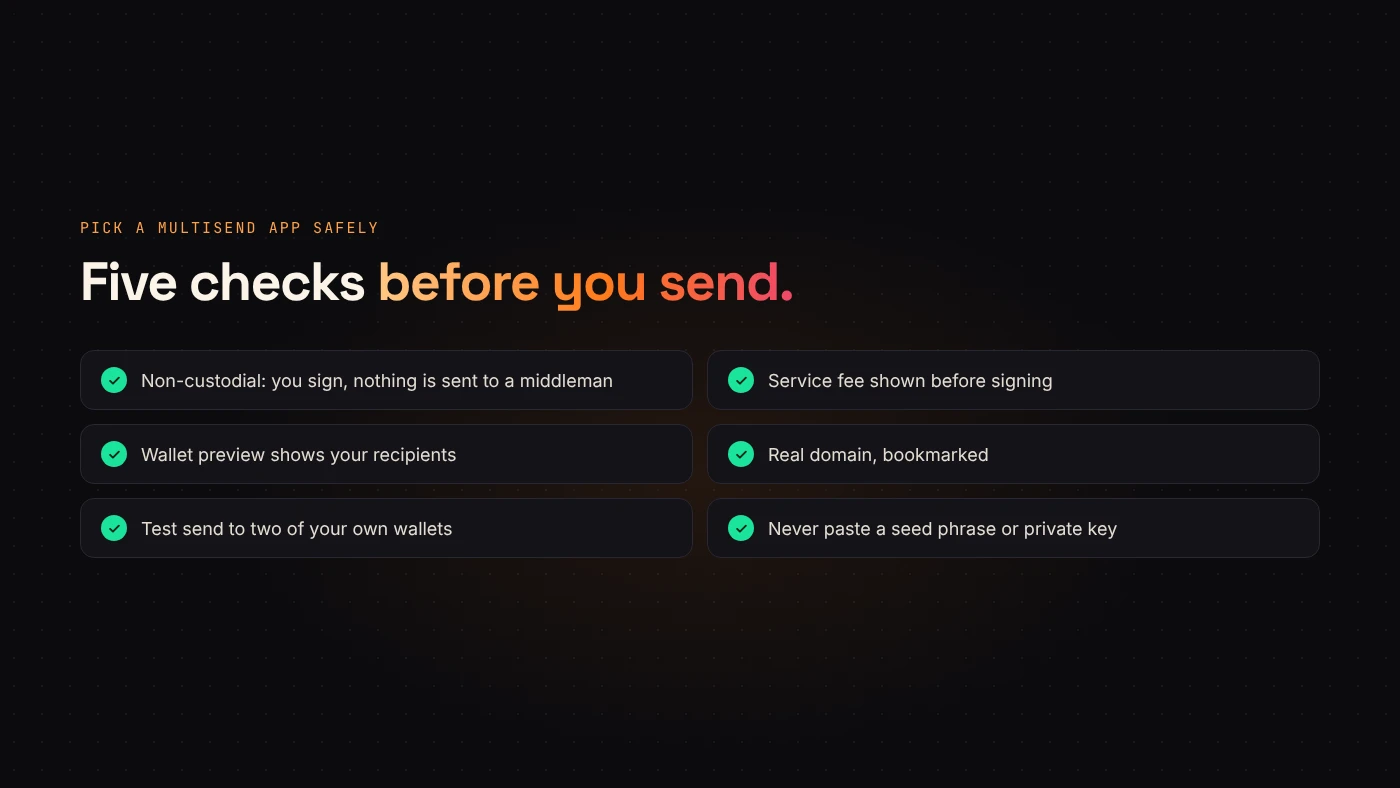
- Non-custodial only. The tool should build transactions for your wallet to sign. Never send tokens to a "distributor" address first.
- Clear fees before signing. DegenKit shows its service fee before you sign.
- Readable batches. Your wallet preview should show transfers to the addresses on your list.
- Real domain. Bookmark the tool. Fake multisend sites are a common phishing trick.
- Test first. Send to two of your own wallets before the full list. On Solana you can rehearse on Devnet for free.
Questions people ask
Does DegenKit have a multisend for Ethereum or BNB Chain?
Not yet. DegenKit's Multisender and Airdrop work with Solana tokens.
Is there a limit on how many wallets I can send to?
Large lists are simply sent in more batches of 8. Each batch is one signature.
What if a batch fails?
Earlier batches have already been delivered. Remove those recipients and send the rest, rather than resending the full list.
Wrap up
A multisend app turns hundreds of transfers into a few signed batches. DegenKit's Multisender sends different amounts to many Solana wallets, 8 per batch, for 0.02 SOL per batch, straight from your wallet. Open Multisender with your list ready.