Robinhood Chain Token FAQ: 14 Questions Before You Launch
Short answers to the questions people ask before creating a token on Robinhood Chain, covering wallets, gas, supply, taxes, liquidity and My Tokens.
 DegenKitNovember 4, 2026 · 5 min read
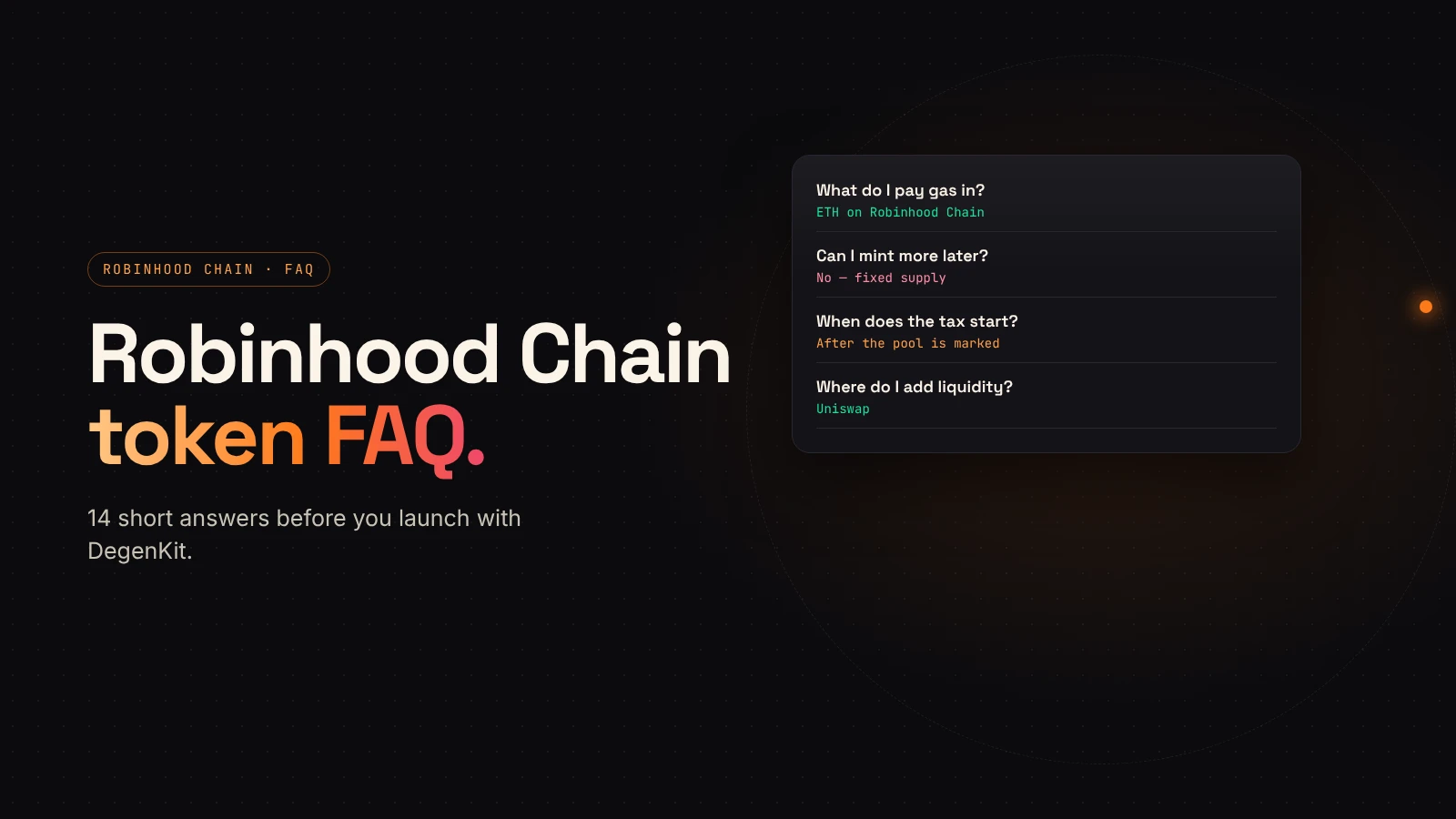
Robinhood Chain is new, so creators have a lot of questions before their first launch there. Here are short answers to the ones we hear most, based on how DegenKit's Robinhood Chain launcher works today.
Network and wallet
What is Robinhood Chain?
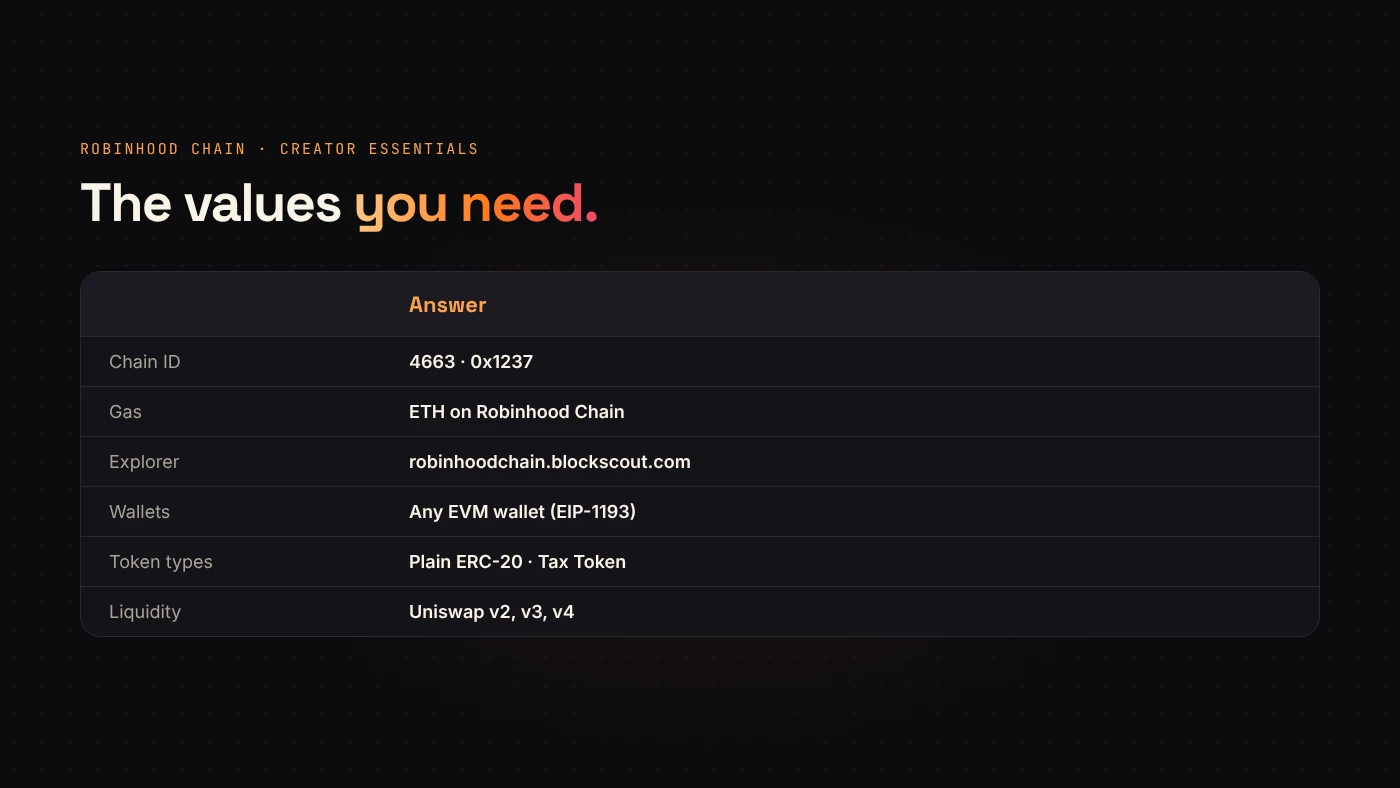
A permissionless layer 2 built on Arbitrum, with Ethereum underneath. It uses ETH for gas, chain ID 4663, and the Blockscout explorer.
Which wallets work?
Any EVM wallet that supports EIP-1193. DegenKit detects installed wallets such as MetaMask, Coinbase Wallet, Rabby, Trust, Phantom, Rainbow, Bitget, Binance and OKX. See supported wallets.
Do I have to add the network by hand?
No. When you connect, DegenKit asks your wallet to add and switch to Robinhood Chain. You can also use our RPC tool. Check that the prompt says chain ID 4663.
What do I pay gas in?
ETH on Robinhood Chain. ETH on Ethereum has to be bridged first.
Creating the token
What can I create on Robinhood Chain?
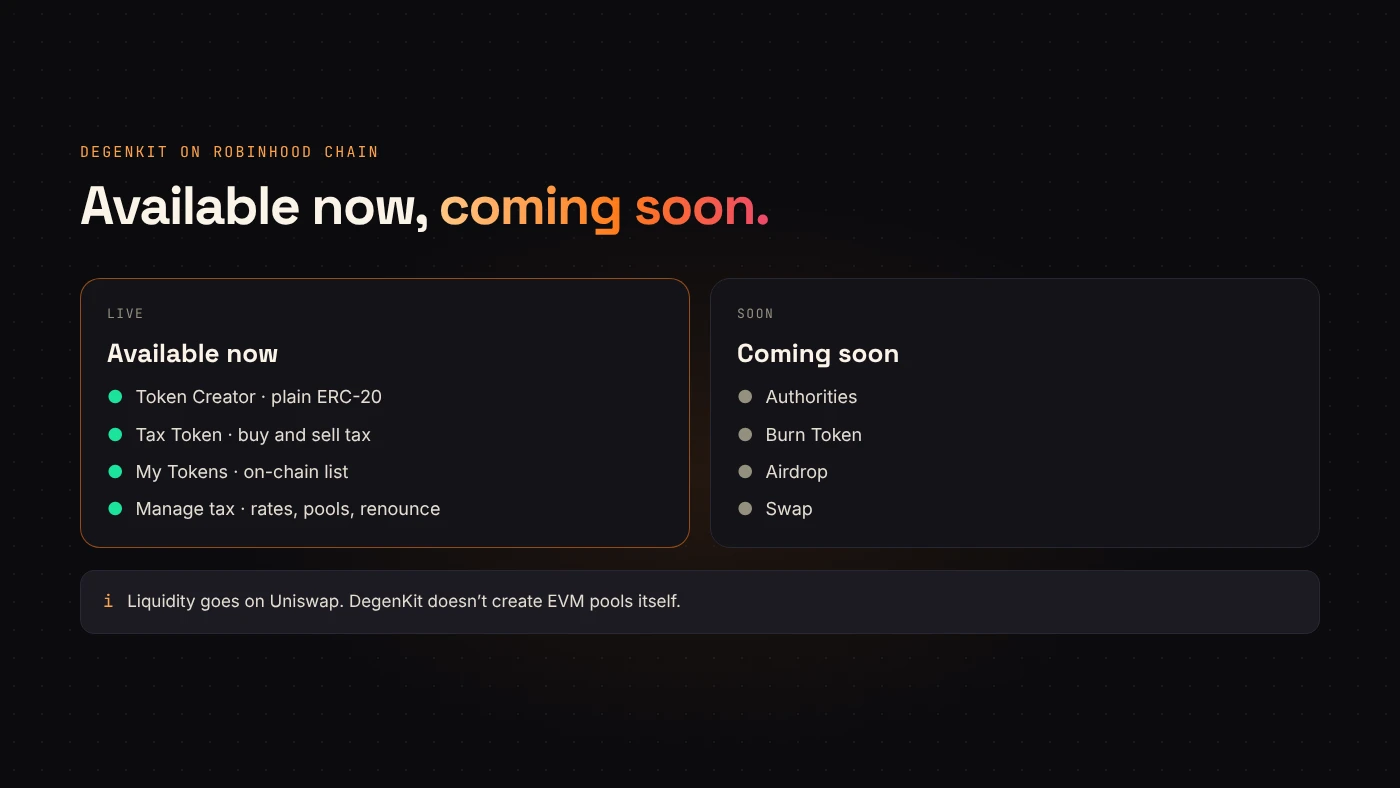
Two types: a plain fixed-supply ERC-20 (Token Creator) or one with buy and sell taxes (Tax Token). Compare them in plain token or tax token.
Can I mint more tokens later?
No. Neither contract has a mint function. The supply is final for everyone, including DegenKit.
Can I change the name or symbol after creation?
No. Name, symbol, supply and decimals (18) are set once. Check them before you sign.
How much does it cost?
A service fee, read from the factory contract and shown on the form before you sign, plus network gas. See DegenKit fees explained.
Does DegenKit hold my tokens or keys?
No. DegenKit is non-custodial. You sign every transaction in your own wallet, and the supply goes straight to it.
Taxes and liquidity
When does the tax start?
Only after you add liquidity and mark the pool in My Tokens → Manage tax. Until then, no trade is taxed. Wallet-to-wallet transfers are never taxed. See creating a tax token on Robinhood Chain.
Where do I add liquidity?
On Uniswap, which runs v2, v3 and v4 on Robinhood Chain. Use v2 for a tax token. DegenKit doesn't create EVM pools itself. See adding liquidity on Uniswap.
After launch
Where do I find my tokens?
Open My Tokens on the launcher, connect the creator wallet and choose Load my tokens. DegenKit reads them from on-chain records, not a third-party balance scan. If a tax token you own was created elsewhere in DegenKit, paste its address under Add.
Can I renounce ownership of a tax token?
Yes, from Manage tax. It freezes the rates, tax wallet and pools forever. A plain token has no owner to renounce.
Can I check a token's approvals or risk?
Use our free token approval checker, which scans Robinhood Chain wallets. Blockscout shows holders and transfers.
Launchpads and alternatives
Is DegenKit the same as Pons?
No. Pons is a launchpad that creates a token and its trading pool together, under its own rules. DegenKit is a token generator: it deploys the token to your wallet and you add liquidity yourself. Read Pons launchpad vs a token generator for the full comparison.
Is DegenKit affiliated with Robinhood?
No. DegenKit is an independent tool that works on Robinhood Chain. It is not owned, issued or endorsed by Robinhood Markets.
What should I check before I announce my token?
Confirm the contract on the explorer, add liquidity, test a small buy and a small sell, and write down the contract address you will share. The token launch checklist lists every step.
Wrap up
Bring ETH on Robinhood Chain, choose a plain or tax token, sign once, check it on Blockscout, then add a Uniswap pool. Launch on Robinhood Chain with DegenKit.