How to Create a Solana Token Without Coding
Prepare your token details, understand decimals and authorities, and follow a clear Solana token-creation workflow with DegenKit.
 DegenKitOctober 17, 2026 · 5 min read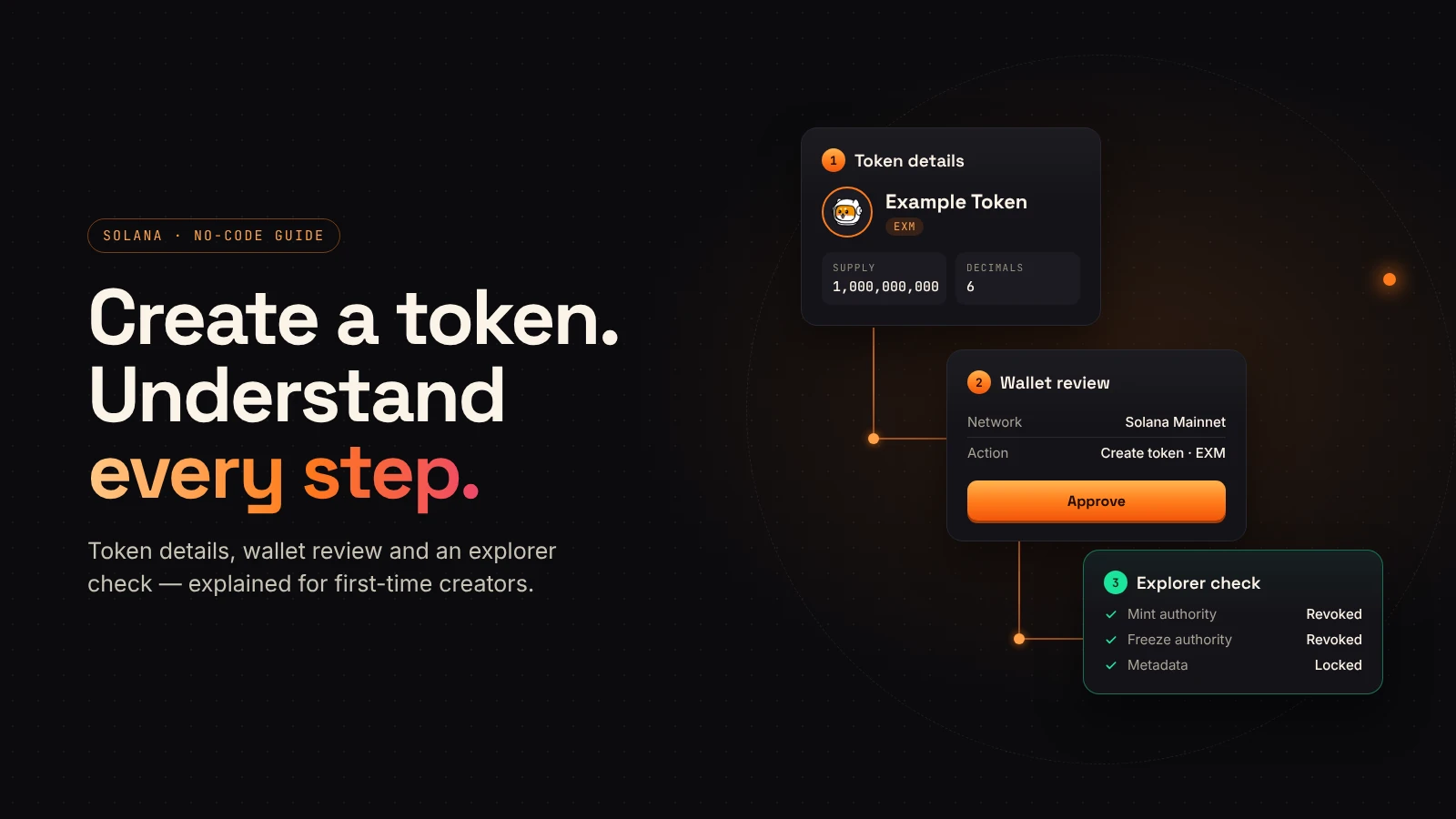
Creating a Solana token starts with a few fields, but those fields become easier to review when you know what each one controls. A name identifies the project to people. A mint address identifies the token on-chain. Supply and decimals describe its units.
This guide walks through preparation, the DegenKit creation flow and the checks to make after confirmation. The animation explains the sequence; it is not a recording of a live wallet transaction.
Prepare your token details first
Before opening a wallet prompt, collect the information you intend to publish:
- Name: the readable project or token name.
- Symbol: the short label shown beside balances.
- Supply: the number of whole tokens you intend to create.
- Decimals: the precision used when displaying fractional amounts.
- Description and image: the metadata people will use to recognize the token.
Check spelling, image quality and links together. DegenKit's current Solana creator says metadata is locked at creation. Treat the final form review as the point to catch mistakes in the name, symbol or image.
Understand supply and decimals with one example
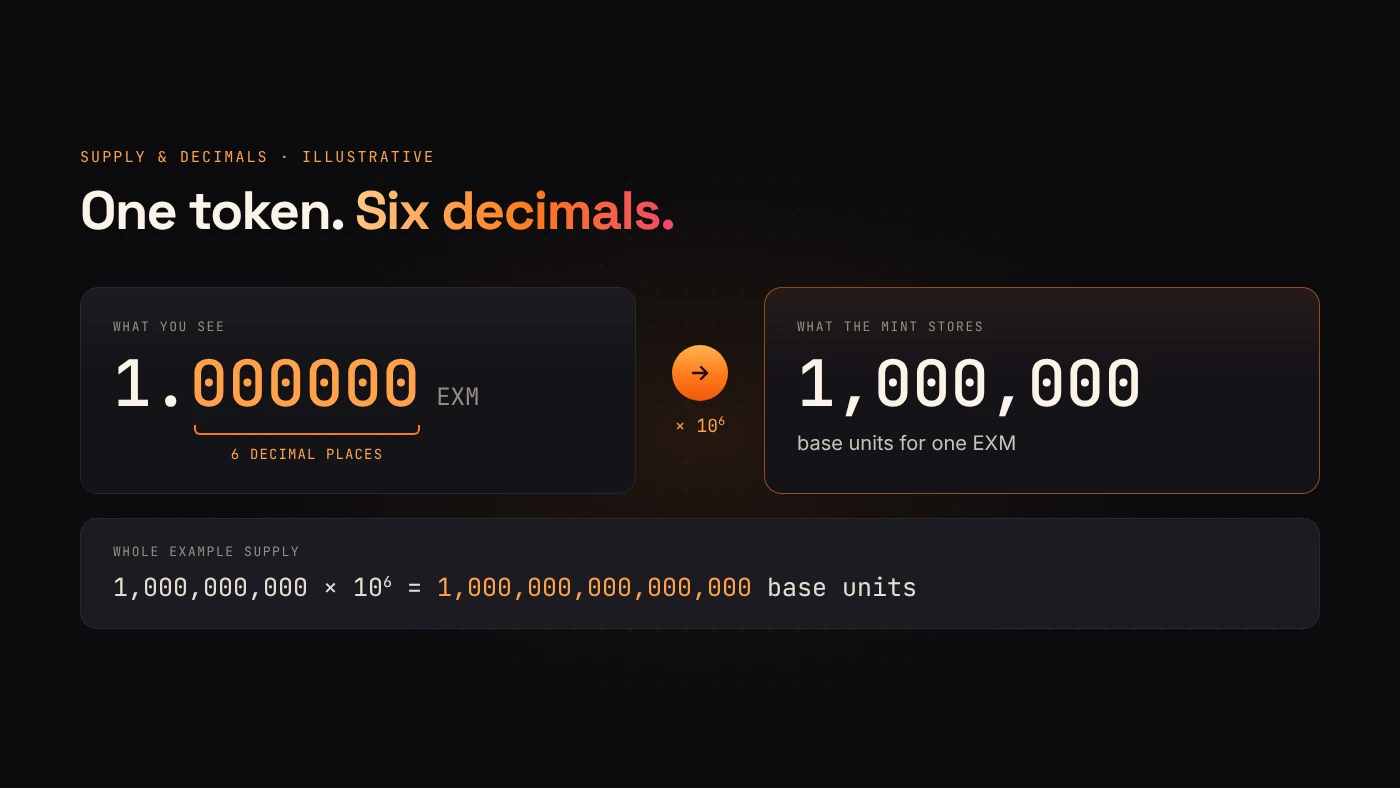
Imagine a token with a supply of 1,000,000,000 whole tokens and 6 decimals. One displayed token corresponds to 1,000,000 base units. The initial supply is therefore represented by 1,000,000,000 × 10^6 = 1,000,000,000,000,000 base units.
The Solana mint documentation describes supply and decimals as fields of the mint account. Decimals define precision; they do not assign a market value to the token.
The numbers here are illustrative. Choose values that fit the units your project needs, and check that the creator accepts your combination of supply and precision.
Know what the authority settings mean
Solana tokens can have a mint authority, which controls additional minting, and a freeze authority, which controls freezing token accounts. These are different permissions. Metadata update permissions are another separate concept.
According to Solana's authority documentation, setting a supported authority to None permanently removes that role. DegenKit's current creator presents mint and freeze revocation alongside its locked-metadata policy.
After creation, inspect the actual mint rather than relying only on a success message. Removing mint authority prevents additional minting for that mint; it does not prevent holders from burning tokens and reducing the outstanding supply.
Create the token in DegenKit
Open the Solana token creator from the official domain. The current interface includes a Mainnet/Devnet selector, token details, an image field and a summary panel.
- Select the intended network. Devnet is for testing; a Devnet token is not a Mainnet token.
- Connect the wallet you intend to use for creation and receipt of the tokens.
- Enter the name, symbol, decimals, supply and metadata.
- Check the authority settings and locked-metadata notice.
- Read the current service-fee display and leave enough SOL for the network's transaction requirements.
- Review the transaction in your wallet, then approve only when the details match your intention.
DegenKit describes its Solana creation flow as one transaction that creates the mint, metadata and token distribution. Fees and wallet screens can change, so use the values presented during your own review rather than an old screenshot.
Verify the result before sharing it
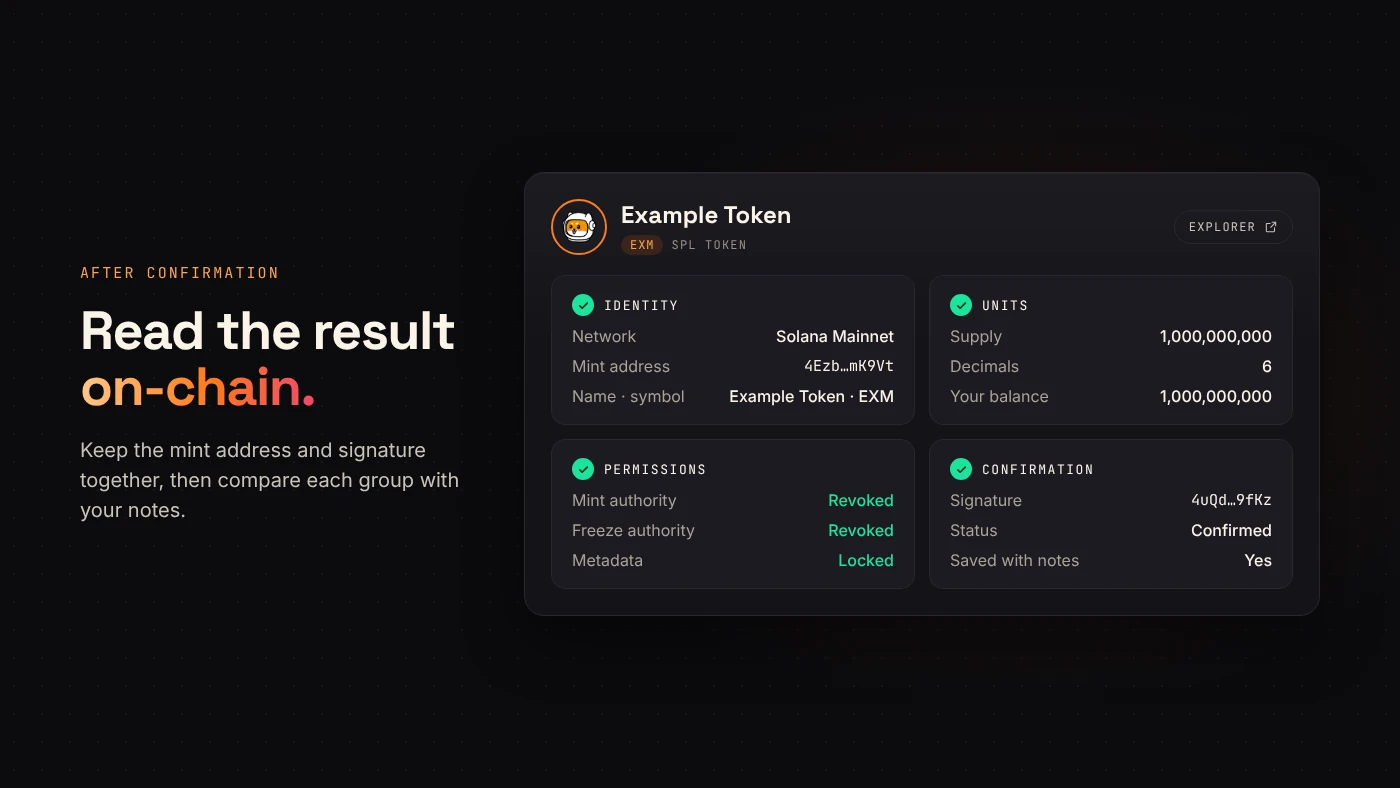
After the transaction confirms, copy the mint address and transaction signature. Follow the explorer link and compare the result with your original notes.
Check the network, mint address, decimals, supply, receiving balance and authority state. Review how the metadata appears, allowing for an application's indexing or display behavior.
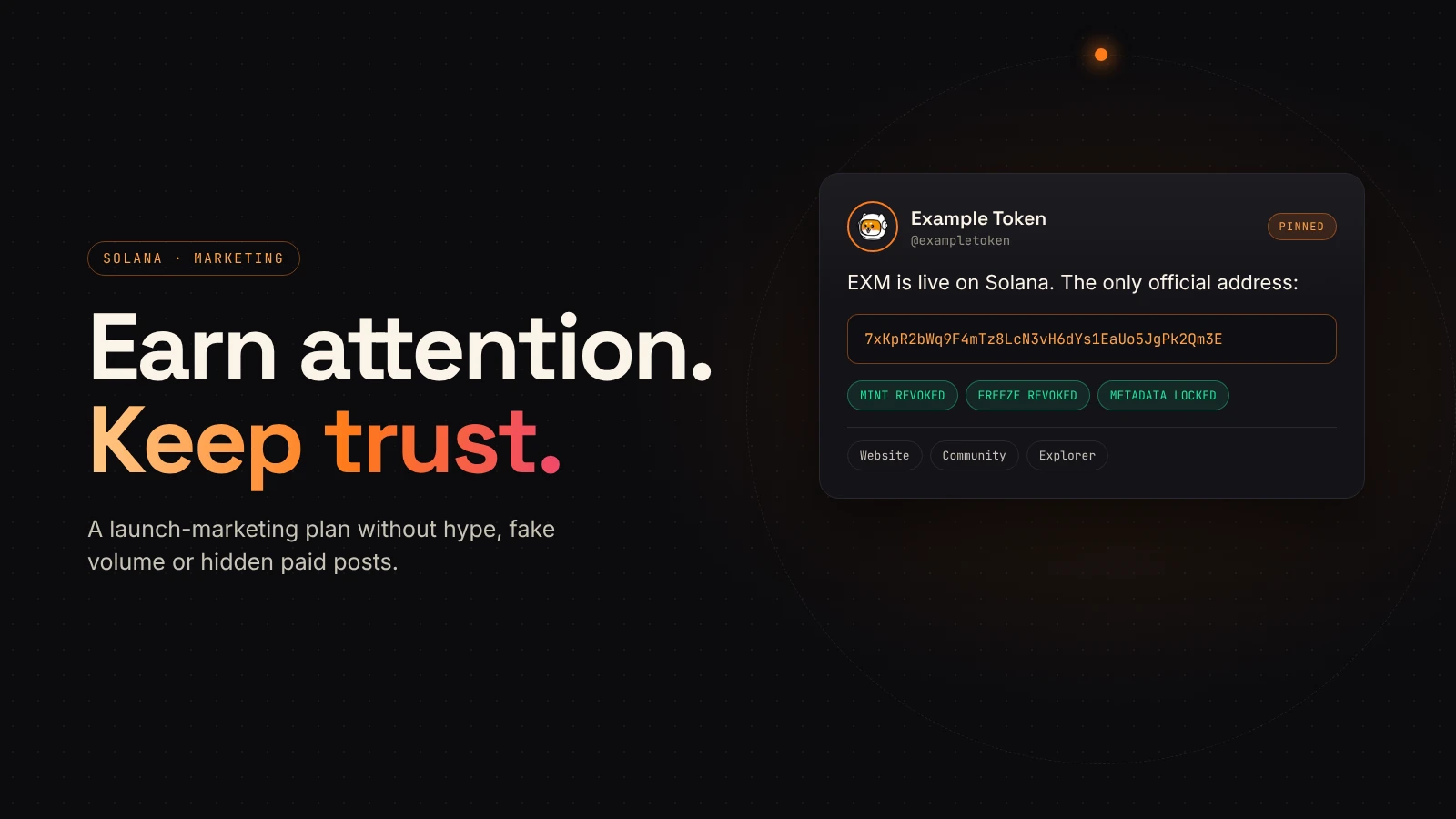
The mint address matters more than a familiar name or ticker: unrelated tokens can use similar labels. Share the full address through your project's official channels so readers can check that they are looking at the same token.
What comes after token creation?
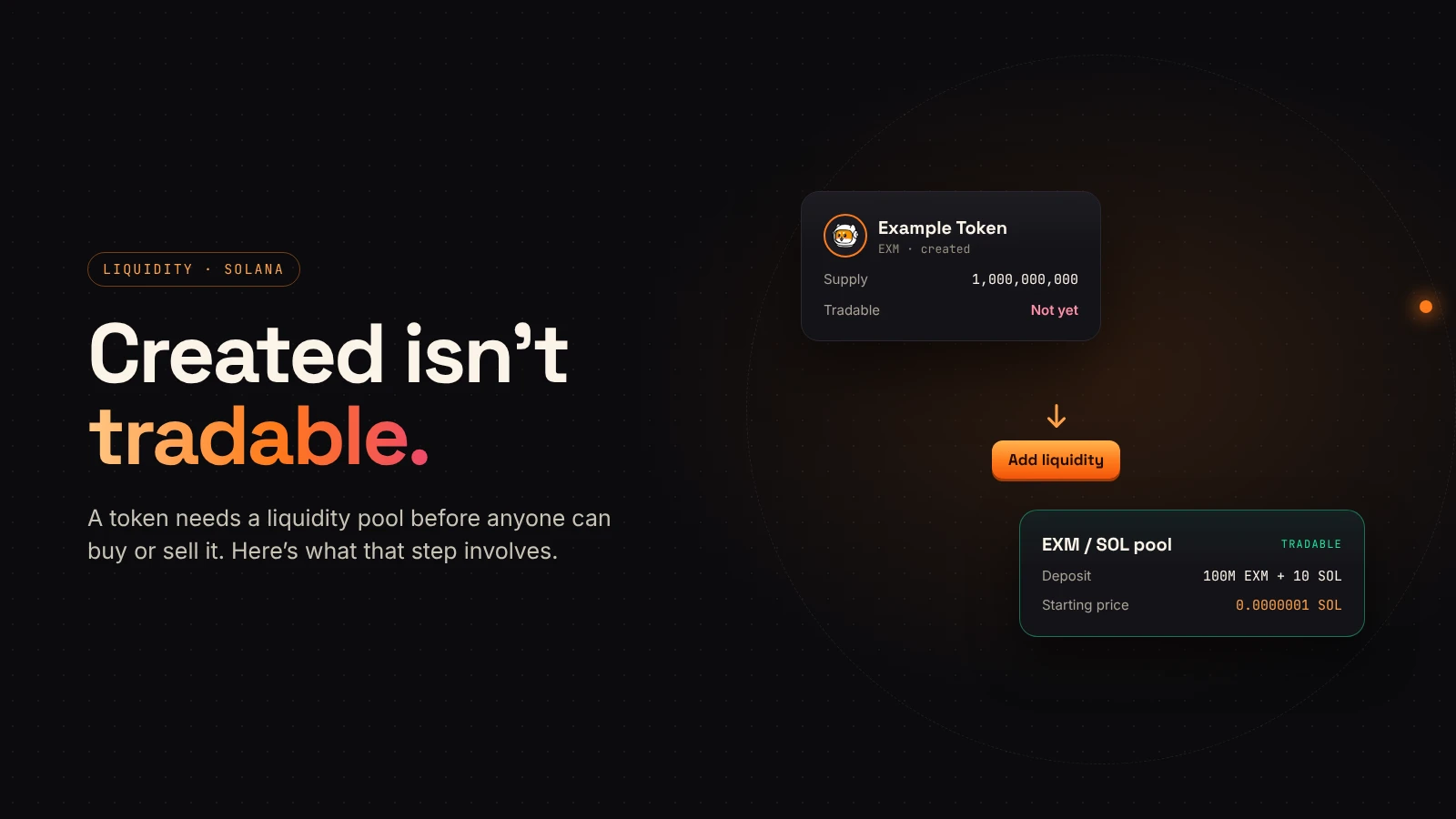
Creating a mint establishes the token. A trading market requires its own preparation, including liquidity and a compatible venue. Do not describe a successful mint as proof that a public market exists.
Prepare a short launch record containing the network, mint address, initial supply, authority state and official links. If you plan distributions or a market launch, document those next steps separately so people can distinguish completed actions from future plans.
Wrap up
A clear creation flow is preparation, review, confirmation and verification. Take time with each step, especially the settings that become permanent. Ready to prepare your own token? Open the DegenKit Solana creator.