Elysium Tax Token: Create a Buy and Sell Tax Token
How to create an Elysium tax token with DegenKit's token creator. Set buy and sell tax, pick the tax wallet, add a Uniswap v2 pool and mark it so the tax switches on.
 DegenKitNovember 10, 2026 · 5 min read
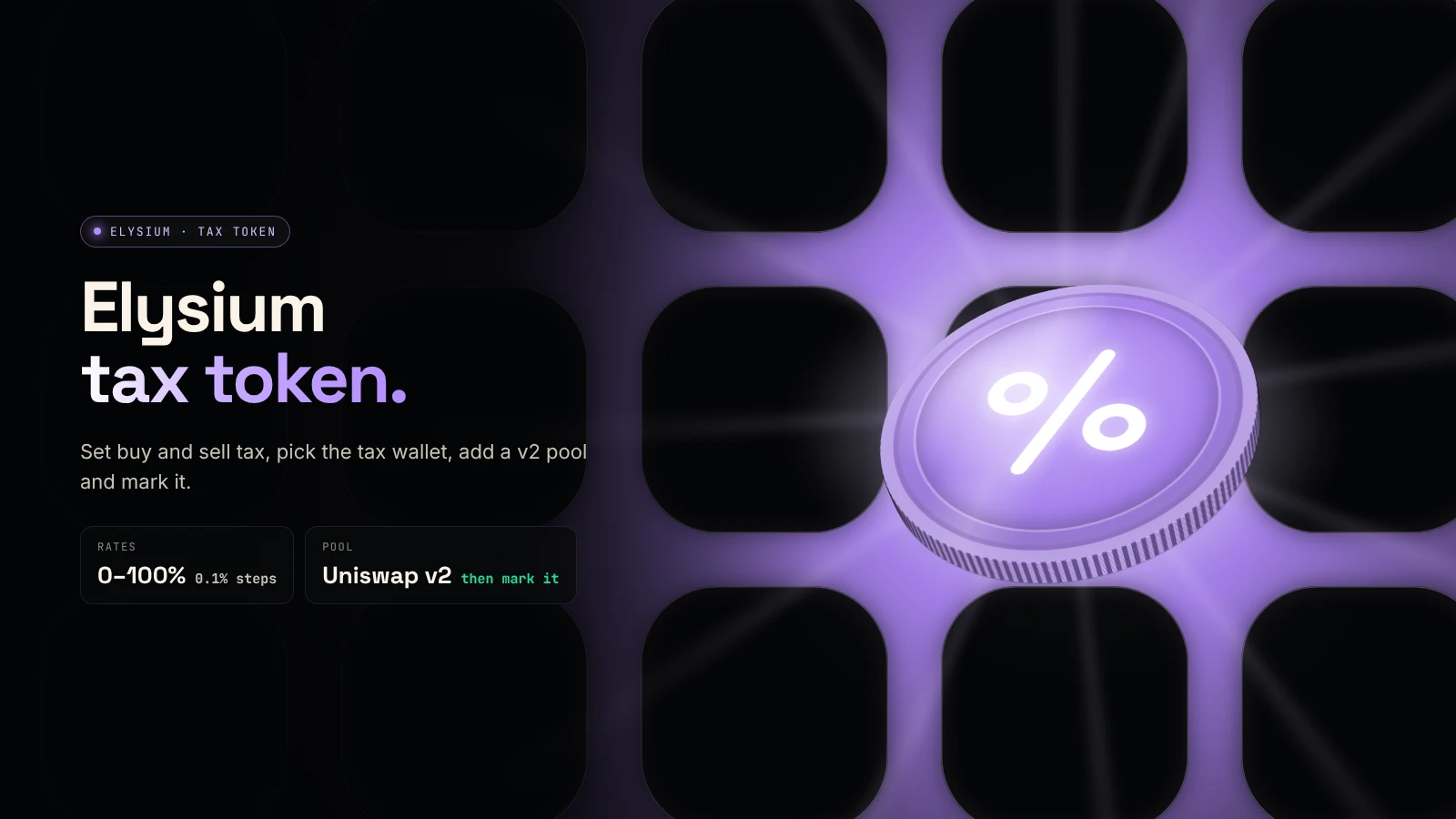
To create an Elysium tax token, use the Tax Token tool in DegenKit's Elysium token creator: set a buy and sell rate, choose the wallet that receives the tax, and sign once in HYPE. The tax only starts after you add a Uniswap v2 pool and mark it in My Tokens.
How does a tax token work?
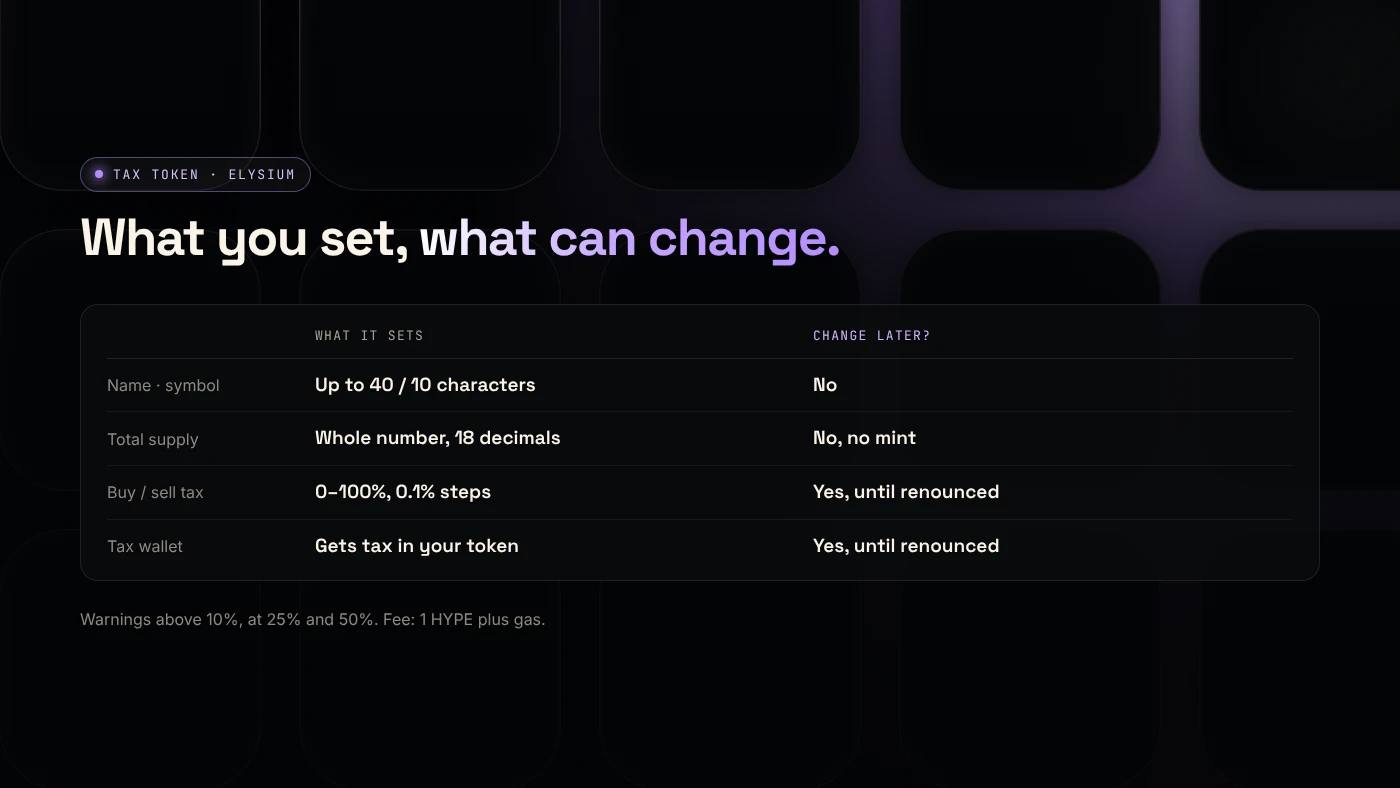
A tax token takes a share of each buy and sell against a pool and sends it to a tax wallet, paid in your token. Wallet-to-wallet transfers are not taxed. The owner can change rates and the tax wallet until they renounce ownership.
This is different from Solana's Token-2022 transfer fee, which charges every transfer. See how buy and sell taxes work for the mechanics.
How do you create one on Elysium?
- Open the Elysium launcher, click Connect wallet and approve the switch to chain ID 99901.
- Choose Tax Token in the sidebar.
- Fill in Token name, Symbol and Total supply. These are permanent.
- Set Buy tax and Sell tax. Set one to 0% to switch that side off. Result: warnings appear if a rate passes 10%, 25% or 50%.
- Enter a Tax wallet, or leave it empty to use your own wallet.
- Check the summary and the 1 HYPE fee, then sign. Result: the Contract address appears.
Why does the tax need a v2 pool and a mark?
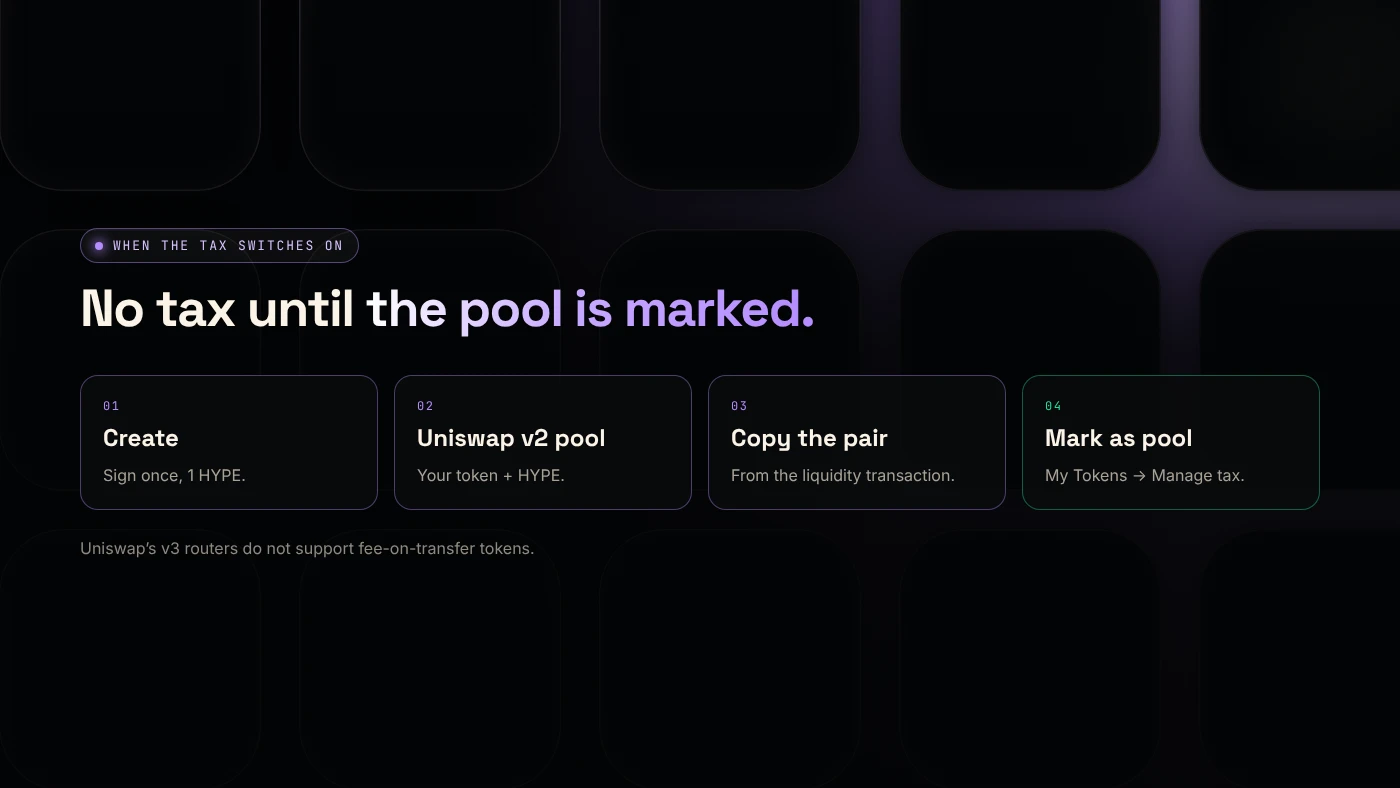
Right after creation, no trade is taxed. The contract only taxes trades against pools you have marked.
- Add liquidity on Uniswap v2 with your token and HYPE. Uniswap is live on Elysium. Uniswap's documentation says fee-on-transfer tokens "will not function" with its v3 routers (Uniswap docs), so v2 is the safe choice.
- Copy the pair address from the liquidity transaction on the Elysium explorer.
- Open My Tokens → Manage tax, paste it and choose Mark as pool.
From the next trade, buys and sells against that pool are taxed. See Uniswap v2, v3 or v4. The comparison is written for Robinhood Chain and applies the same way on Elysium.
What can the owner change later?
From My Tokens, the owner wallet can:
- change the buy and sell rates,
- change the tax wallet,
- mark or unmark pools,
- transfer or renounce ownership.
Renouncing freezes all of these forever. On a days-old chain, buyers often trust a token more once the rates are final. Our guide to managing a tax token explains each control.
What rate should you choose?
Most projects stay at a few percent. Above 10%, buyers tend to avoid a token. At 25% and above, scanners may flag it. At 50% and above, it is practically untradable. Ask one question first: what will the tax pay for? If you cannot answer clearly, a plain token from the Elysium token creator is the better launch.
What are the risks?
- Owner power. While you own the token, you can raise its tax, and buyers know it.
- Wrong pool type. A tax token in a v3 pool may fail to trade.
- Unmarked pool. Without marking, no tax is collected.
- New chain. Elysium is days old, and exits to HyperEVM take about 5.5 days.
You can lose money in crypto. This is not financial advice.
FAQ
Is the tax paid in HYPE?
No. It is paid in your token, to the tax wallet.
Can I create a tax token with 0% tax?
Yes. You can start at 0% and raise the rates later, as long as you still own the token.
Can I add a tax to a plain token later?
No. A token made with Token Creator has no owner and no tax logic. Choose Tax Token at creation.
Sources
- Uniswap: Token integration issues (v3)
- Kinetiq launch release (GlobeNewswire via The Manila Times)
- Coinranking: Elysium mainnet goes live with trading apps
To set up a tax token, open Tax Token in the DegenKit Elysium token creator.