How to Lock Liquidity on Solana with Raydium Burn & Earn
Burn & Earn locks a Raydium liquidity position forever while you keep claiming its trading fees. Learn how it works, the steps, what you receive and how to prove it to buyers.
 DegenKitNovember 1, 2026 · 4 min read
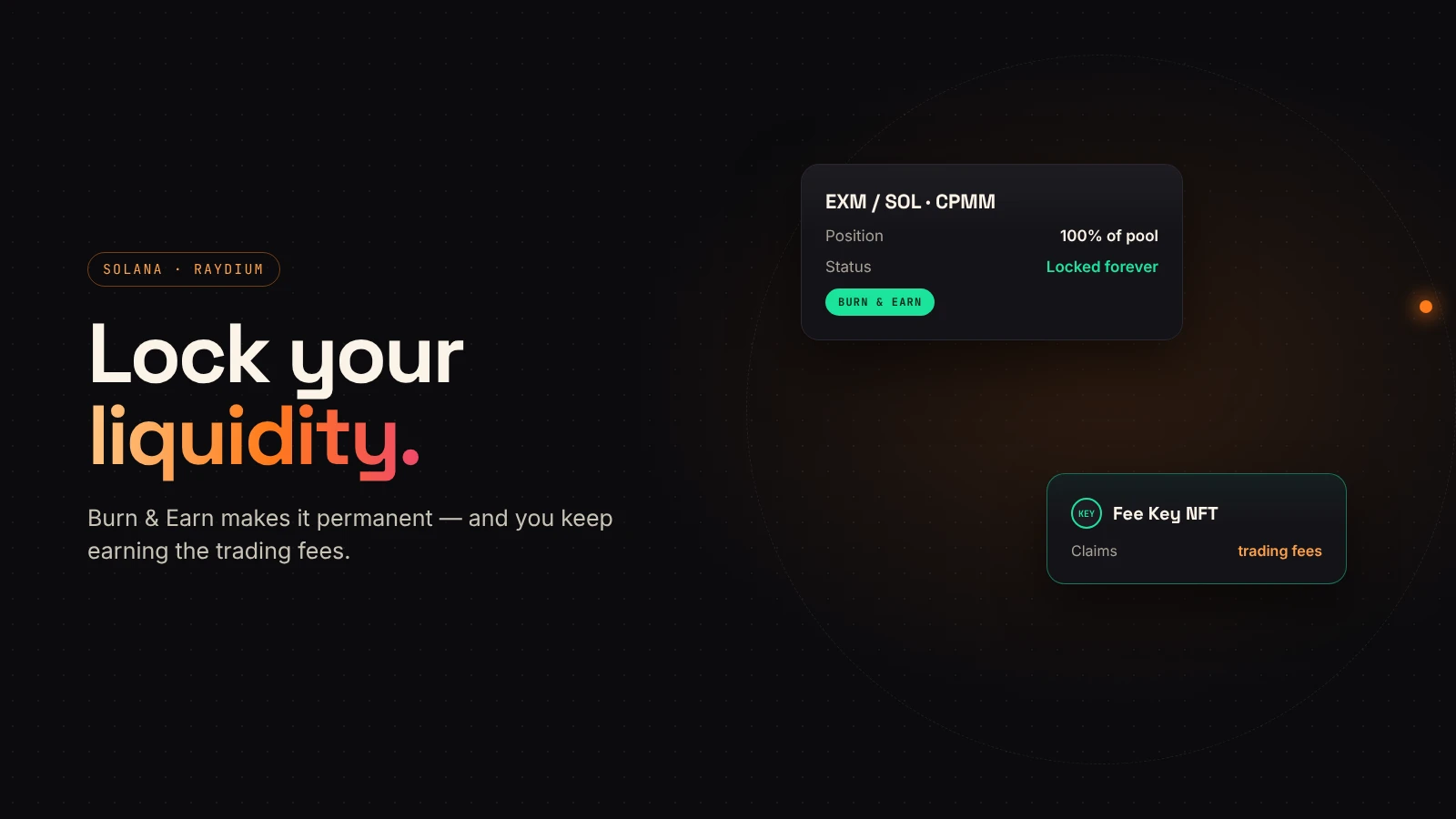
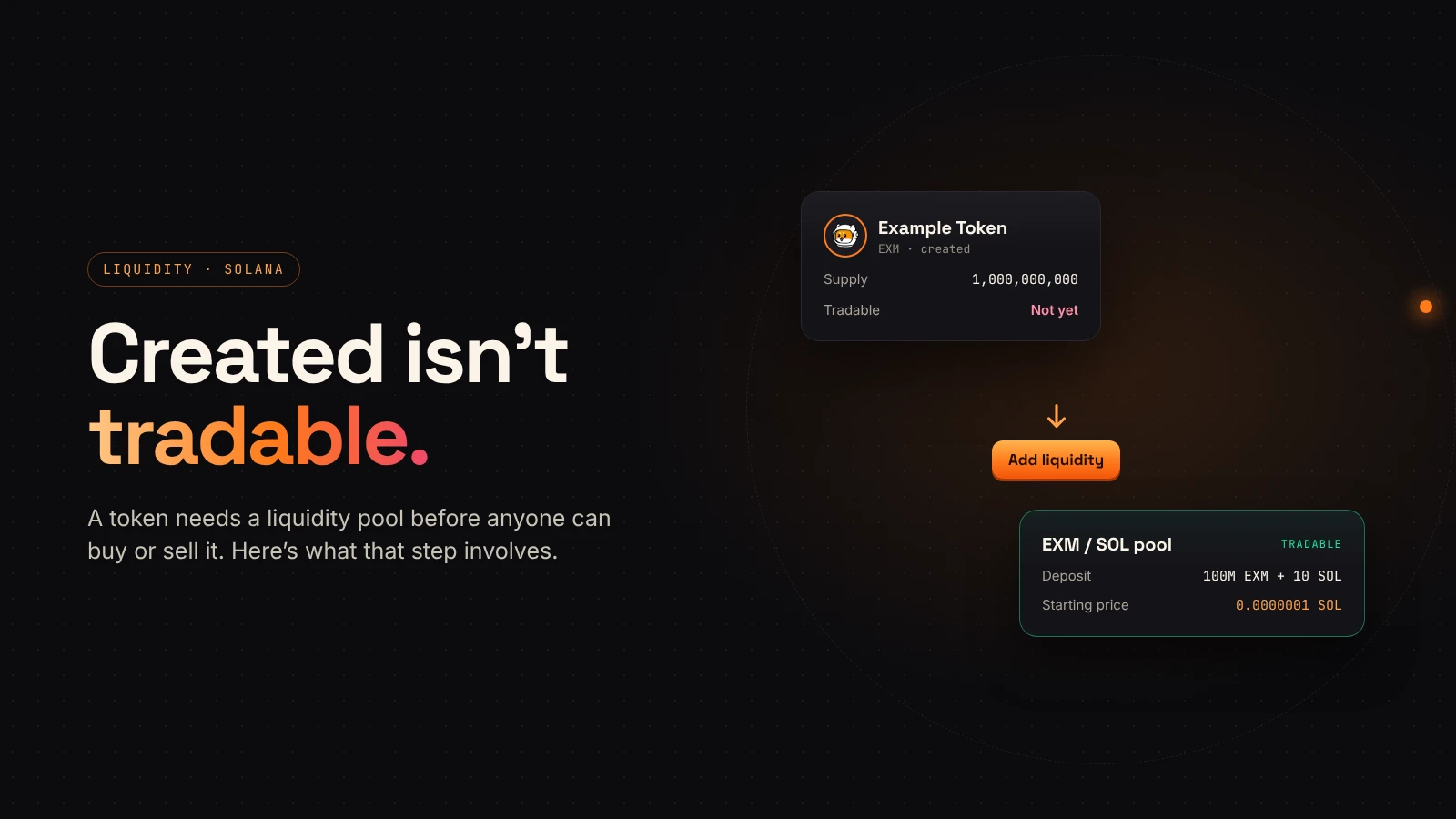
After you add liquidity, buyers ask one question: can the creator pull it? If you hold the LP tokens, the honest answer is yes. Raydium's Burn & Earn lets you change that answer to "never", while still earning the trading fees your liquidity generates.
If pools are new to you, start with creating a token vs. adding liquidity.
What Burn & Earn does
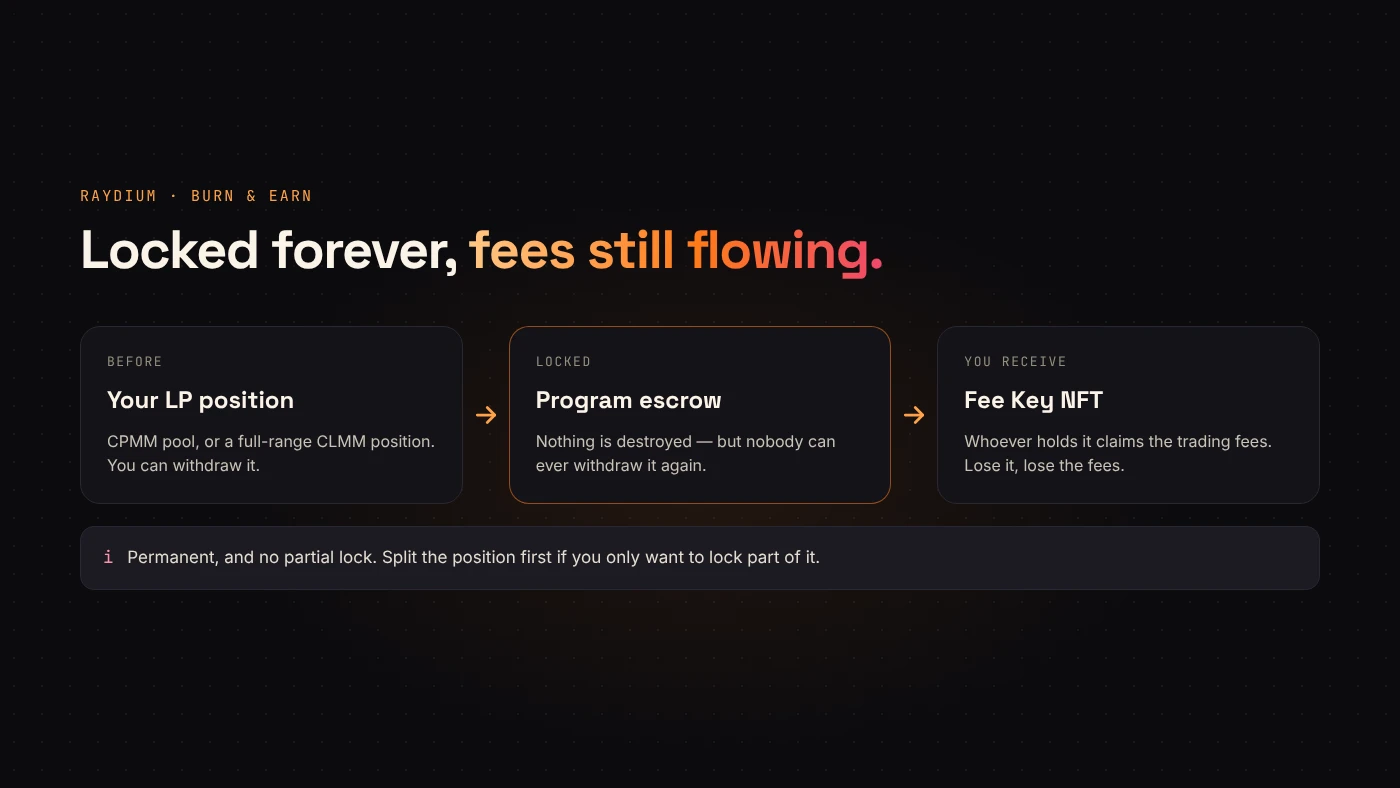
Raydium's Burn & Earn documentation explains that despite the name, nothing is destroyed. Your LP position goes into a program-owned escrow. The liquidity can never be withdrawn, but fees keep accruing.
In return you receive a Fee Key NFT. Whoever holds it can claim the position's trading fees. It is transferable, and Raydium warns that losing the Fee Key means losing the fees forever.
Which pools work
According to Raydium's docs:
- CPMM (standard) pools — supported. Pools created with DegenKit's Create Liquidity are CPMM pools.
- CLMM pools — full-range positions only.
- AMM v4 — not supported.
Before you lock
The lock is permanent, and there is no partial lock. Raydium's interface asks you to type a confirmation sentence because the action can't be undone.
- Decide how much should be locked. To lock only part, split the position first, for example by removing some liquidity with DegenKit's Remove Liquidity tool.
- Make sure the wallet holding the LP tokens is the one you'll keep the Fee Key in.
- Plan where you'll announce the lock and the transaction.
Steps
Raydium's docs describe the flow:
- Create the pool. On DegenKit, use Create Liquidity; the LP tokens go to your wallet.
- On Raydium, open Liquidity → Create → Burn & Earn.
- Select the position to lock.
- Check the position, its size and the pool, then type the confirmation sentence.
- Confirm. The Fee Key NFT appears in your wallet and under locked positions in your Portfolio.
Claiming fees later
Fees are claimed from Raydium's Portfolio page with the wallet that holds the Fee Key. The locked position itself never leaves the escrow.
Proving it to buyers
A lock only builds trust if people can check it:
- Publish the lock transaction and the pool address.
- Say how much of your liquidity is locked — all of it or a share.
- Keep the Fee Key in a wallet you control long-term; our wallet security guide explains why that should be a vault.
Questions people ask
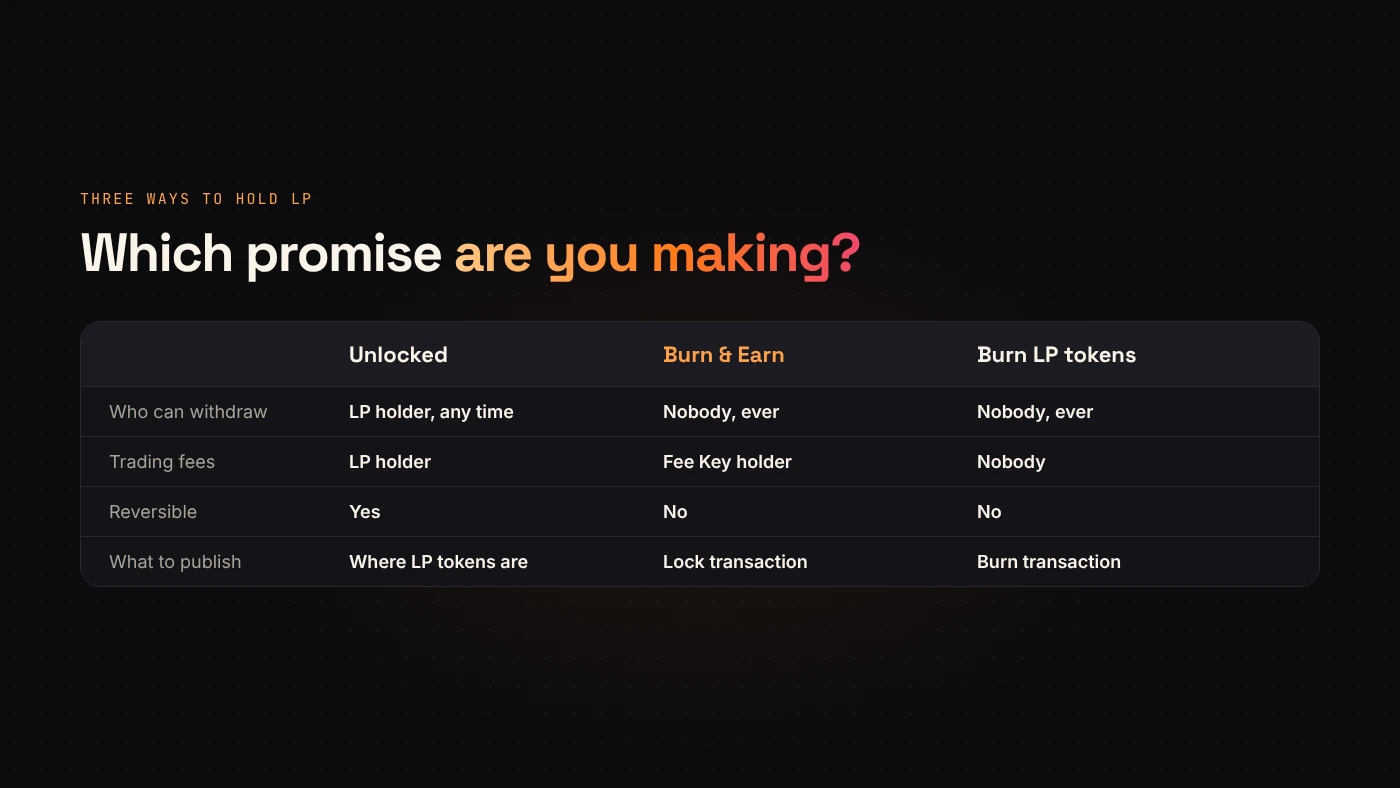
Is Burn & Earn the same as burning LP tokens?
The effect on withdrawals is the same: nobody can pull the liquidity. The difference is that burning LP tokens also gives up the fees, while Burn & Earn keeps them claimable through the Fee Key.
Can I lock liquidity on EVM networks the same way?
Burn & Earn is a Raydium feature on Solana. On EVM networks, look for a lock service that supports your DEX and pool type.
Wrap up
Burn & Earn makes your Raydium liquidity permanent and keeps the fee stream with the Fee Key holder. Decide the amount, lock it, and publish the transaction. Start by creating your pool on DegenKit.