Wallet Security for Token Creators: Keys, Signatures and Scams
The creator wallet holds the supply, the LP tokens and the admin rights. Learn how to protect the recovery phrase, separate wallets, read what you sign and avoid fake support and airdrops.
 DegenKitOctober 31, 2026 · 4 min read
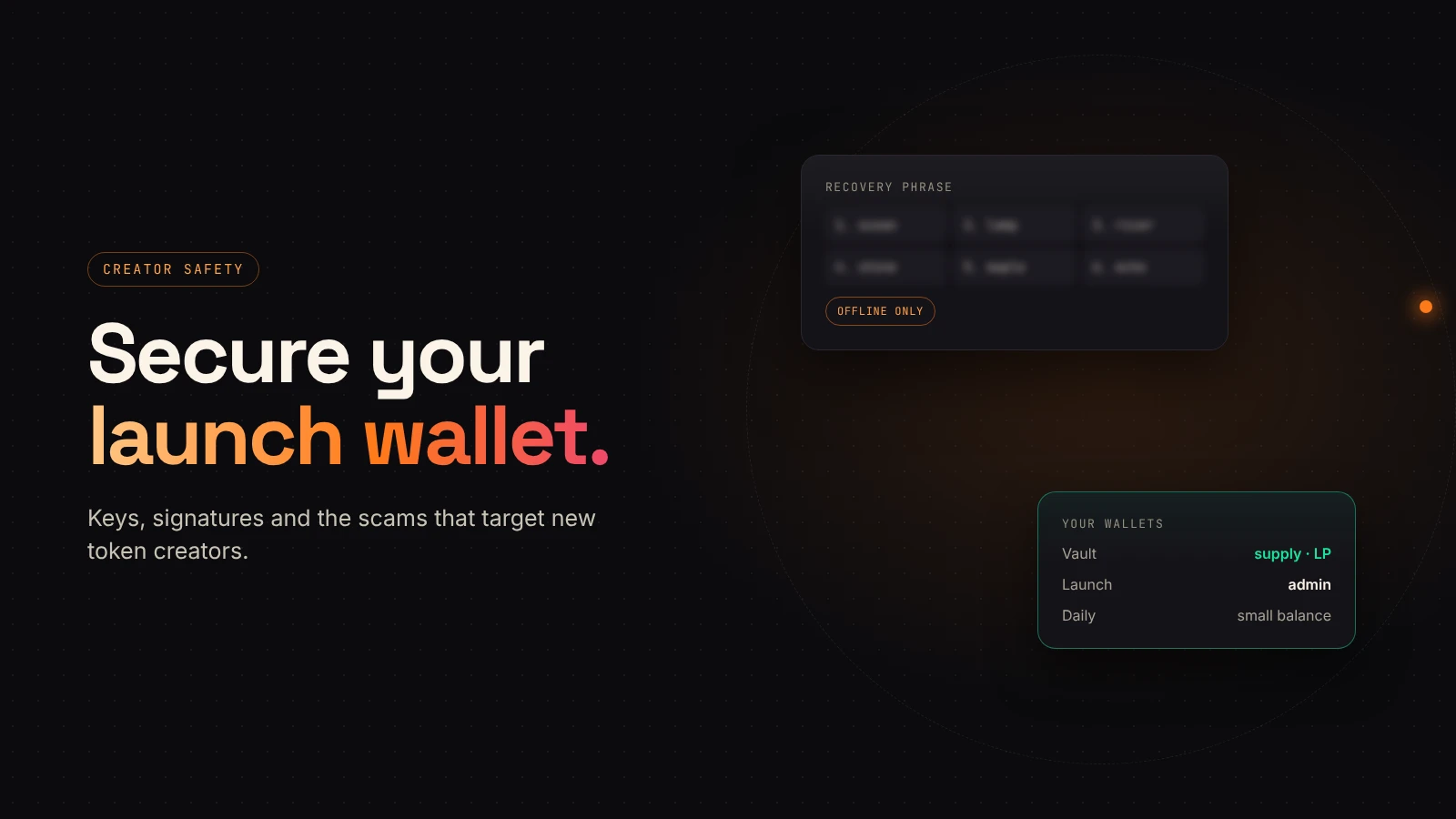
After a launch, one wallet often holds the whole supply, the LP tokens and the right to manage the token. If it is compromised, the project is too. A few habits make that much less likely.
Your recovery phrase is the wallet
Phantom's security guide calls the recovery phrase the master key to your wallet: anyone who has it has full and permanent access to your funds. MetaMask's safety tips say the same and add that its support will never ask for it.
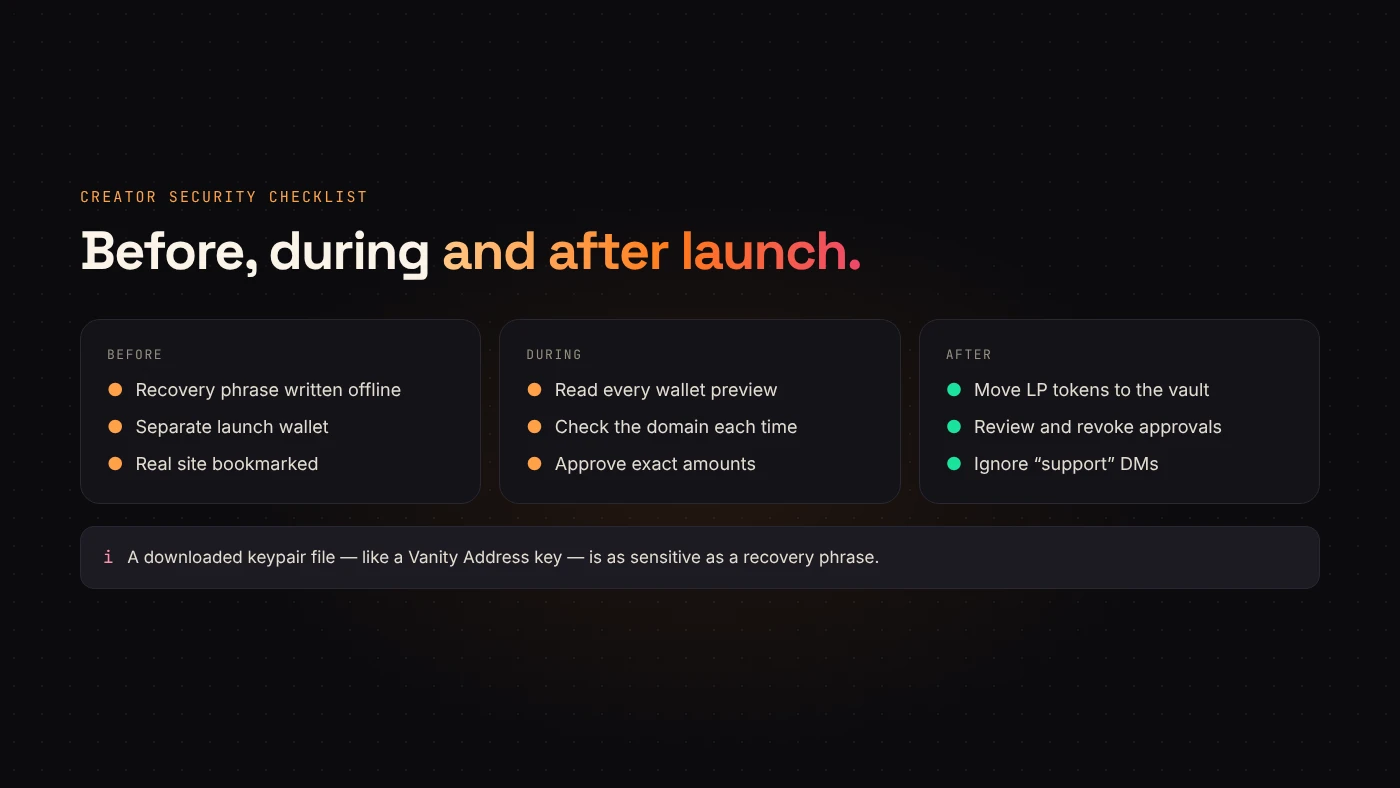
- Write it down offline. Don't store it in screenshots, notes apps or chat.
- Never type it into a website, a form or a support chat.
- Treat anyone who asks for it as a scammer. DegenKit's support page says it will never ask for your seed phrase, private key or a transaction approval over email or messaging apps.
Separate wallets by job
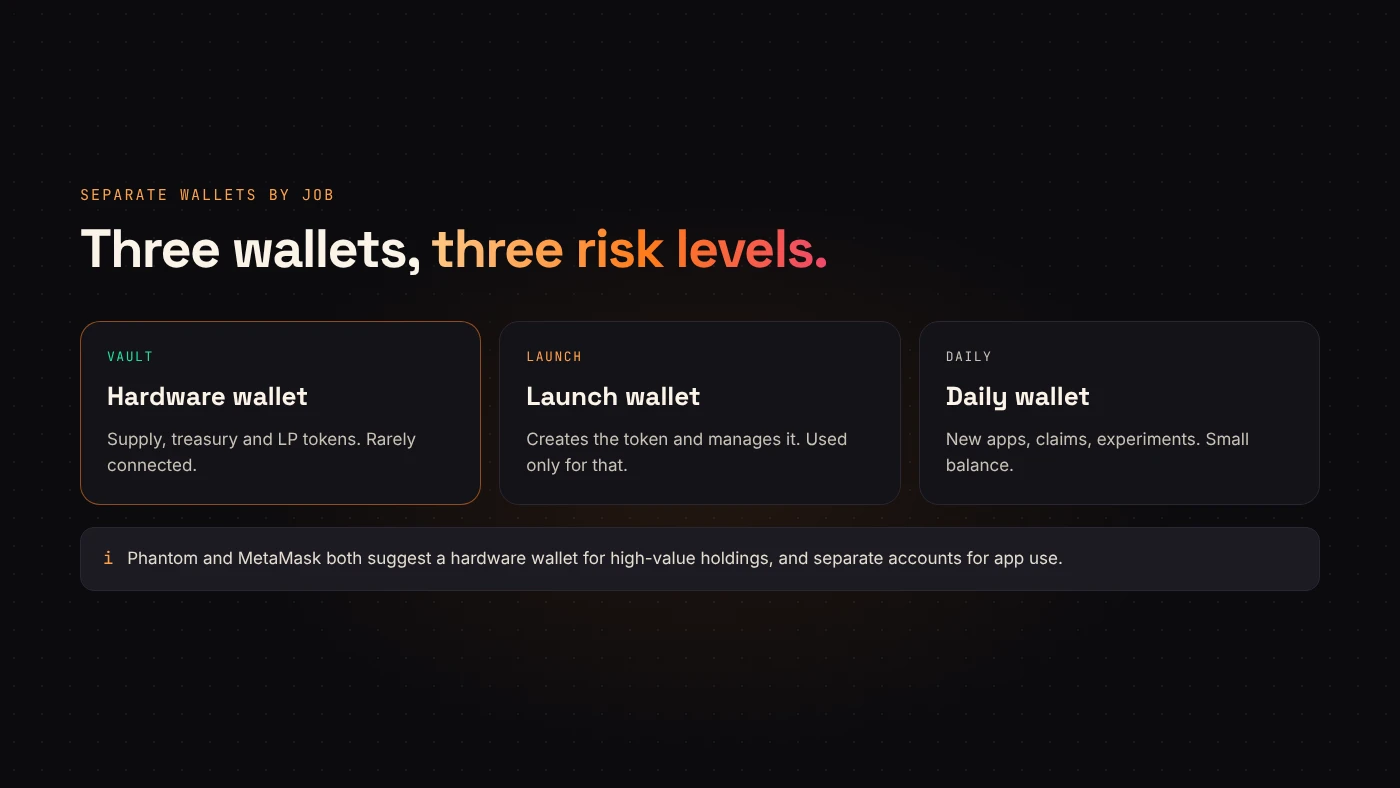
Phantom recommends keeping one account for long-term holding and another for interacting with apps. For a creator, three roles work well:
- Vault: holds treasury tokens and LP tokens. Ideally a hardware wallet, which both Phantom and MetaMask recommend for high-value holdings.
- Launch wallet: creates the token and manages it. Used only for that.
- Daily wallet: for trying new apps, claiming things and everything else.
Read what you sign
Most losses don't come from stolen phrases. They come from signing something harmful.
- Phantom simulates transactions and shows a plain-language preview. Read it, and read every warning.
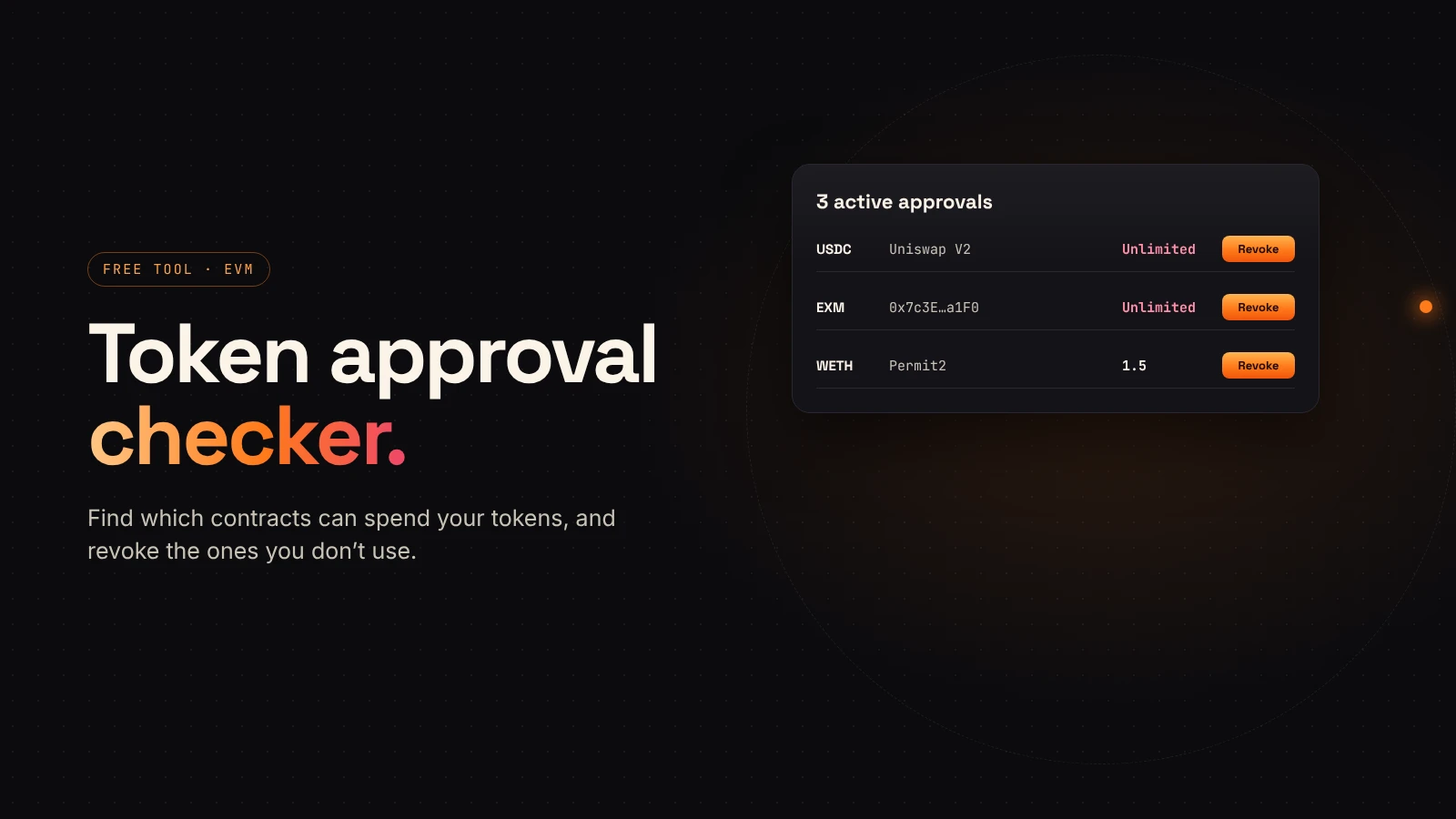
- On EVM chains, check token approvals before you approve. MetaMask suggests limiting how much a dapp can access. Our guide to token approvals explains how.
- Only connect to sites you opened yourself. Phantom advises not connecting to any site you didn't seek out.
Common scams aimed at creators
- Fake support in your replies or DMs offering to "fix" a launch problem.
- Unexpected tokens or NFTs that point to a site to claim a reward. Phantom says to hide and report them.
- Fake tools with a look-alike address. Bookmark the real ones.
- "Listing" or "marketing" offers that ask you to connect your launch wallet.
Questions people ask
Is a hardware wallet necessary?
Not to create a token, but it is the safest place for a large supply or LP tokens.
What should I do if I signed something suspicious?
Move remaining assets to a fresh wallet you control, revoke approvals from the old one and stop using it.
Wrap up
Protect the recovery phrase, split wallets by job, read every signature and assume unsolicited help is a trap. Then create your token on DegenKit from a wallet you keep just for launching.