Token Approval Checker: How to Find and Revoke Approvals
Old token approvals can let a contract move your tokens long after you used it. Here is how a token approval checker finds them, how to read the results, and how to revoke safely — with DegenKit's free checker.
 DegenKitNovember 2, 2026 · 4 min read
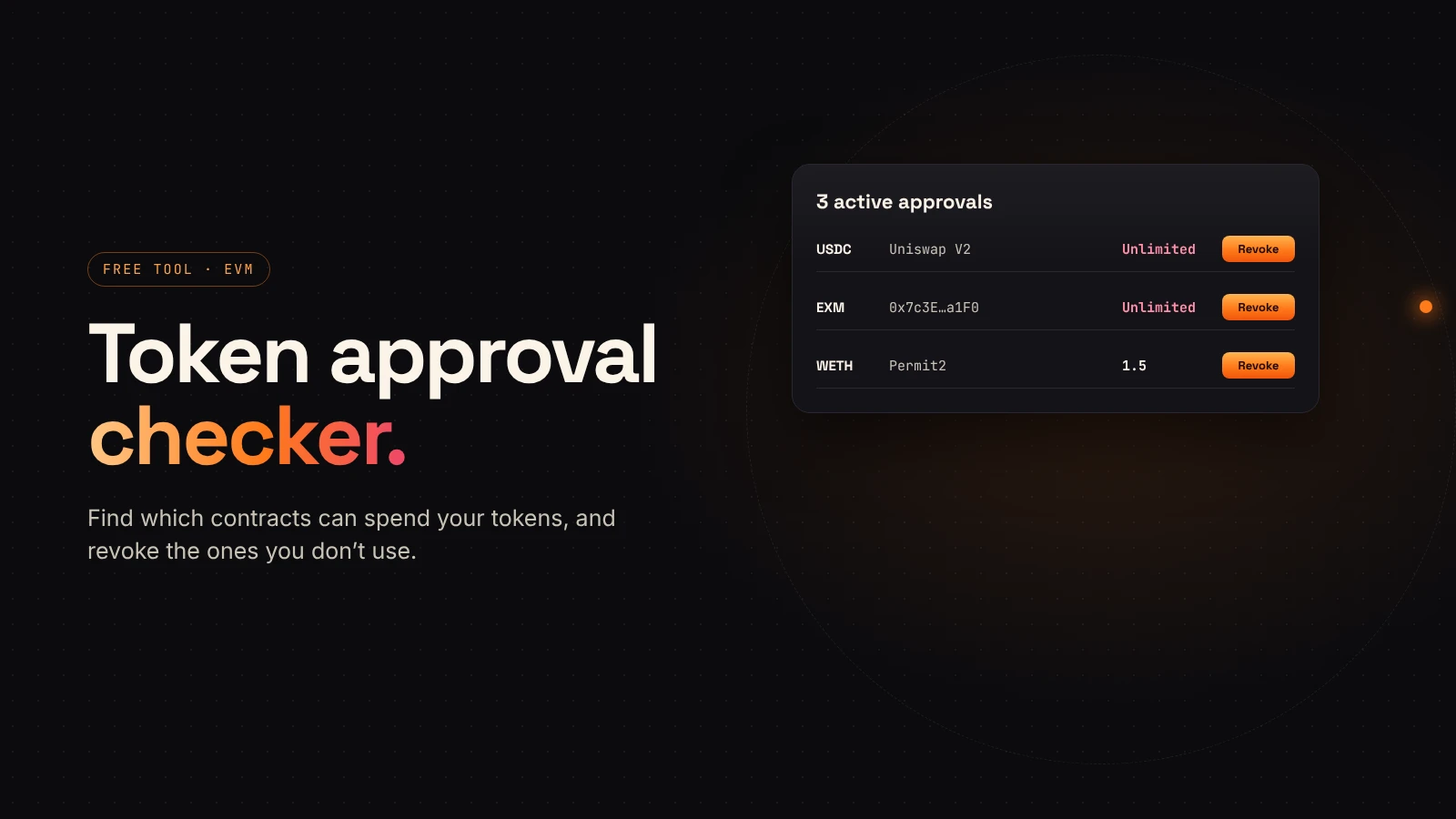
Every time you trade or add liquidity on a DEX, your wallet approves a contract to spend a token. Those approvals stay after the trade. A token approval checker lists them so you can remove the ones you don't need.
DegenKit has a free one: the token approval checker. It works on Ethereum, Robinhood Chain, Base and BNB Chain, and it's read-only until you choose to revoke.
Why approvals matter
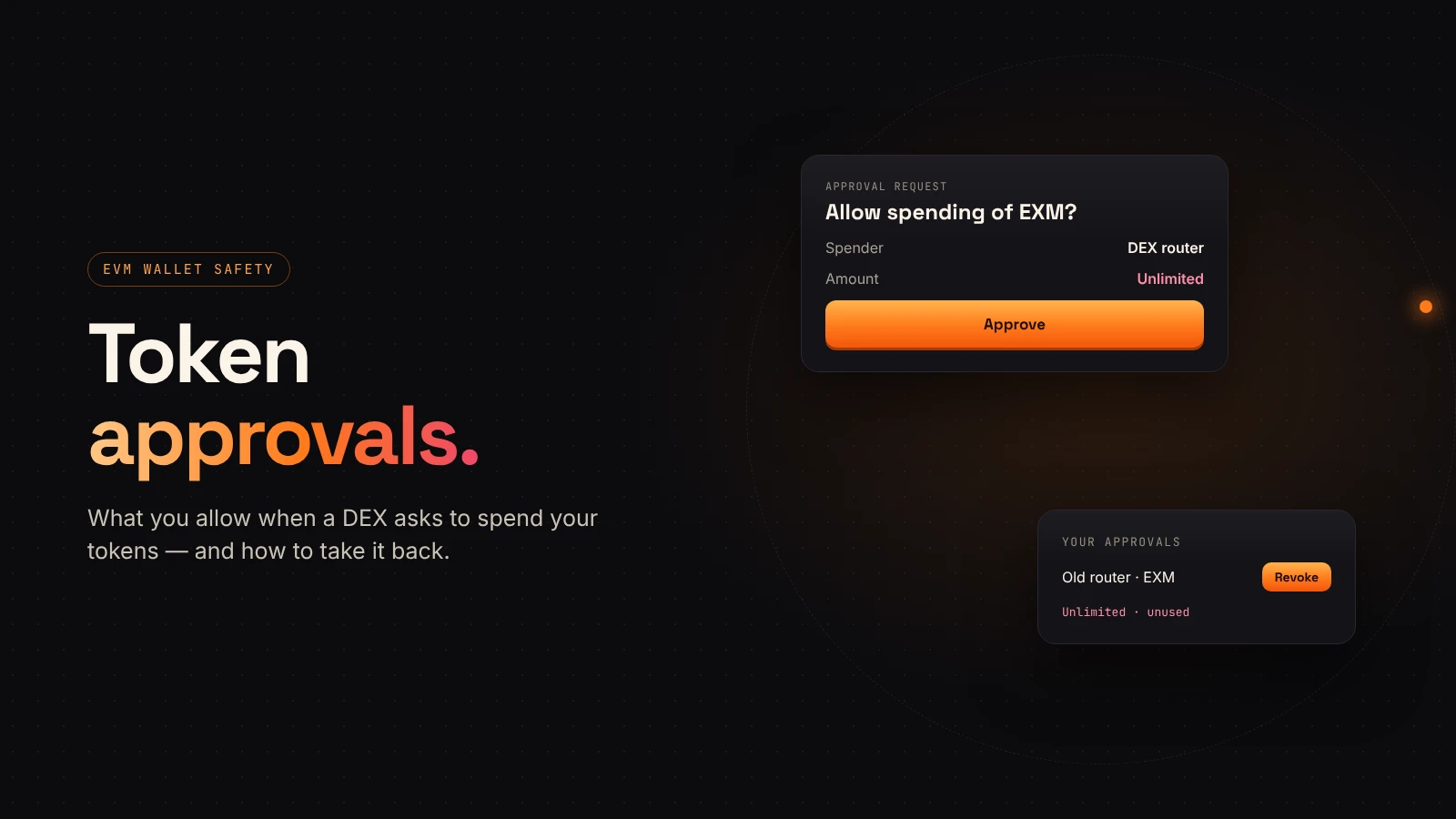
An approval lets a contract (the spender) move tokens from your wallet up to an amount (the allowance). Many apps ask for an unlimited allowance. If that spender is later exploited, or you approved a malicious site, tokens up to the allowance can be taken without another prompt. Our approvals explainer covers the mechanics.
How a checker finds them
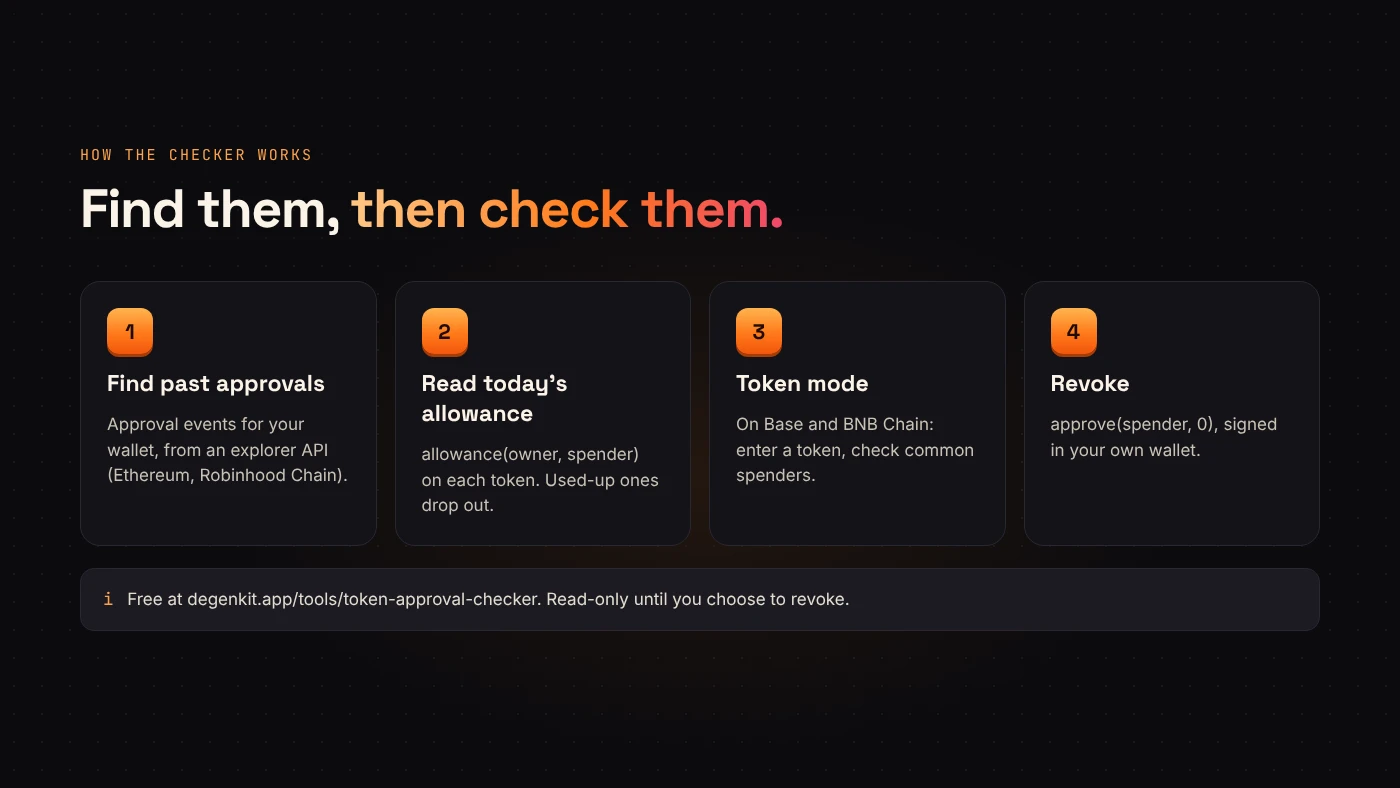
DegenKit's checker works in two steps:
- Find past approvals. On Ethereum and Robinhood Chain it reads your wallet's
Approvalevents from a block explorer API. - Read today's allowance. For each token and spender, it calls
allowance(owner, spender)on the token itself. Approvals that were used up or already revoked drop out, so you only see what's still live.
On Base and BNB Chain, a full scan isn't available yet. Instead, you enter a token you hold and the checker reads its allowance for common spenders — Uniswap Permit2, and PancakeSwap's V2 router on BNB Chain — plus any spender address you add.
Using DegenKit's checker
- Open the token approval checker.
- Choose the network and paste a wallet address, or choose Use my wallet. No connection is needed just to check.
- Choose Check approvals.
- Read the list: token, spender and allowance. Unlimited is highlighted.
Deciding what to revoke
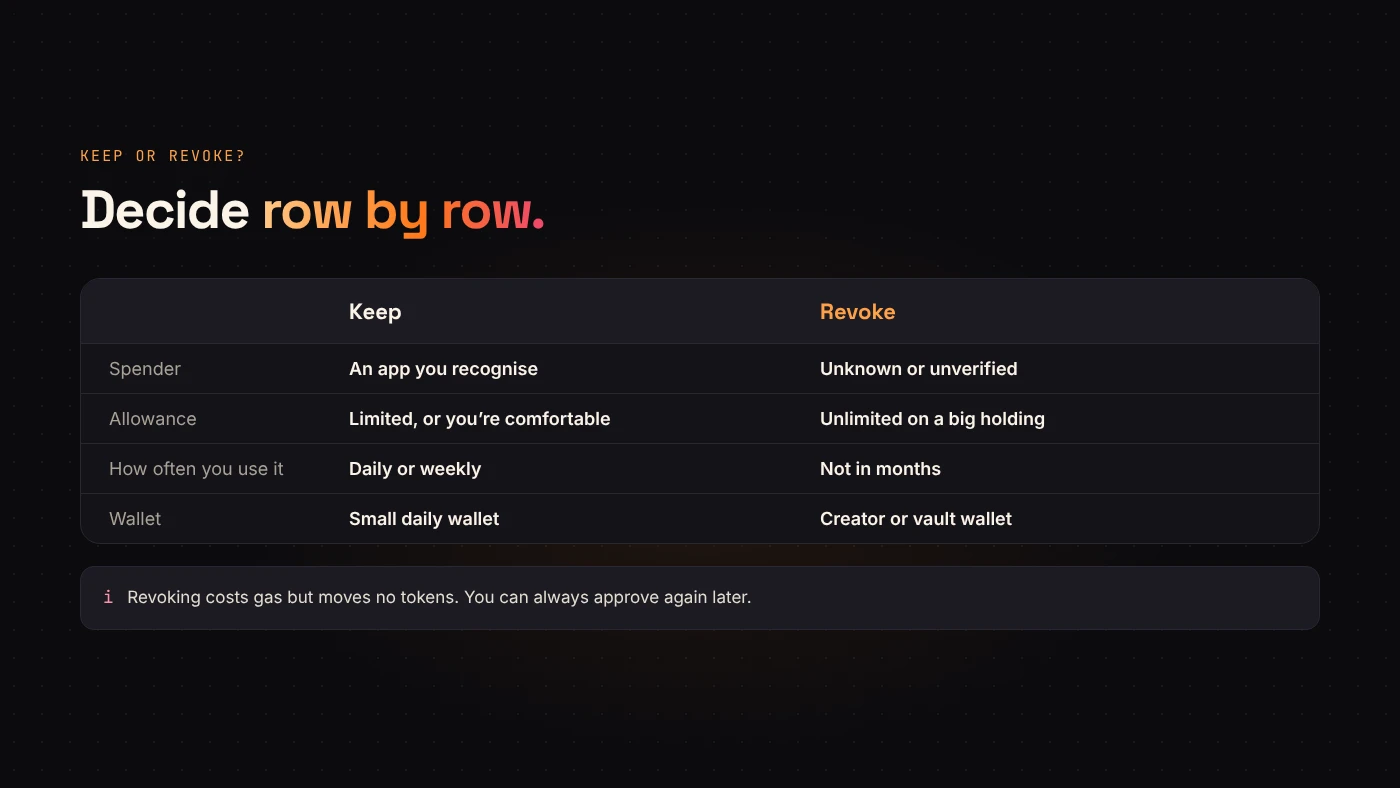
- Unknown spenders. If you don't recognise the contract, revoke it.
- Unlimited allowances to apps you no longer use.
- Old approvals on wallets that hold a lot, such as a token creator's wallet.
Keep approvals for apps you use daily if you're comfortable with them; you'll otherwise have to re-approve next time.
Revoking
Choose Revoke on a row. The checker asks your wallet to switch to the right network if needed, then to sign approve(spender, 0).
- Revoking costs gas — it's a transaction.
- It doesn't move tokens and doesn't undo past transfers.
- You must be connected as the wallet that owns the approval.
Questions people ask
Is the checker safe to use?
Checking only reads public data and never asks for keys. A revoke happens only when you sign it in your own wallet.
Does it check NFT approvals?
No. It checks ERC-20 token allowances. NFT setApprovalForAll permissions need a separate tool.
Why did the scan miss an approval on Base?
Base and BNB Chain use the token-by-token mode. Enter the token and the spender you're worried about.
Wrap up
Approvals outlive the trade that needed them. Use a token approval checker to see live allowances, revoke unknown and unused ones, and repeat now and then. Check your approvals with DegenKit.