How to Spot a Honeypot Token Before You Buy
A honeypot lets you buy a token but stops you from selling it. Learn the common tricks behind it, the warning signs on-chain and the checks to run on Solana and EVM tokens.
 DegenKitOctober 31, 2026 · 4 min read
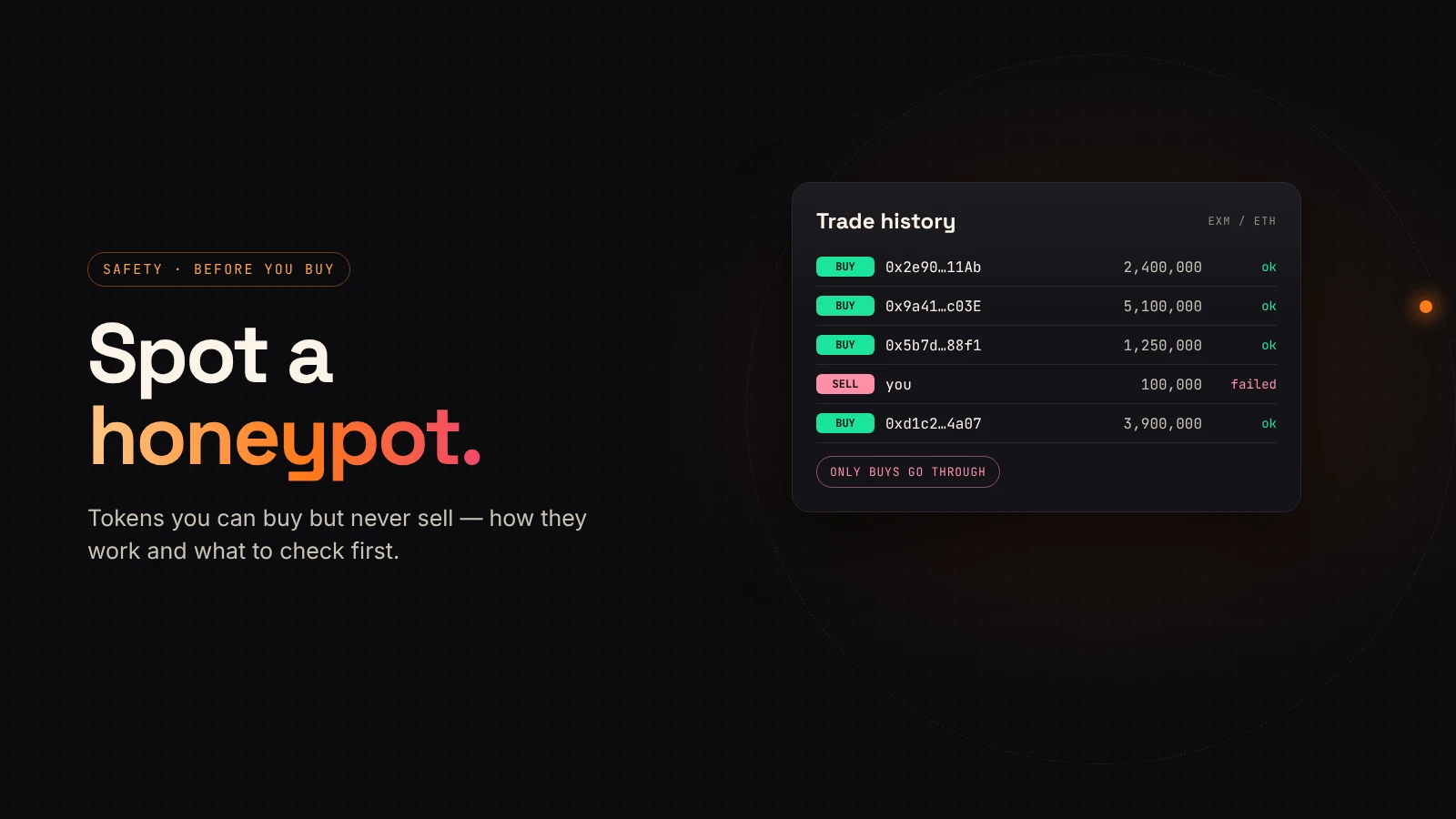
A honeypot token looks like any other. The chart moves, the pool has liquidity and people are buying. The problem appears when you try to sell: the transaction fails, or almost nothing comes back.
Cointelegraph's explainer describes a honeypot as a smart-contract trap that lets users buy a token but silently blocks them from selling it. This guide covers how that happens and how to check before you buy.
How honeypots block sells
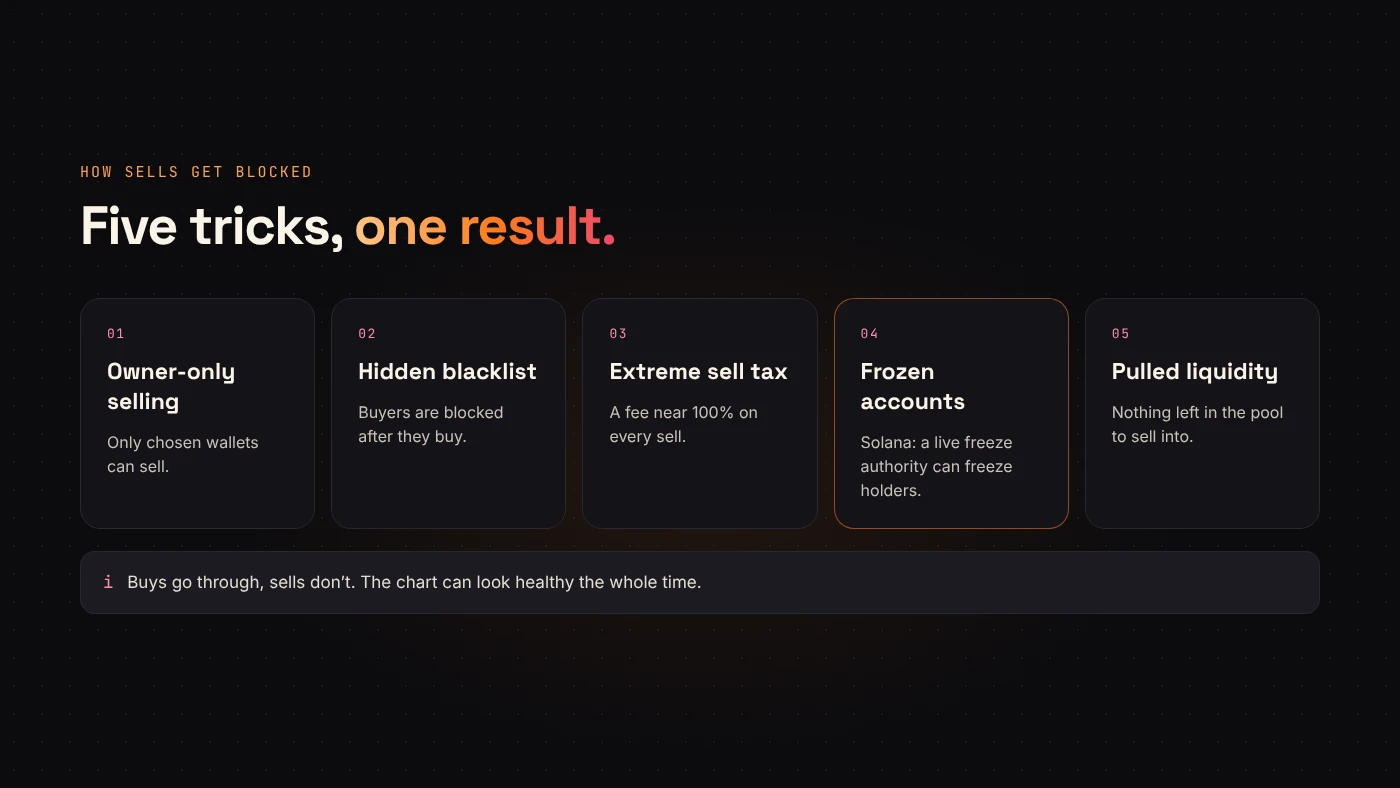
The trick lives in the token's own rules. Common versions:
- Owner-only selling. The transfer logic lets only certain wallets sell.
- Hidden blacklists. Buyers are added to a block list after they buy.
- Extreme sell tax. A sell fee close to 100% leaves the seller with almost nothing.
- Frozen accounts. On Solana, a token whose freeze authority is still set can have holders' token accounts frozen, so they can't move their tokens.
- Pulled liquidity. Not a contract trick, but the result is the same: there is nothing left to sell into.
Warning signs
- Only buys in the trade history. If no ordinary wallet has sold, that is a major red flag.
- Sell taxes that aren't explained anywhere public.
- Hype that moves faster than information.
- Liquidity you can't verify as locked or burned.
- A verified contract presented as proof of safety. Verification only means the code is visible, not that it's safe.
Checks to run
On Solana
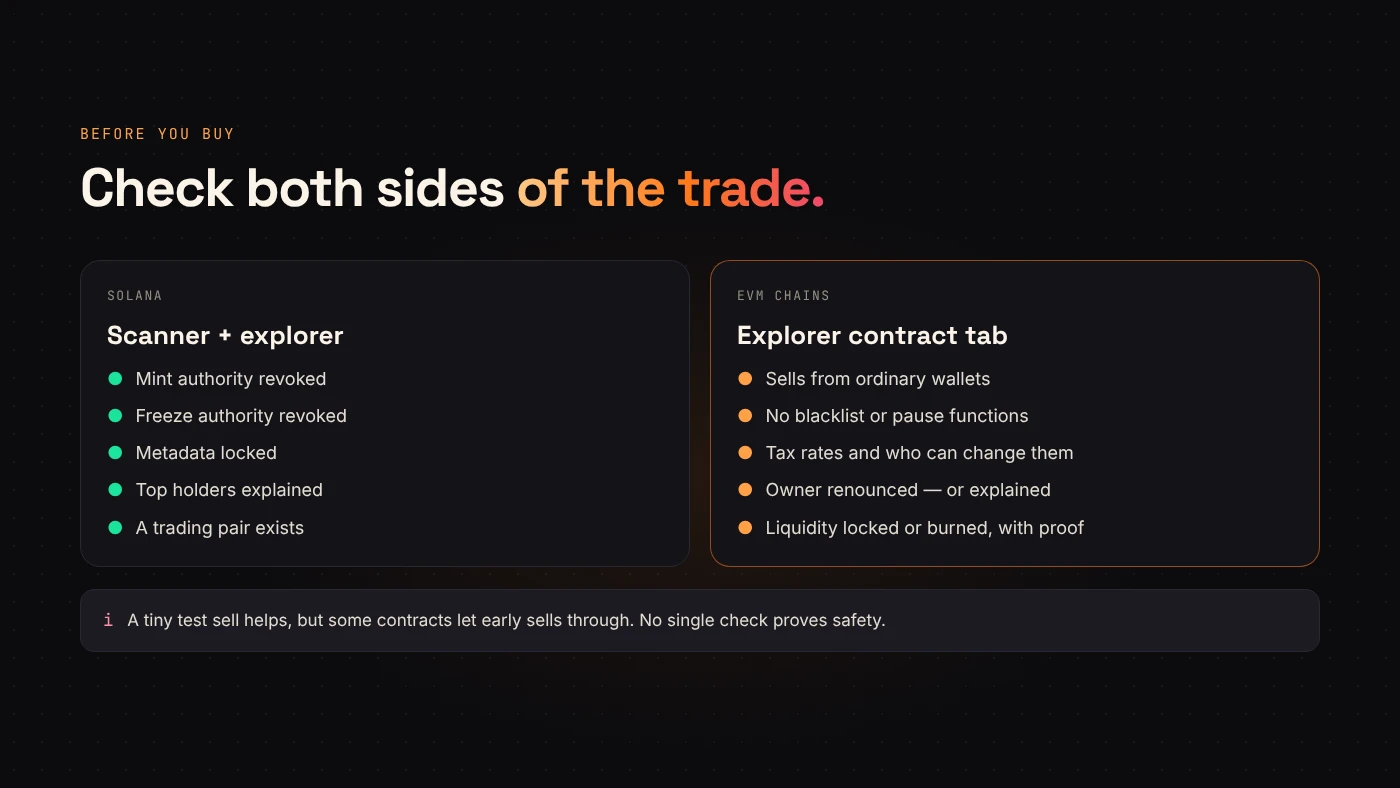
Open the token in DegenKit's Scanner. It checks whether the mint authority and freeze authority are still active, whether metadata can be changed, how concentrated the top holders are and whether a trading pair exists. A live freeze authority is the main Solana-specific honeypot risk. Our guide to mint and freeze authority explains why.
On EVM chains
On Etherscan, BscScan, BaseScan or Blockscout:
- Read the Transfers tab. Look for sells from wallets other than the creator.
- Read the Contract tab. Look for functions that block addresses, pause trading or set fees, and check who the owner is.
- Check the tax values if the token has them, and whether the owner can still raise them.
Our guide to reading a token page shows where each of these lives.
What DegenKit tokens can't do
If you are a creator, it helps to know what your own token rules out. DegenKit's EVM tokens have no blacklist, no pause and no trading switch. On Solana, mint and freeze authority are revoked at creation by default. Tax tokens can still change rates while the owner holds control, which is why buyers look for renounced ownership.
Questions people ask
Can a token become a honeypot later?
Yes, if the contract lets an owner change the rules after launch. That is why who controls the token matters as much as what it does today.
Are online honeypot checkers reliable?
They are useful screens, not guarantees. They test known patterns; new tricks can slip through.
Wrap up
A honeypot lets you in and keeps you there. Check sells in the history, read the contract or Scanner results, and look at who still controls the token. Scan a Solana token with DegenKit before you buy.