Is DegenKit Safe? What You Sign, What We Can and Can’t Do
DegenKit is non-custodial. Learn exactly what you sign, what the tokens it creates can and can't do, what data is logged, and which risks remain yours to manage.
 DegenKitOctober 31, 2026 · 4 min read
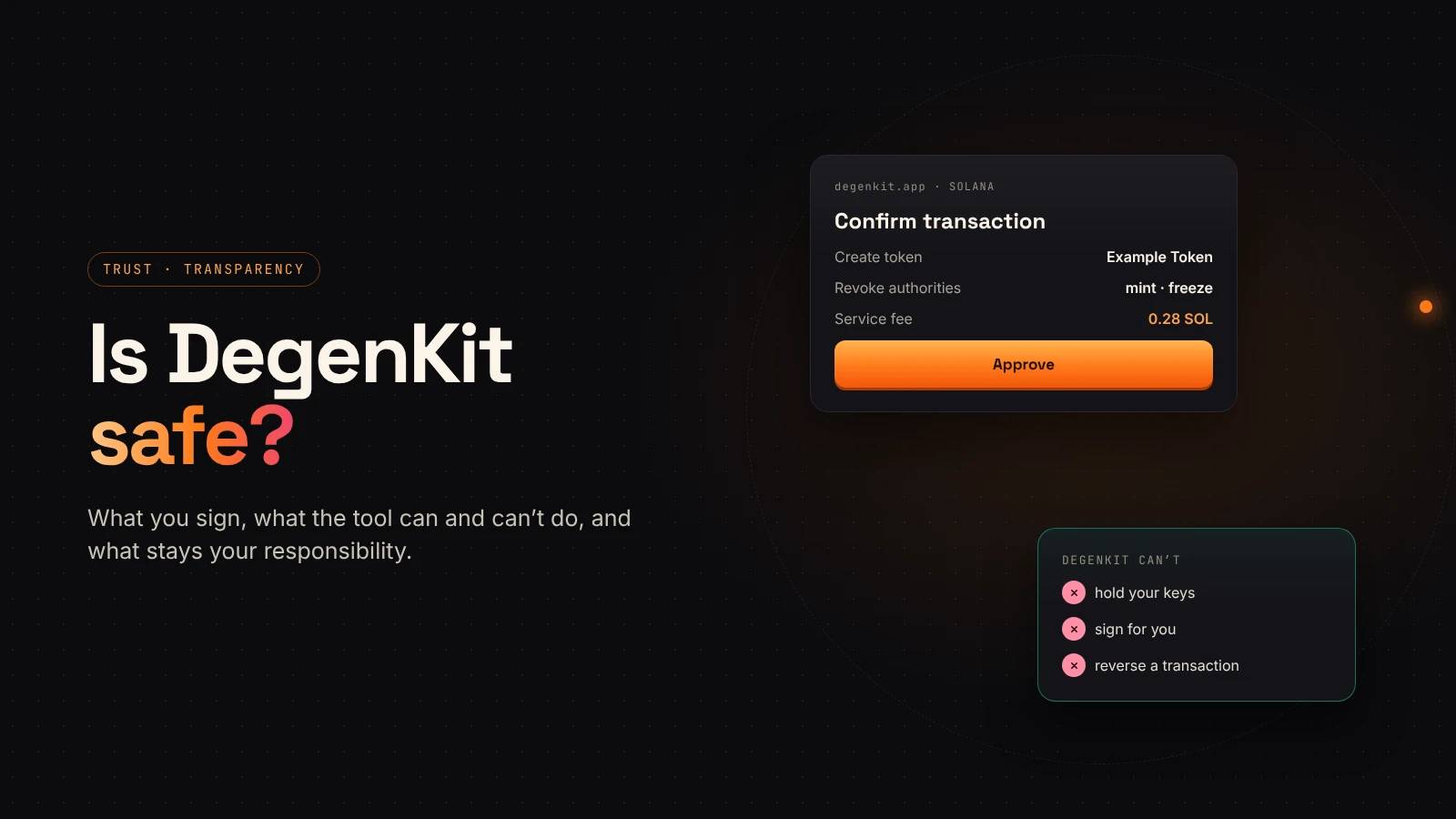
"Is it safe?" is the right question to ask about any tool that asks for a wallet signature. This page answers it plainly: what DegenKit does, what it can't do, and what stays your responsibility.
Non-custodial by design
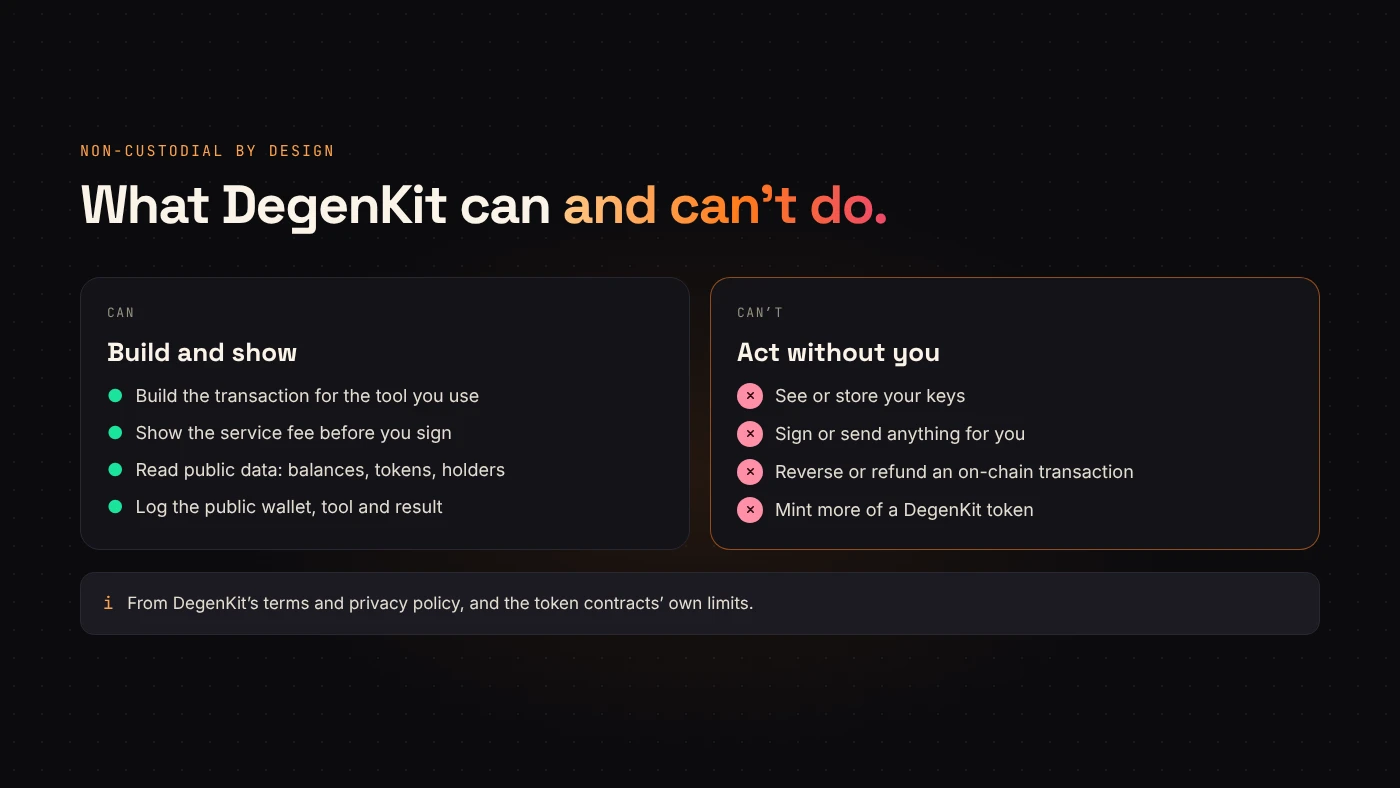
DegenKit's terms describe it as client-side tools: every action is a transaction you sign yourself, sent from your browser to the blockchain. DegenKit never holds or has access to your private keys or funds, and can't act without your signature.
That also means DegenKit can't reverse, cancel or refund a transaction once it is on-chain. Double-check before you sign.
What you sign
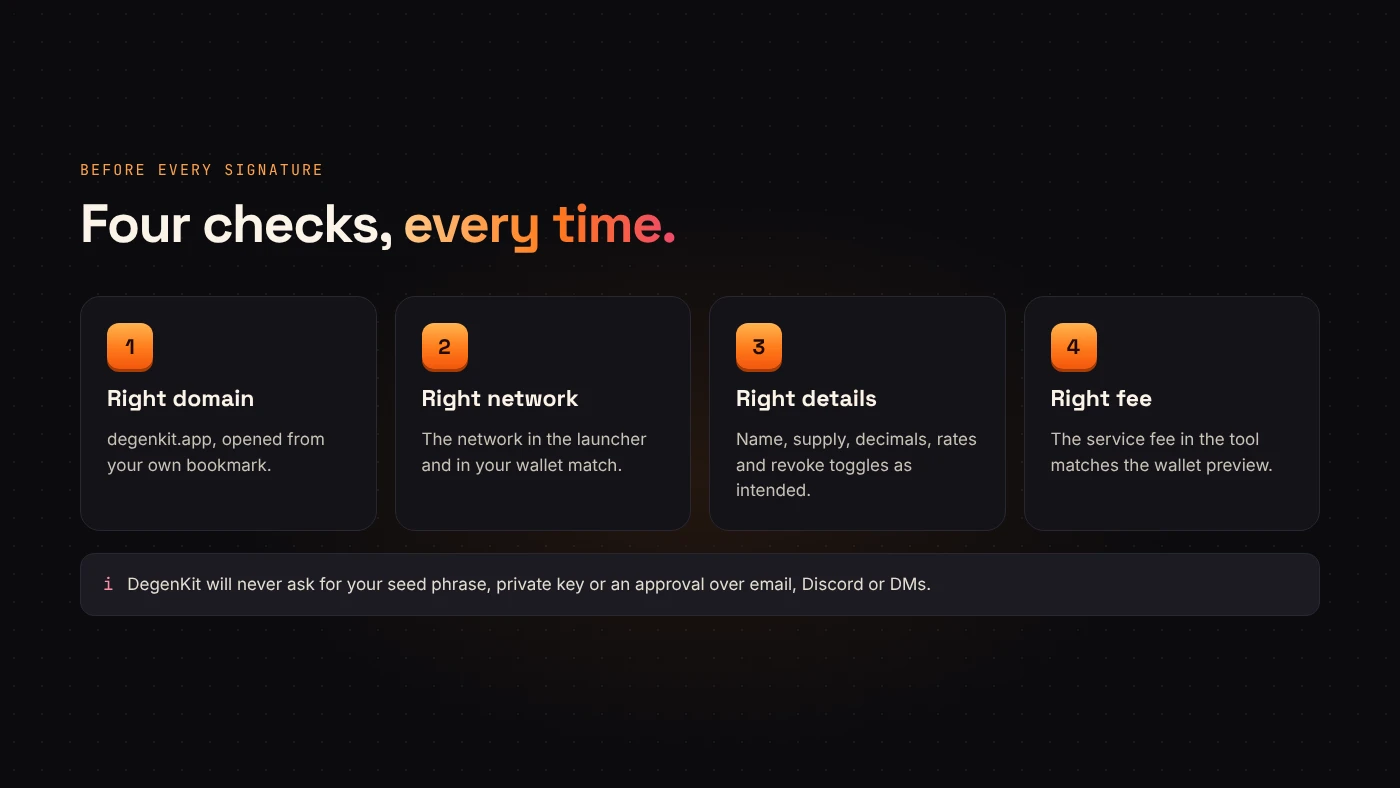
Every action shows its details and fee before you approve. Your wallet then shows its own preview.
Creating a Solana token is one transaction that:
- creates the mint account and your token account,
- mints the supply to your wallet,
- creates the metadata, locked so it can't be changed,
- revokes mint and freeze authority, unless you turned those toggles off,
- pays the service fee — in the same transaction with most wallets.
Creating an EVM token is one call to a DegenKit factory contract, with the service fee attached. The new token belongs to your wallet.
What the tokens can and can't do
- Solana: with the default settings, nobody can mint more tokens or freeze holders' accounts, and the metadata is locked.
- EVM Token Creator: fixed supply, 18 decimals, no mint function.
- EVM Tax Token: fixed supply and no mint function, plus no blacklist, no pause and no trading switch. The owner can change tax rates (0–100%), the tax wallet and marked pools until ownership is renounced. Our guide to managing a tax token explains each control.
What data is logged
According to DegenKit's privacy policy, no account or personal details are needed. To keep the tools reliable, DegenKit logs the public wallet address, the tool used, the network, and whether the transaction succeeded, with its signature and mint address. Token images and metadata you upload are hosted on IPFS through a pinning provider.
What stays your responsibility
- Your keys. DegenKit will never ask for your seed phrase or private key. Our wallet security guide covers the rest.
- The right site. Bookmark degenkit.app and use it directly.
- Your settings. Names, supplies, tax rates and revoke choices are permanent or hard to change. Read the summary before signing.
- What you do next. A safe tool doesn't make a token trustworthy. Liquidity, holder distribution and honest communication do.
Questions people ask
Can DegenKit take tokens from my wallet?
No. It has no access to your keys. Each transaction needs your signature in your wallet.
Can DegenKit change my token after creation?
No. On Solana, a token created with the default settings has its authorities revoked and metadata locked. On EVM networks, only the token's owner — you — can use the tax controls.
Wrap up
DegenKit builds transactions; your wallet signs them. It never holds keys or funds, shows every fee first and creates tokens with clearly limited powers. Keep your keys safe, use the real domain, and start from the launcher.