Your First Token Launch with DegenKit, Start to Finish
A complete walkthrough of a first Solana launch on DegenKit — plan, rehearse, create, open a pool, lock or explain liquidity, distribute, scan and announce — with links to every detailed guide.
 DegenKitNovember 2, 2026 · 4 min read
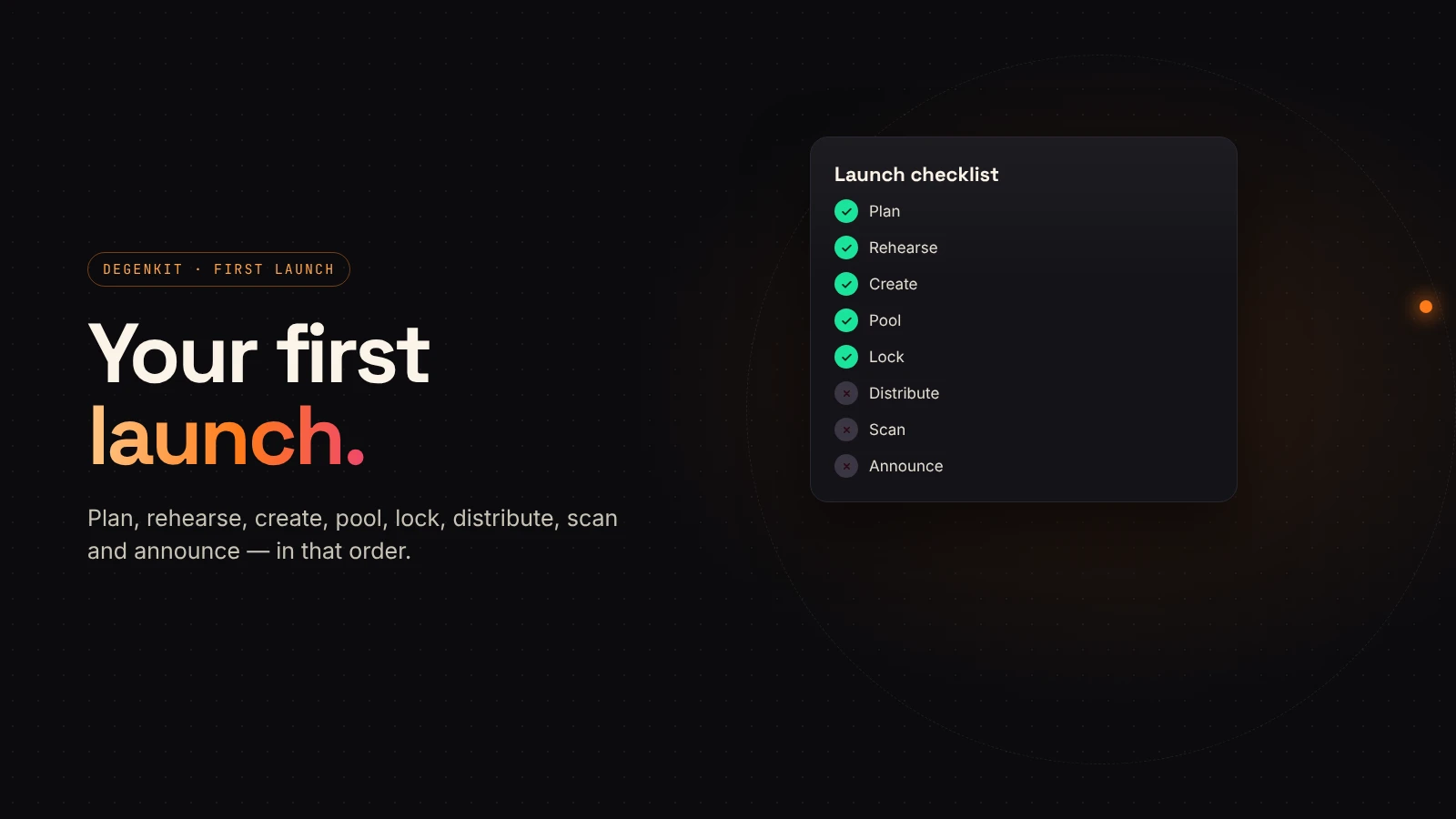
This guide strings together everything a first Solana launch needs, in order. Each step links to a detailed guide if you want to go deeper. Budget an afternoon for the steps and longer for the planning.
1. Plan before you touch a form
Decide the things you can't change later:
- Name, symbol and decimals. See choosing decimals, name and symbol.
- Total supply and who gets what. See tokenomics for new tokens.
- How much liquidity you'll add, and in SOL or USDC. See SOL or USDC.
- Your budget for every step. See DegenKit's fees.
2. Rehearse on Devnet
Switch the launcher to Devnet, get test SOL and run the whole plan once. You'll see your starting price and catch typos for free. See rehearsing on Devnet.
3. Create the token
Back on Mainnet, connect your launch wallet and open Token Creator. Enter the details, add an image and description, leave revoke mint and revoke freeze switched on, and sign. The 0.28 SOL service fee is shown before you sign. See creating a Solana token.
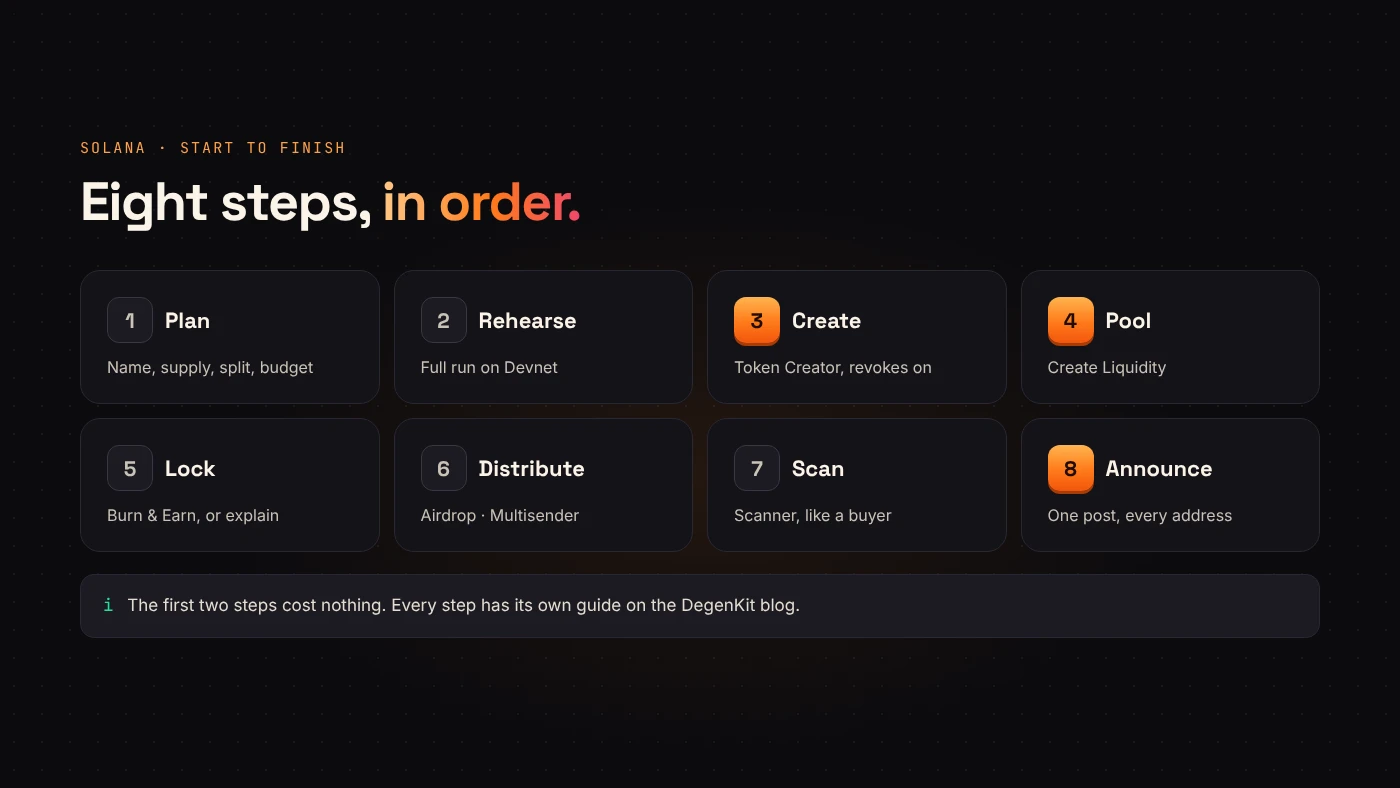
4. Open the pool
Use Create Liquidity to pair your token with SOL or USDC on Raydium. Check the starting price and market cap before you sign. The LP tokens go to your wallet. See creating a token vs. adding liquidity.
5. Decide what happens to the liquidity
Buyers will ask whether you can pull it. Either lock it permanently with Raydium's Burn & Earn, or explain publicly why it stays unlocked. See locking liquidity.
6. Distribute, if you planned to
Send community or contributor allocations with Airdrop or Multisender, in batches of eight. See preparing your recipient list.
7. Scan it like a buyer
Paste your mint into Scanner. With authorities revoked and metadata locked, the remaining points depend on holder spread and the pair. See how Scanner scores tokens.
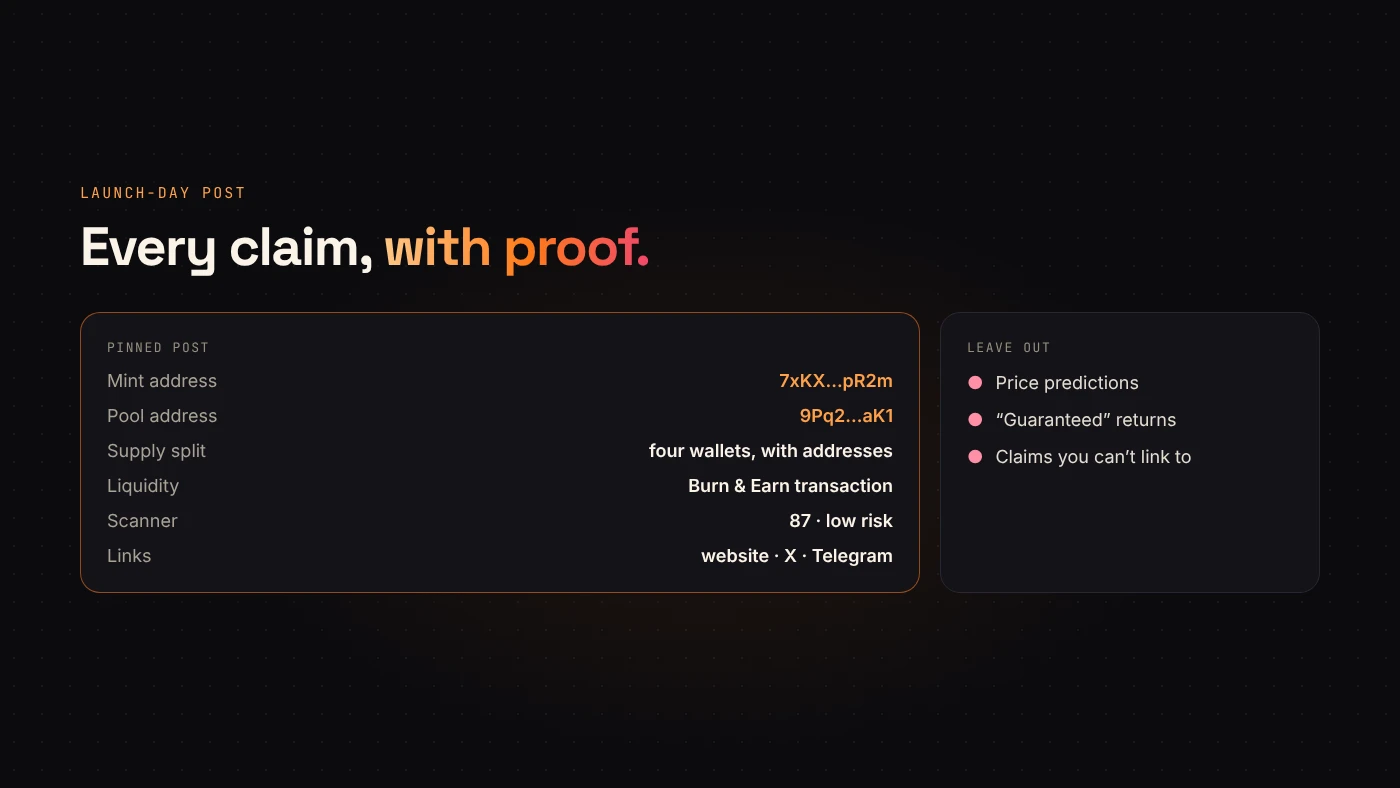
8. Announce with proof
Publish one post with:
- the mint address and pool address;
- the supply split and the wallets that hold it;
- the lock or LP transaction;
- your Scanner result.
DEX Screener lists the token on its own after the first trade. See DEX Screener and CoinGecko.
Questions people ask
How long does a launch take?
The on-chain steps take minutes each. Planning, rehearsing and writing the announcement take longer, and they matter more.
Can I launch on an EVM network instead?
Yes. The order is similar: create, add liquidity on a DEX, and for a tax token mark the pool. See launching on Ethereum or BNB Chain.
Wrap up
Plan, rehearse, create, pool, lock or explain, distribute, scan and announce. Every step has a DegenKit tool and a guide. Start on the Solana launcher when your plan is ready.