What Is DegenKit? Every Tool on Every Network
DegenKit is a no-code, non-custodial token launcher for Solana, Ethereum, BNB Chain, Base and Robinhood Chain. Here is what it does, which tools each network has and how they fit together.
 DegenKitOctober 31, 2026 · 3 min read
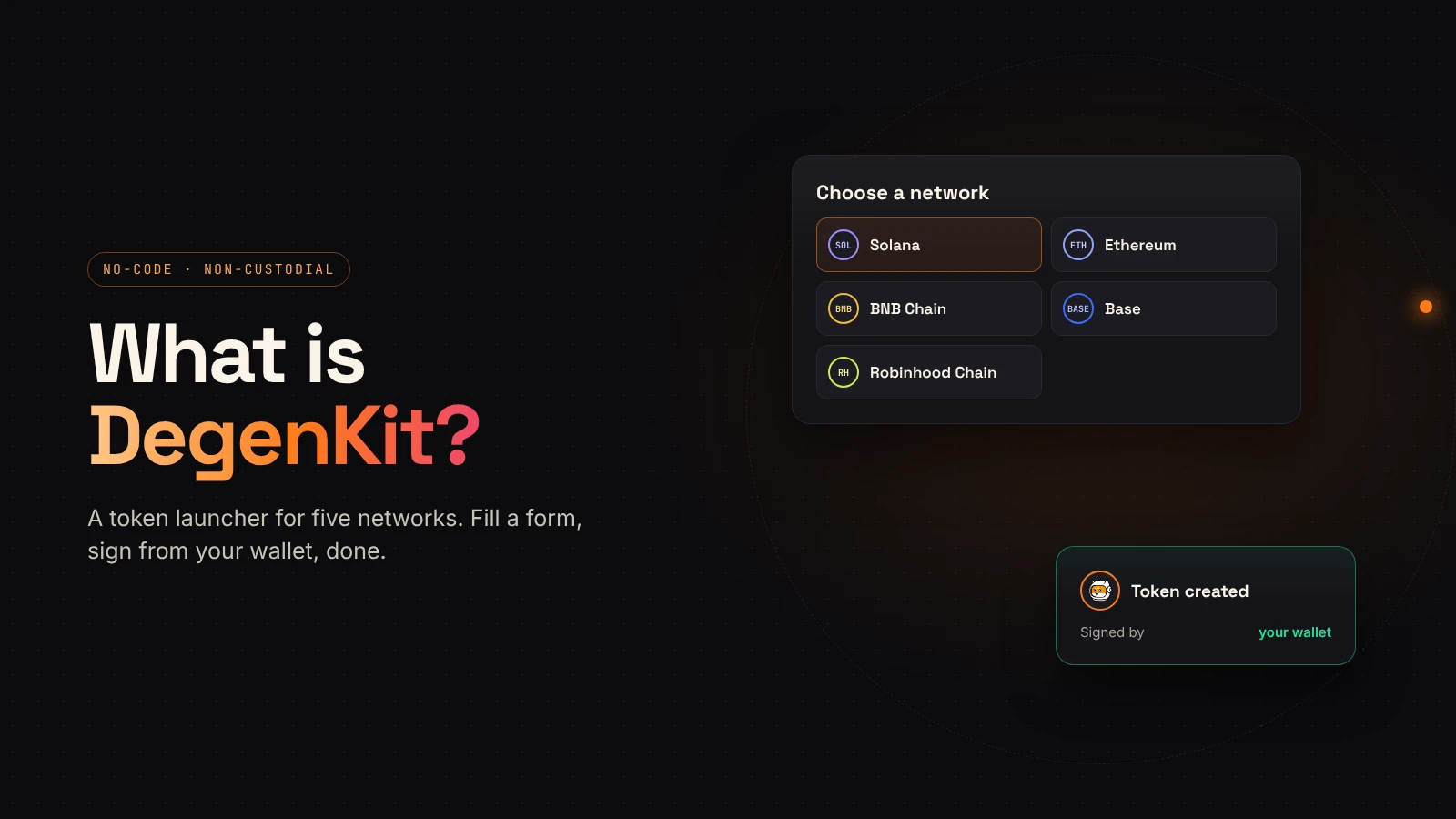
DegenKit is a no-code token launcher. You fill in a form, sign a transaction from your own wallet, and a token exists on-chain. There is no account to create and no code to write.
It works on five networks: Solana, Ethereum, BNB Chain, Base and Robinhood Chain. DegenKit never holds your keys or funds; every action is a transaction you sign yourself.
On Solana: a full toolkit
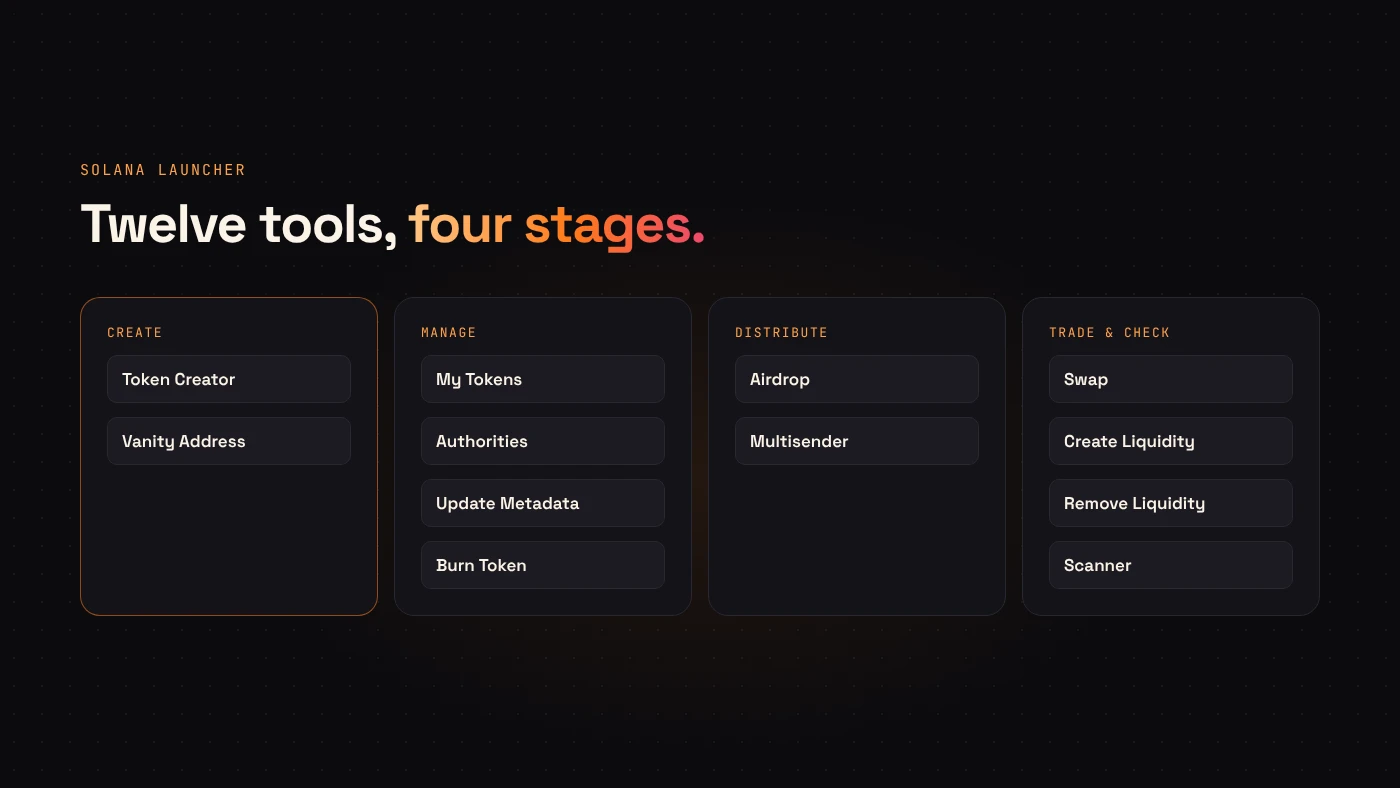
The Solana launcher has the most tools, covering a token from creation to trading.
Create
- Token Creator — an SPL token in one transaction, with name, symbol, decimals, supply, image and description. Mint and freeze authority are revoked by default and metadata is locked.
- Vanity Address — generates an address that starts with text you choose, in your browser.
Manage
- My Tokens — the tokens your wallet created.
- Authorities — revoke mint or freeze authority on a token you control.
- Update Metadata — change name, symbol or image where metadata is still editable.
- Burn Token — permanently remove tokens from your wallet.
Distribute
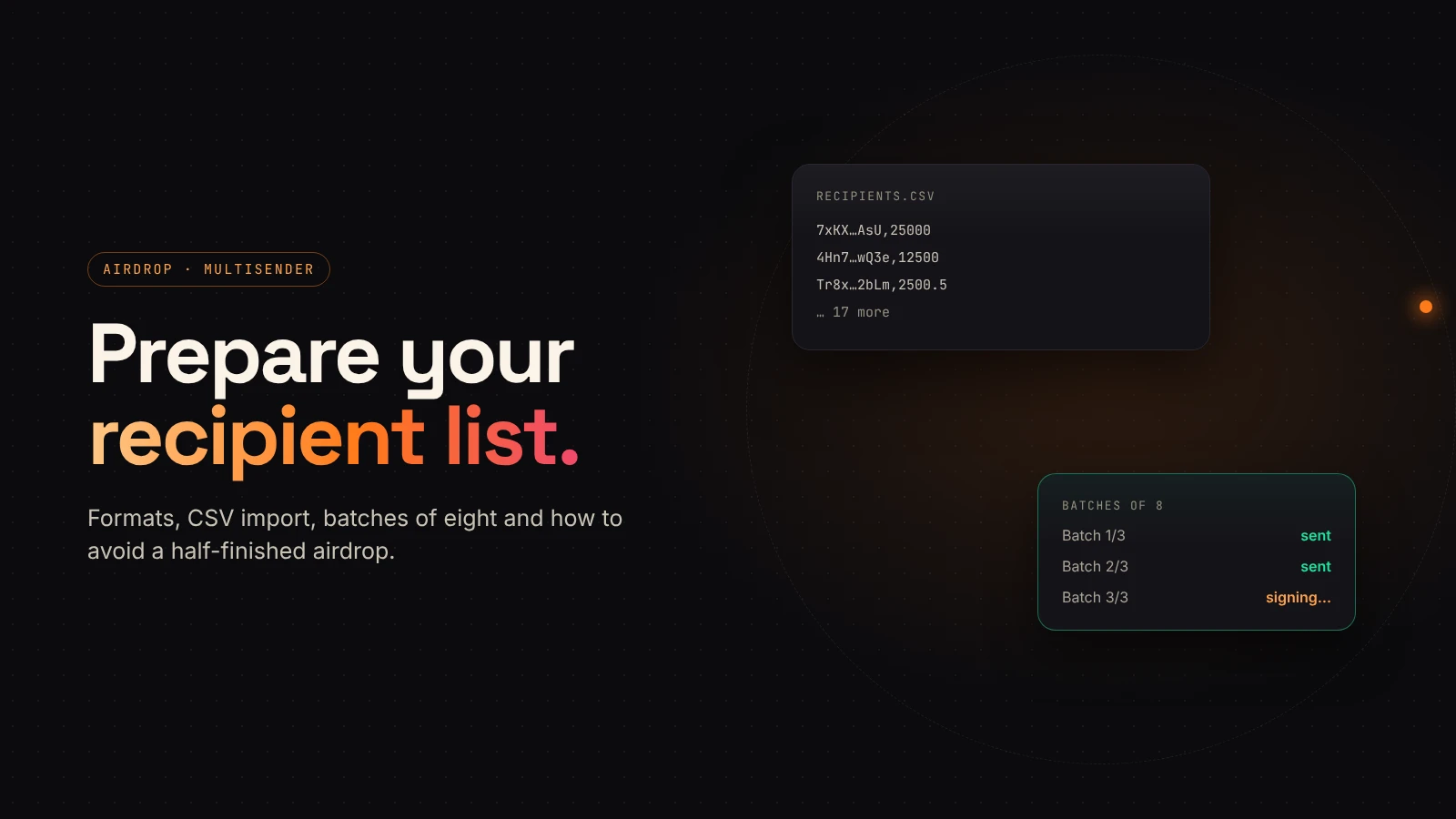
- Airdrop — the same amount to many wallets.
- Multisender — different amounts to many wallets, from a list.
Trade and check
- Swap — swaps through Jupiter quotes.
- Create Liquidity and Remove Liquidity — open and withdraw Raydium pools.
- Scanner — a risk check: authorities, metadata, top holders and trading pair.
On EVM networks: create and manage
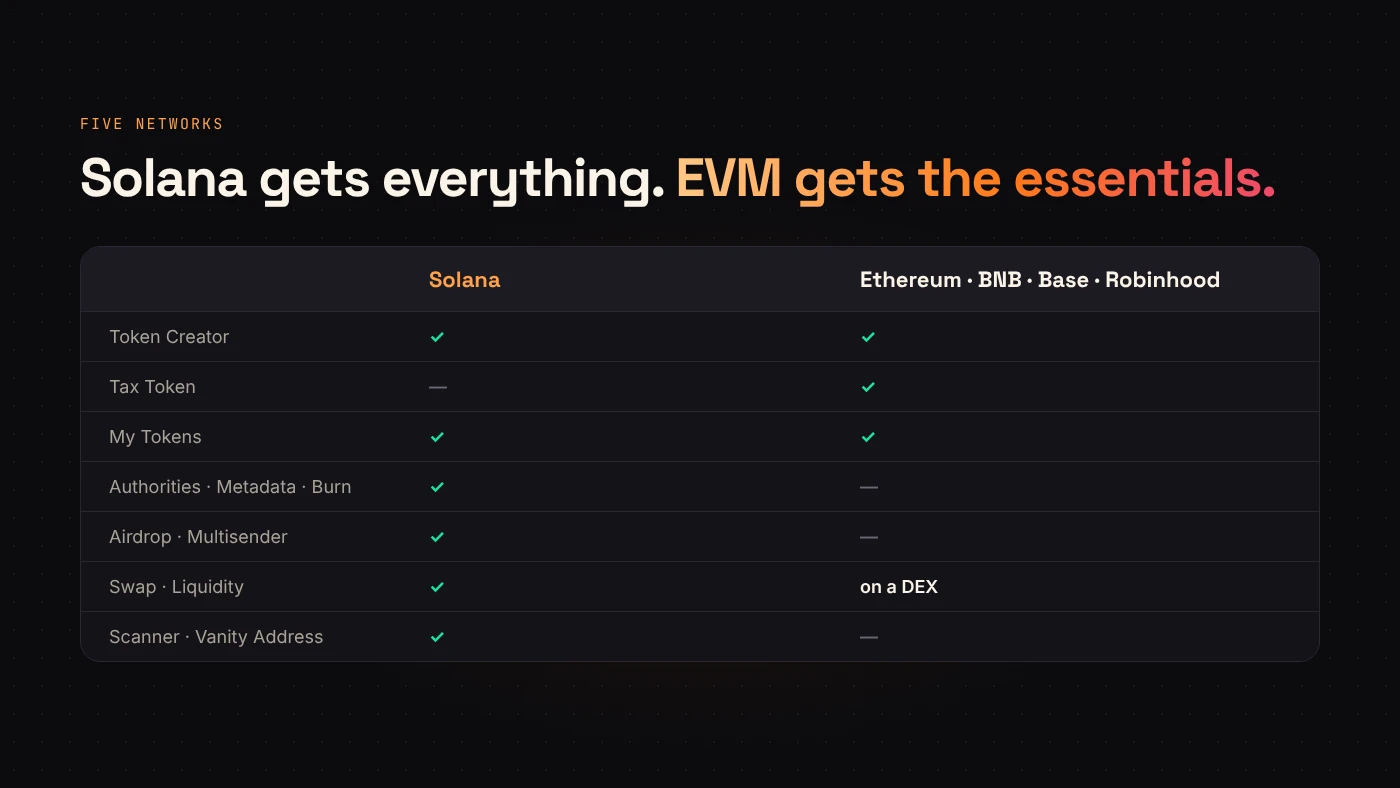
On Ethereum, BNB Chain, Base and Robinhood Chain, DegenKit offers:
- Token Creator — a fixed-supply token with 18 decimals and no mint function.
- Tax Token — the same, plus buy and sell taxes you set.
- My Tokens — your tokens, and for tax tokens the Manage tax controls: rates, pools, tax wallet, transfer and renounce ownership.
Liquidity on these networks is added on a DEX such as Uniswap or PancakeSwap.
How it fits together
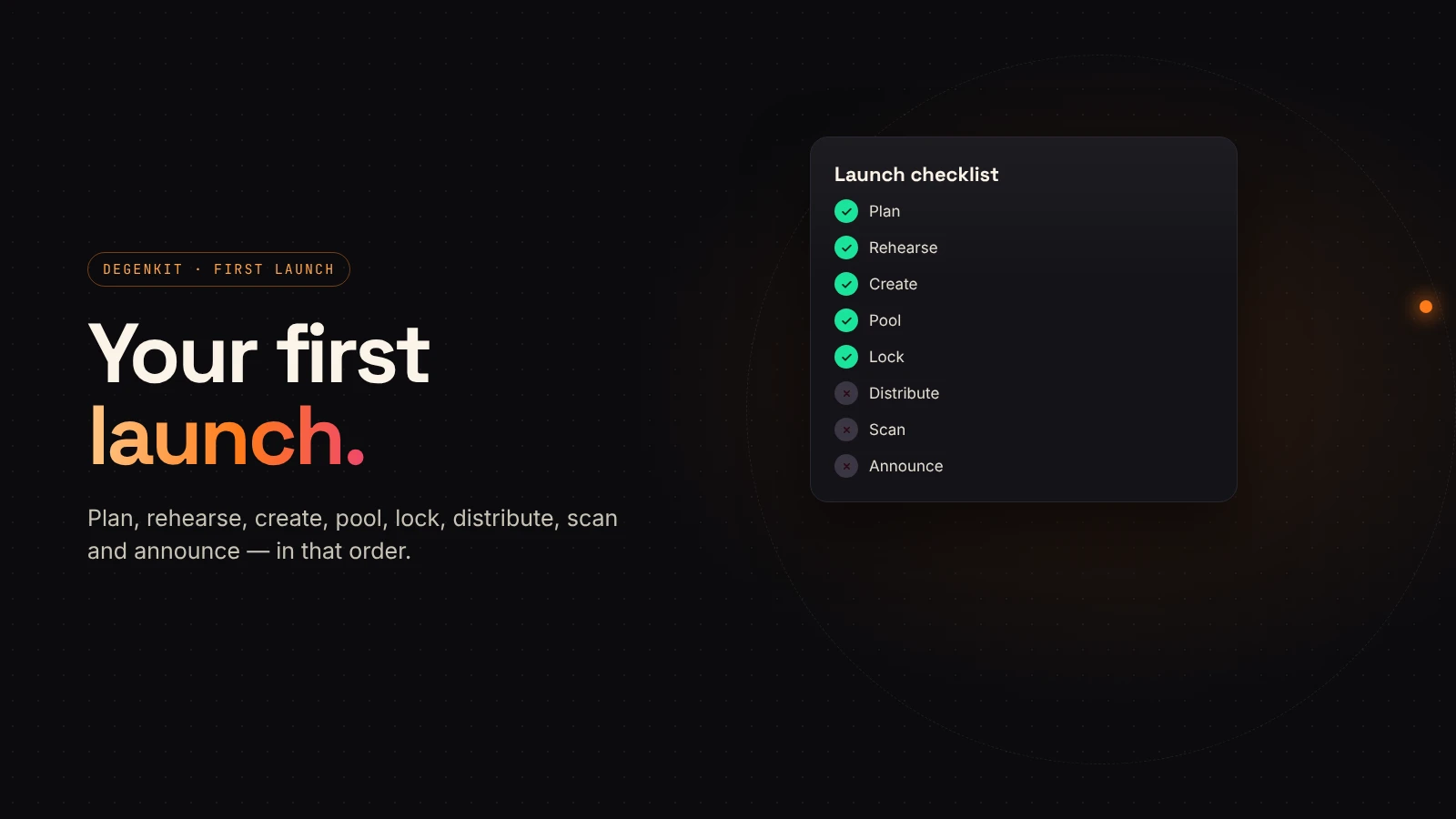
A typical Solana launch on DegenKit:
- Create the token, with authorities revoked and metadata locked.
- Create a Raydium pool with SOL or USDC.
- Distribute with Airdrop or Multisender if you planned to.
- Check the result in Scanner, the same way buyers will.
On EVM networks: create, add liquidity on a DEX, and for a tax token mark the pool in Manage tax.
Questions people ask
Do I need an account?
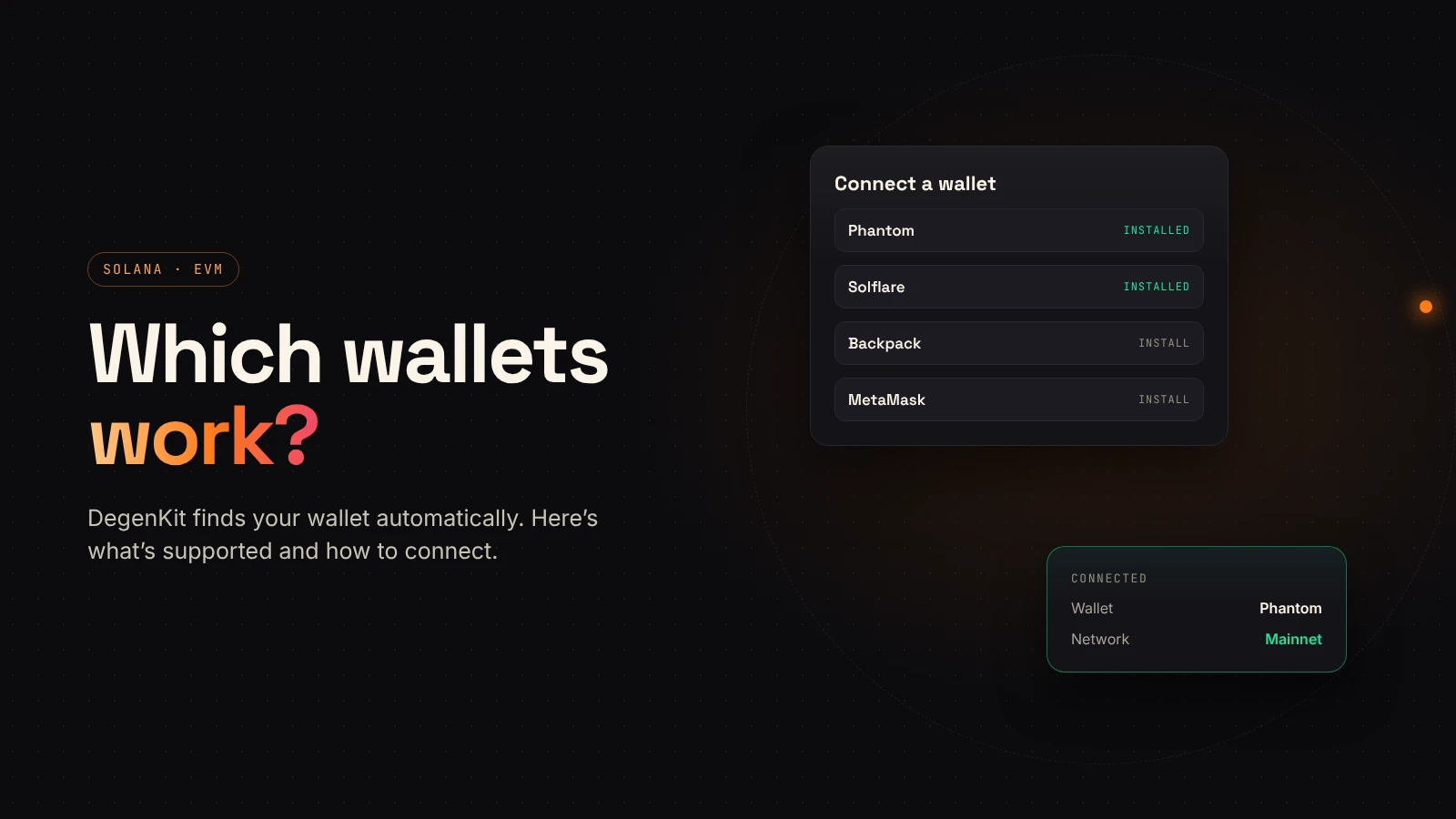
No. You connect a wallet. There is nothing to sign up for.
Can I rehearse first?
On Solana, yes. The launcher supports Devnet, where test SOL costs nothing.
Wrap up
DegenKit turns token creation into a form and a signature, on five networks. Solana gets the full toolkit; EVM networks get creation and tax management. Choose a network to start.