Update Solana Token Metadata: Name, Symbol and Logo
How to update Solana token metadata, the name, symbol and logo, when it is still mutable. Who can change it, what locked metadata means and how to check yours.
 DegenKitNovember 12, 2026 · 5 min read
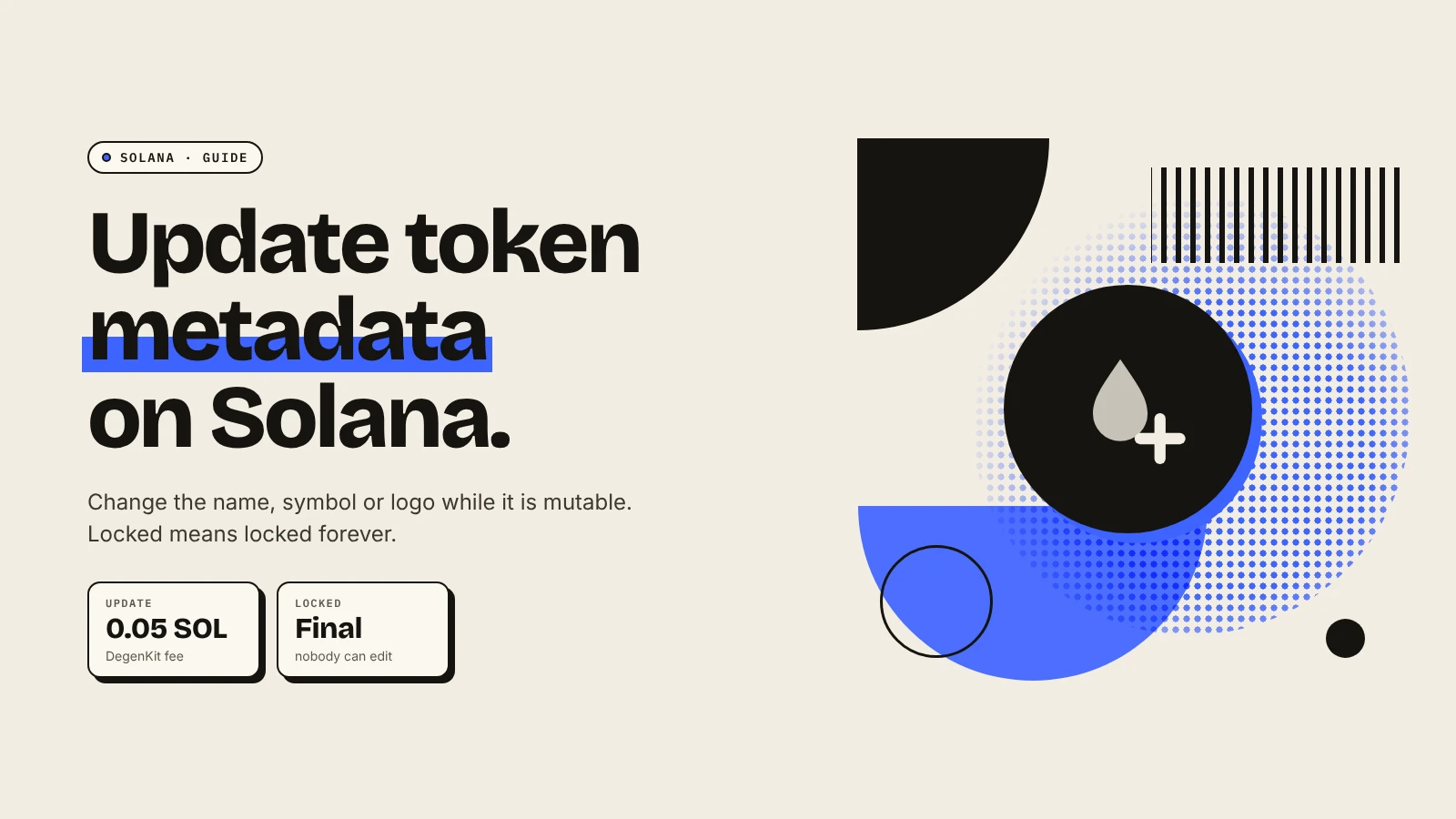
You can update a Solana token's name, symbol or logo only if its metadata is still mutable and your wallet is the update authority. Paste the mint into a metadata tool, change the fields and sign. If the metadata was locked (immutable) at creation, nobody can change it, ever. That is why many creators lock it on purpose.
What is Solana token metadata?
An SPL token mint stores only supply, decimals and authorities. The name, symbol and logo live in a separate metadata account, almost always using the Metaplex Token Metadata standard. The account holds the name, symbol and a URI. The URI points to a JSON file with the image link and description.
Wallets and DEXs read this account to show your token. Our explainer on Solana token metadata covers the structure.
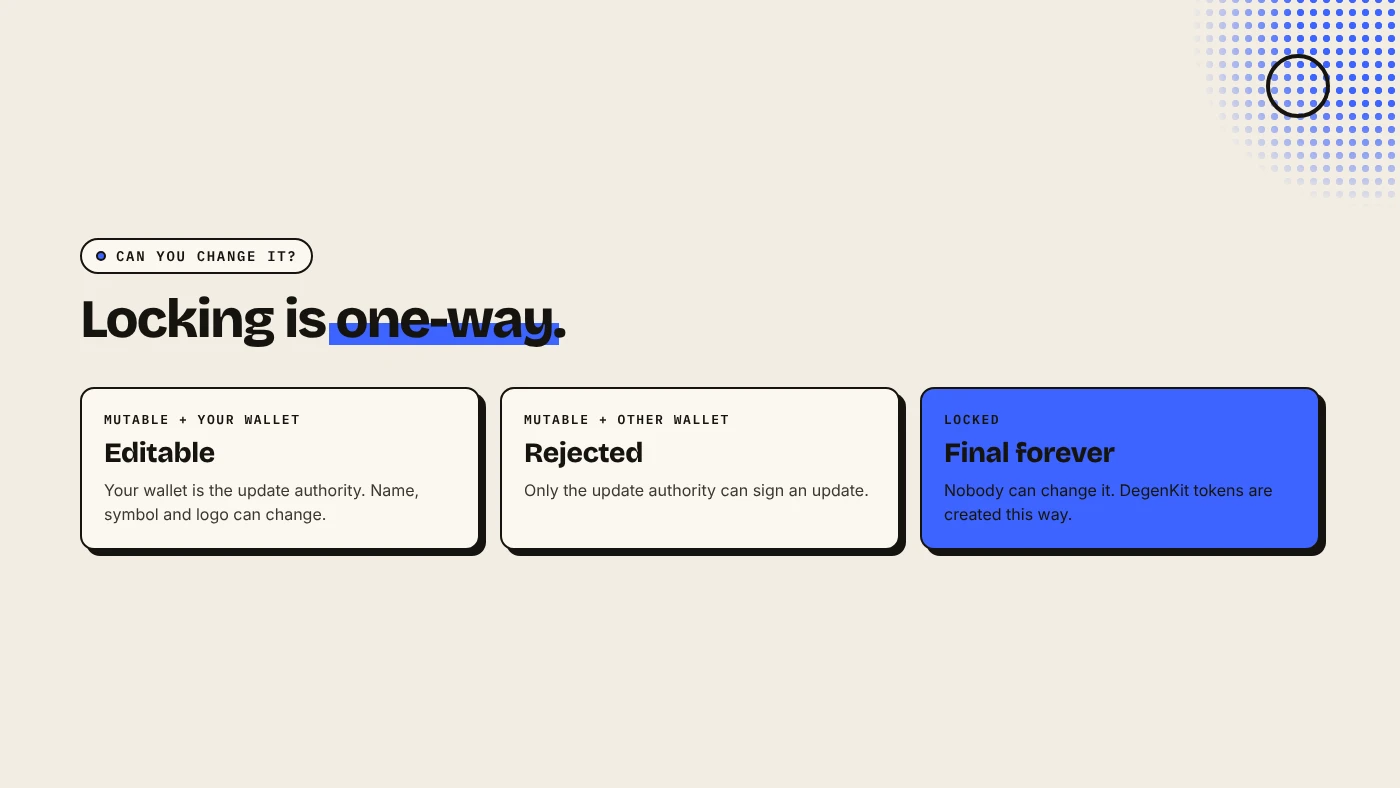
Can you change it?
Two things decide:
- Is it mutable? Metaplex metadata has a flag set at creation. If the token was created as immutable, Metaplex's docs say its metadata "cannot be updated".
- Are you the update authority? Only that wallet can sign an update.
How do you update it with DegenKit?
- Open the Solana launcher, connect the update authority wallet and choose Update Metadata.
- Paste the Token mint address and click Load. If you see "This token's metadata is locked (immutable)", it cannot be changed.
- Edit Name and Symbol, and upload a new Token image if needed. Leave the image empty to keep the current one.
- Click Save changes and sign. The 0.05 SOL service fee plus network fees apply.
Wallets and explorers can cache the old logo for a while, so the change may take time to appear everywhere.
Why does DegenKit lock metadata?
Tokens created with DegenKit's token creator always get locked metadata. Buyers and scanners treat mutable metadata as a risk, because the owner could rename the token to impersonate another project or swap the logo after people buy. Locked metadata removes that option. The trade-off is that you must get the name, symbol and logo right before you sign.
So Update Metadata on DegenKit is for tokens made elsewhere with mutable metadata, for example to fix a typo before launch, then lock it.
What should you check before and after?
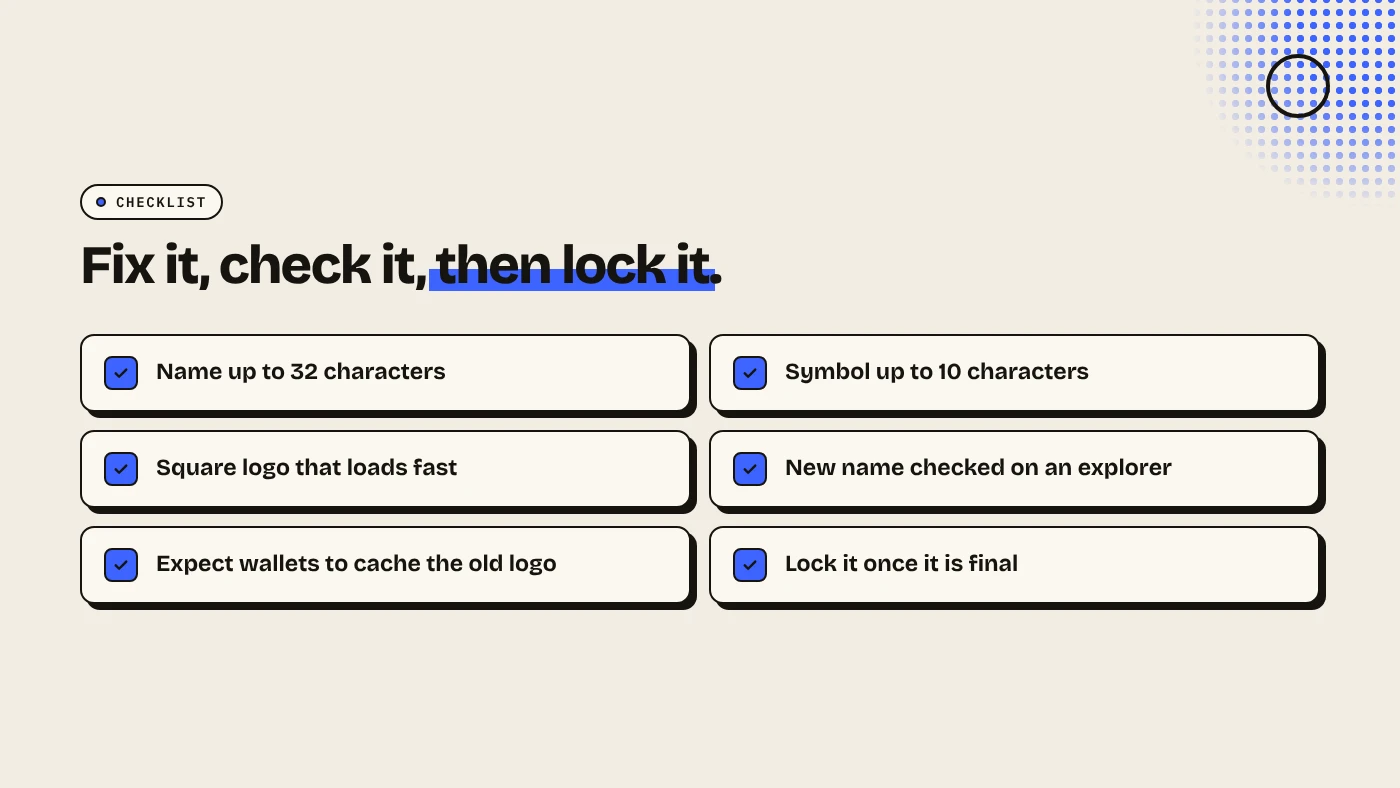
- Before: the name fits in 32 characters and the symbol in 10. The logo is square and loads quickly.
- After: open the mint on an explorer and confirm the new name and image.
- Consider locking. Once everything is right, making metadata immutable is a trust signal. DegenKit's Scanner shows whether a token's metadata is locked.
What are the risks?
- Mutable metadata worries buyers. Scanners flag it.
- Wrong wallet. Only the update authority can sign. Other wallets get an error.
- Caching. Some apps show the old logo for a while.
- Impersonation. Changing the name to resemble another token can mislead buyers and may get your token delisted.
You can lose money in crypto. This is not financial advice.
FAQ
Can I change my Solana token's name after launch?
Only if the metadata is mutable and you hold the update authority. Locked metadata cannot be changed.
Can I change the name of a token I created on DegenKit?
No. DegenKit creates tokens with locked metadata, so the name, symbol and logo are final.
How do I know if metadata is locked?
Load the mint in DegenKit's Update Metadata tool or Scanner. It tells you if the metadata is immutable.
Does updating metadata change balances?
No. Metaplex says updates change only the metadata, not the token or anyone's balance.
Sources
Check whether a token's metadata is locked with the Scanner on the DegenKit Solana launcher.