How to Add Liquidity to a Solana Token on Raydium
How to add liquidity to a Solana token on Raydium with DegenKit. Pick SOL or USDC, set the starting price, create the pool in one signature and check it.
 DegenKitNovember 9, 2026 · 5 min read
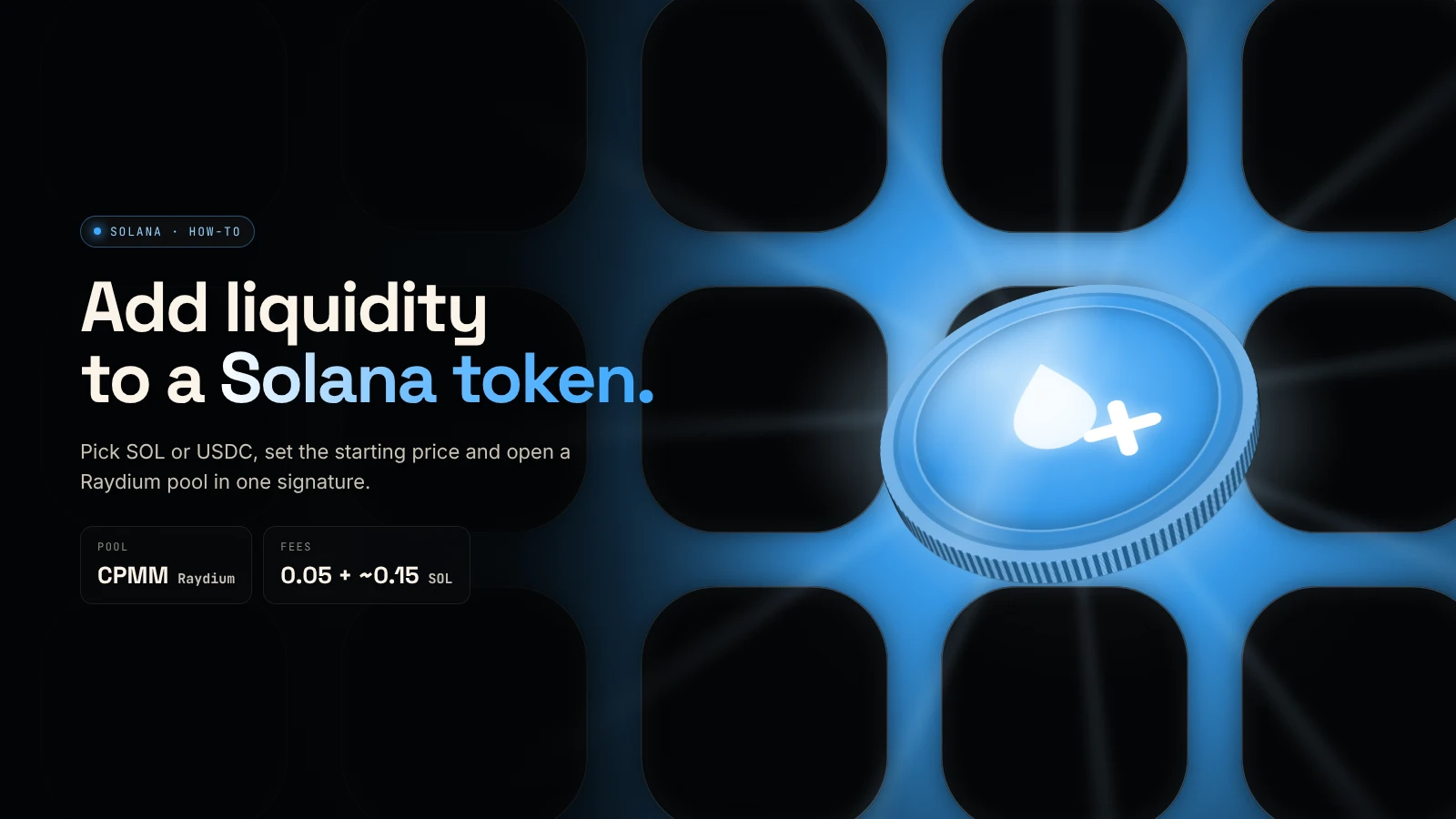
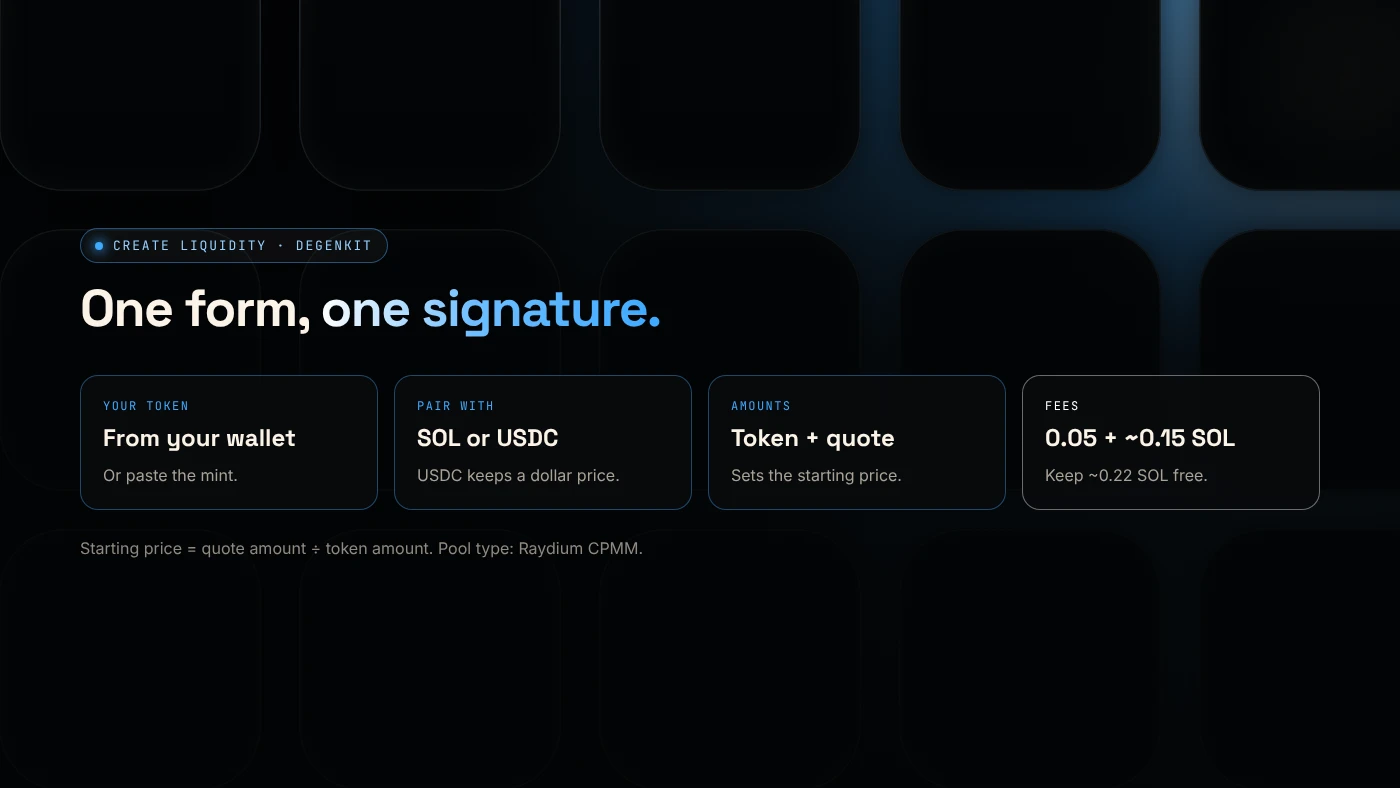
To add liquidity to a Solana token, create a Raydium pool with your token and SOL or USDC: the amounts you deposit set the starting price, and once the pool is live the token can be traded on Raydium and Jupiter. DegenKit's Create Liquidity tool does this in one signature for a 0.05 SOL service fee plus Raydium's pool fee.
What do you need before you start?
- Your token, created and in your wallet. See the Solana token creator guide.
- Freeze authority revoked. Most pools and buyers expect it.
- SOL or USDC for your side of the pool, plus about 0.22 SOL for fees.
- A plan for the price. Decide the starting price and market cap before you open the form.
How do you add liquidity with DegenKit?
- Open the Solana launcher, click Connect wallet and choose Create Liquidity.
- Pick Your token from the list, or paste the mint address. Result: your token balance appears.
- Choose Pair with: SOL or USDC.
- Enter Tokens to add (or use 25%, 50%, 75%, Max) and the SOL or USDC to add. Result: the Starting price and Starting market cap update.
- Check the Raydium pool fee and DegenKit service fee, then click Create pool and approve in your wallet.
- When ✓ POOL LIVE appears, copy the pool ID and open Trade on Raydium → or View chart on DexScreener →.
How do you set the starting price?
The starting price is the ratio of your deposit:
Starting price = SOL (or USDC) amount ÷ token amount
Example: 800,000,000 tokens with 40 SOL gives 0.00000005 SOL per token. If the total supply is 1,000,000,000, the starting market cap is 50 SOL.
Count the zeros twice. A wrong ratio cannot be fixed without removing liquidity. Our guide on SOL or USDC for your pair explains how each pair affects the dollar price.
What should you do after the pool is live?
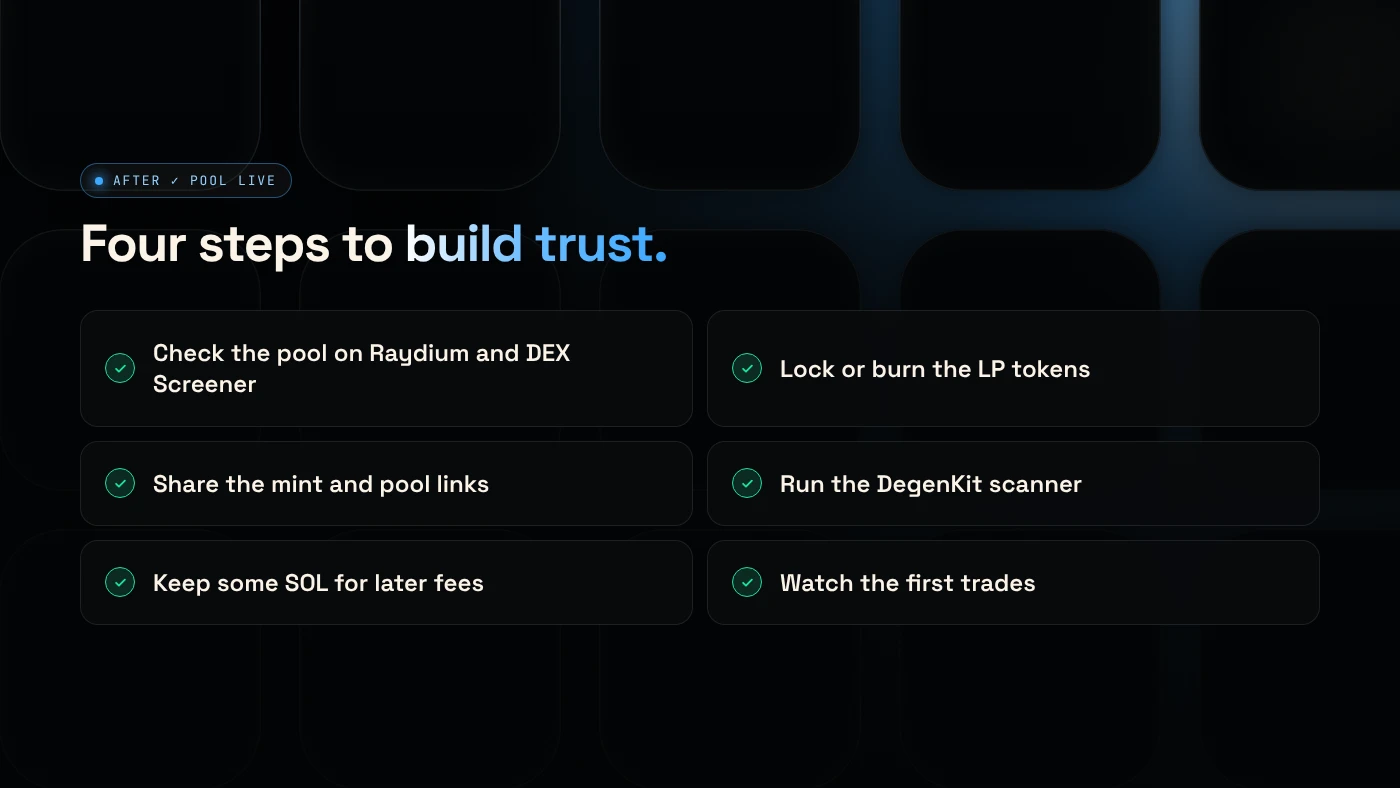
- Check the pool on Raydium and DEX Screener: the pair, price and liquidity.
- Decide on the LP tokens. Locking or burning them shows buyers the liquidity stays. See locking liquidity on Solana.
- Share the mint address and pool link.
- Run the scanner. DegenKit's scanner shows how buyers will see your token.
What are the common errors?
- "Not enough SOL": keep about 0.22 SOL free beyond your SOL deposit.
- Using USDC without SOL: fees are still paid in SOL.
- Token not listed: paste the mint address. Only tokens in the connected wallet can be added.
- Freeze authority still active: revoke it first in Authorities.
What are the risks?
- Price risk. If your token falls, the value of your pool share falls.
- Impermanent loss when the price moves. See what a Raydium liquidity pool is.
- Thin pools swing a lot on small trades.
- Unlocked LP can be withdrawn, which buyers see as a risk.
You can lose money in crypto. This is not financial advice.
FAQ
How do I add liquidity to a Solana token?
Create a Raydium pool with your token and SOL or USDC. The deposit ratio sets the starting price, and the token becomes tradable once the pool is live.
How much does it cost to create a Raydium pool?
On DegenKit, a 0.05 SOL service fee plus Raydium's pool fee, shown as about 0.15 SOL, as of November 2026. Your deposit is separate.
Can I remove liquidity later?
Yes, unless you lock or burn the LP tokens. See removing liquidity from a Raydium pool.
Sources
To open your pool, use Create Liquidity in the DegenKit Solana launcher.