How to Burn Solana Tokens and Reduce Supply
How to burn Solana tokens from your wallet in one transaction, what burning changes on-chain, what it costs on DegenKit and how to check that the supply went down.
 DegenKitNovember 9, 2026 · 5 min read
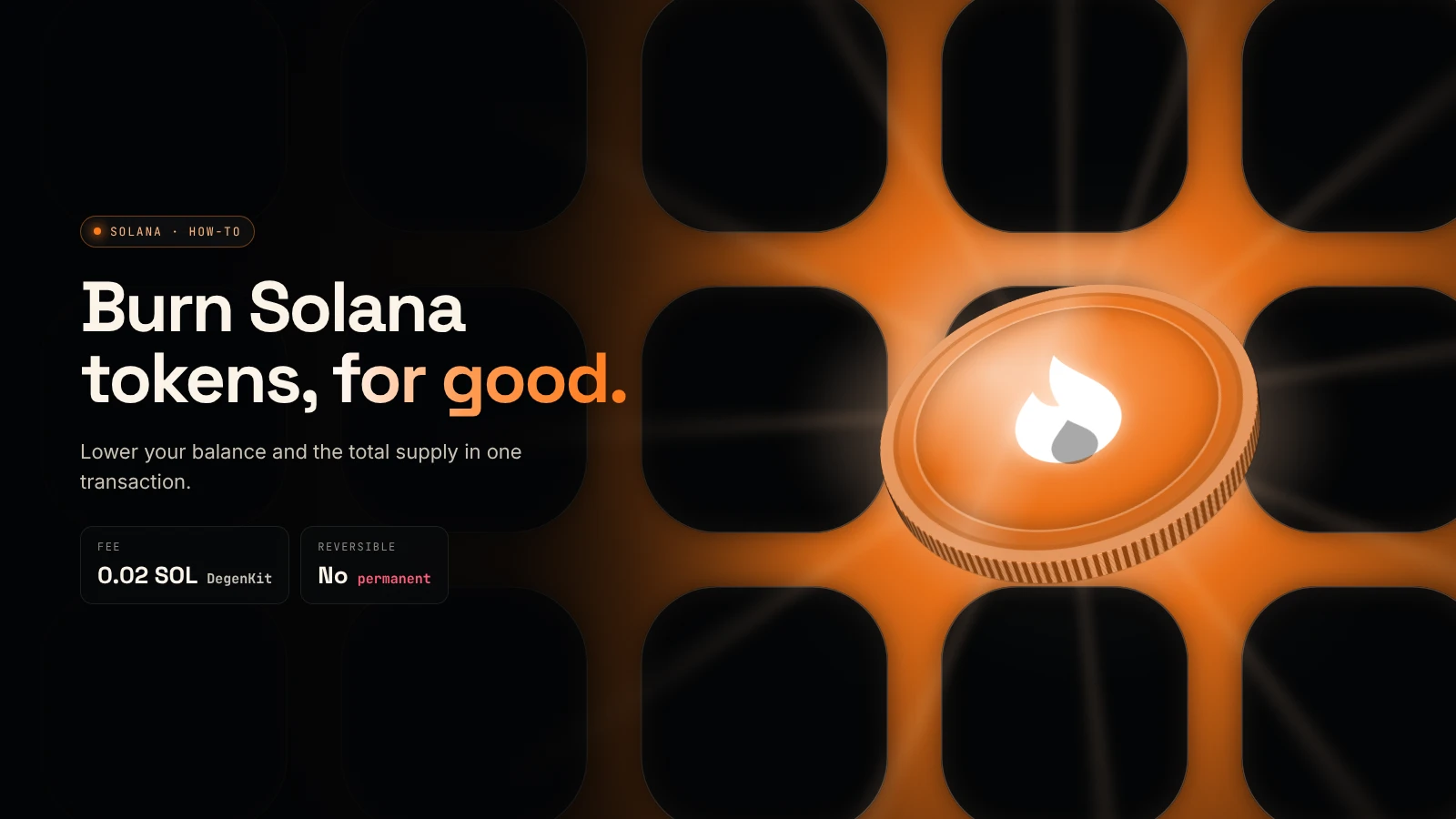
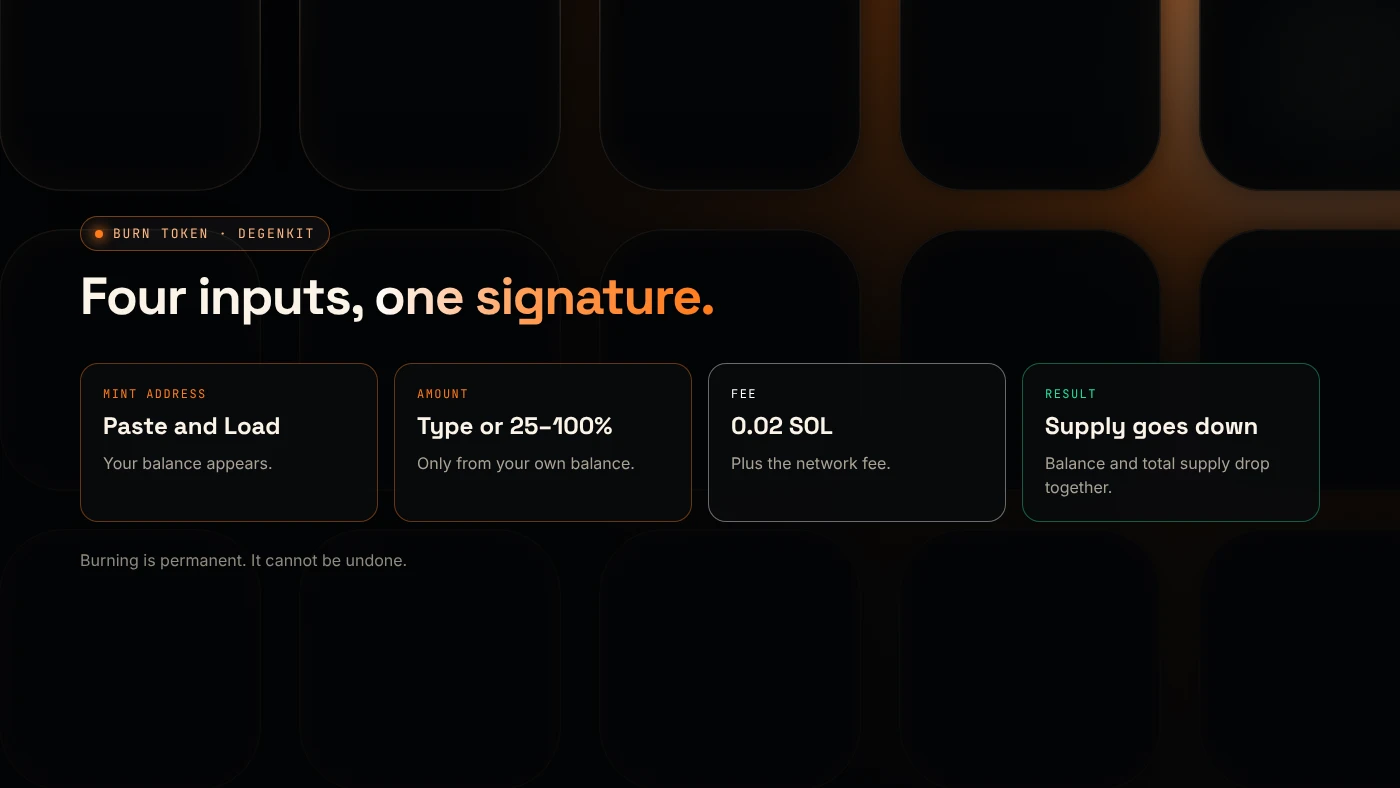
To burn Solana tokens, you sign a burn instruction from the wallet that holds them: the tokens leave your balance and the token's total supply drops by the same amount, permanently. On DegenKit, the Burn Token tool does this in one transaction for a 0.02 SOL service fee.
What does burning a Solana token do?
Solana's documentation says a burn "reduces the mint's total supply by the same amount" and "permanently decreases a token account balance" (Solana docs). Unlike sending tokens to a dead address, a real burn removes them from the supply that explorers and trackers show.
Burning is different from revoking mint authority. Revoking stops anyone from creating more tokens. Burning destroys tokens that already exist. Many projects do both. See mint vs freeze authority.
Our explainer on what burning tokens means covers why projects burn and what it does not prove.
What do you need before you start?
- The wallet that holds the tokens. You can only burn from your own balance.
- The token's mint address.
- A little SOL for the 0.02 SOL fee and the network fee.
How do you burn tokens with DegenKit?
- Open the Solana launcher and click Connect wallet.
- Choose Burn Token in the sidebar.
- Paste the Token mint address and click Load. Result: Your balance shows how many you hold.
- Enter the Amount to burn, or use 25%, 50%, 75% or Max.
- Click Burn tokens and approve in your wallet. Result: a confirmation with the transaction link.
- Open the token on the explorer. Result: total supply is lower by the amount burned.
Should you burn all of your tokens?
Burning everything closes nothing by itself. Your empty token account still holds a small rent deposit. Solana's docs say an account can be closed once its balance is zero, and closing sends its lamports, including the rent deposit, to a destination the owner chooses (Solana docs).
Common reasons to burn:
- Remove a team or unused allocation so it can never be sold.
- Reduce supply as a public, checkable commitment.
- Clean up a test or unwanted token in your wallet.
Burning does not raise the price on its own. A token's price comes from its pool and buyers, not its supply number.
How can buyers check a burn?
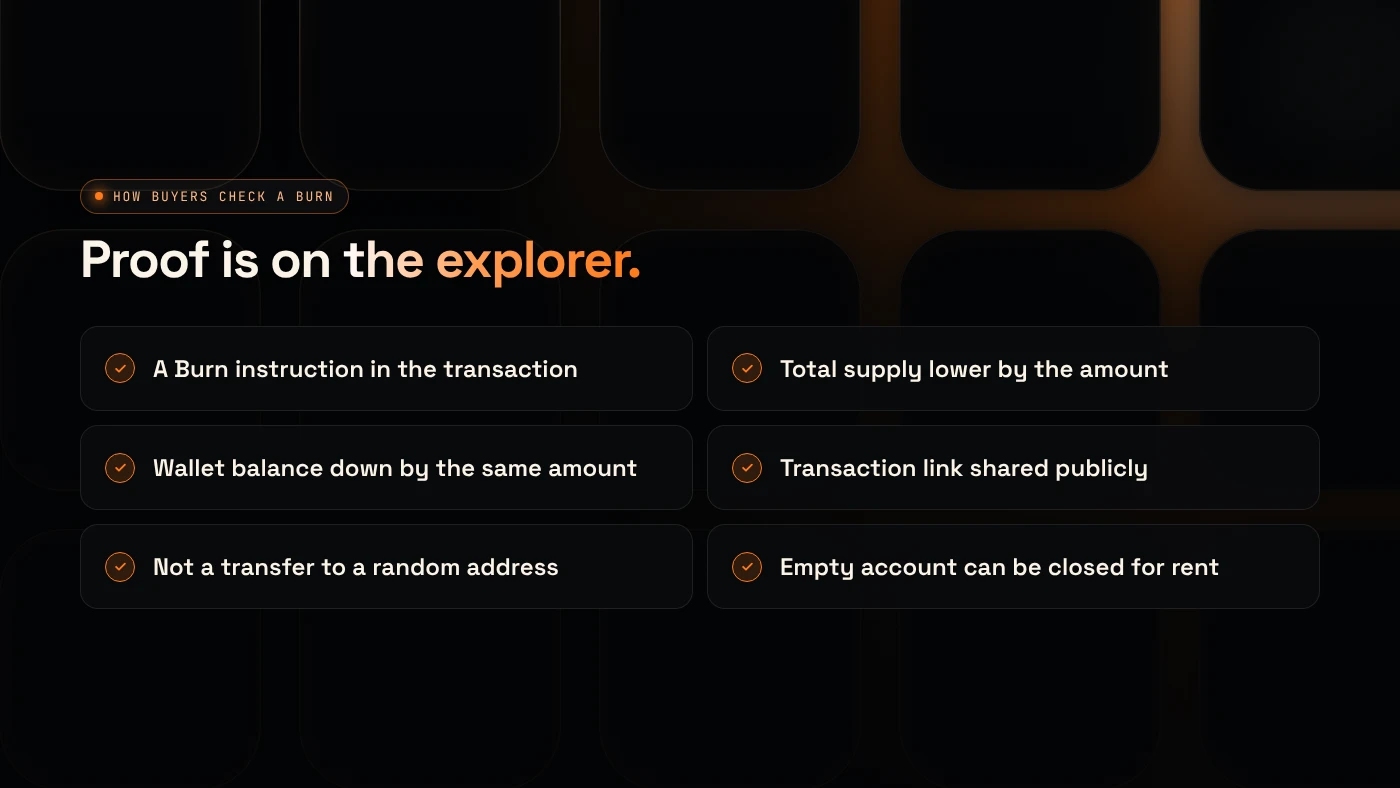
- On the explorer, the burn transaction shows a Burn instruction and the amount.
- The token's total supply is lower.
- The burning wallet's balance dropped by the same amount.
Post the transaction link with your announcement, so anyone can verify it.
What are the common errors?
- "No balance": the connected wallet does not hold that token. Switch wallets.
- Wrong mint pasted: check the address before burning. A burn cannot be undone.
- Burning LP tokens instead of the token: burning liquidity is a different action. See locking liquidity on Solana.
What are the risks?
- Permanent loss. Burned tokens are gone.
- Signalling. A large burn by a team can look like a price promise. Describe it plainly.
- Fake burns. Sending to a random address is not a burn. Buyers should check for a real burn instruction.
You can lose money in crypto. This is not financial advice.
FAQ
Can I burn Solana tokens?
Yes, from any wallet that holds them. You sign a burn instruction, and the tokens are removed from your balance and the total supply.
Can burned tokens be recovered?
No. Solana's docs describe burning as permanently decreasing the balance.
Does burning tokens give back SOL?
Burning itself does not. Closing the empty token account afterwards can return its rent deposit to your wallet.
Sources
To burn tokens from your wallet, open Burn Token in the DegenKit Solana launcher.