Elysium Explorer: How to Read a Token on Blockscout
How to use the Elysium explorer. Find a token by contract address, read its holders, transfers and contract tabs, and spot the warning signs on a new chain.
 DegenKitNovember 14, 2026 · 4 min read
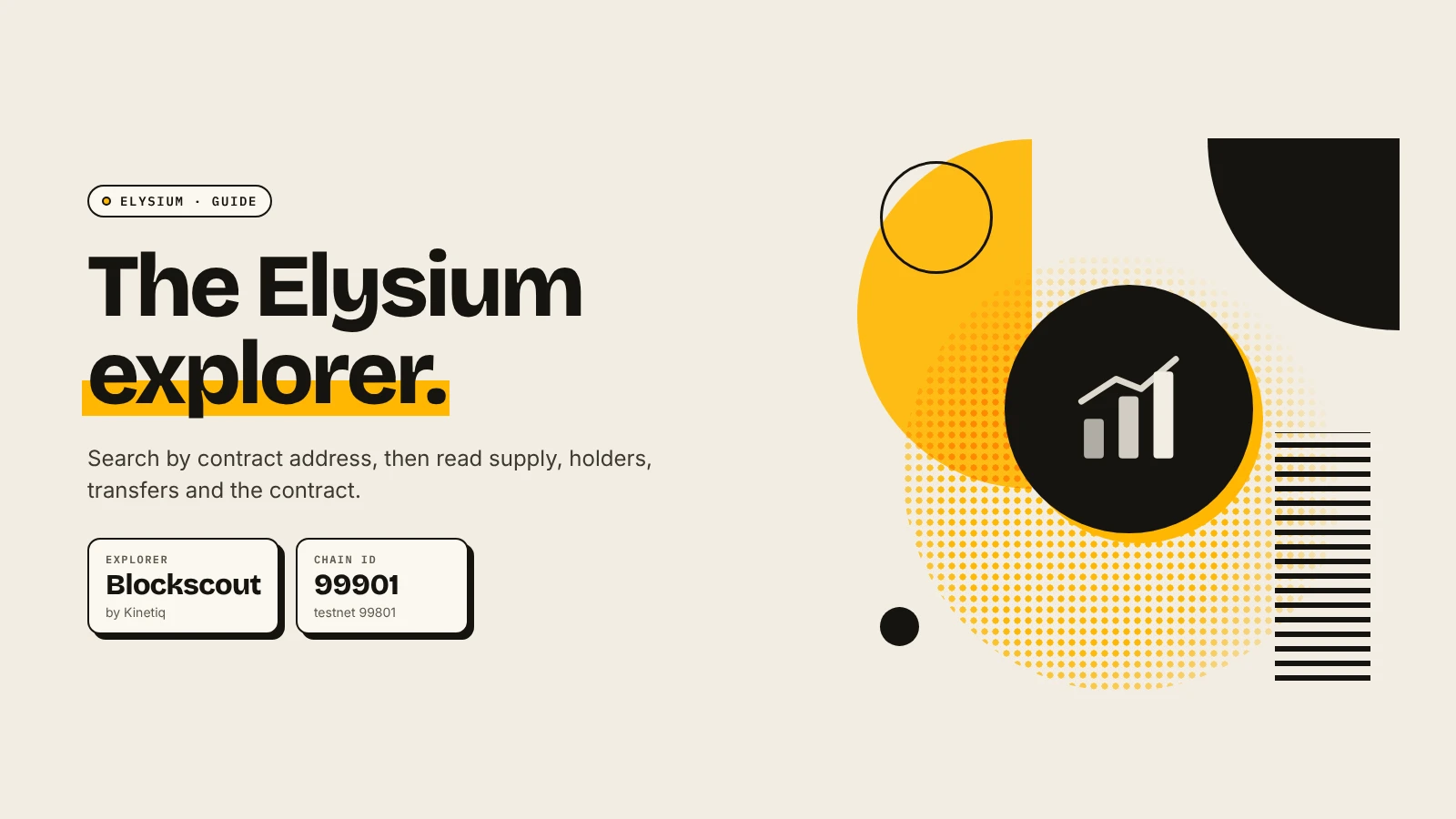
The Elysium explorer is a Blockscout instance at elysium.kinetiq.xyz/explorer. Paste a token's contract address into its search to see the token page: total supply, holders, transfers and the contract itself. On a chain this new, it is the most reliable place to check a token. It shows what is on-chain, not what a project says.
How do you find a token?
- Get the contract address from the project's official X account or site.
- Open elysium.kinetiq.xyz/explorer.
- Paste the address into the search and open the token result.
- Check that the page says Elysium and the address matches exactly.
If you are the creator, your contract address appears right after creation on DegenKit's Elysium launcher.
What does each part of the token page show?
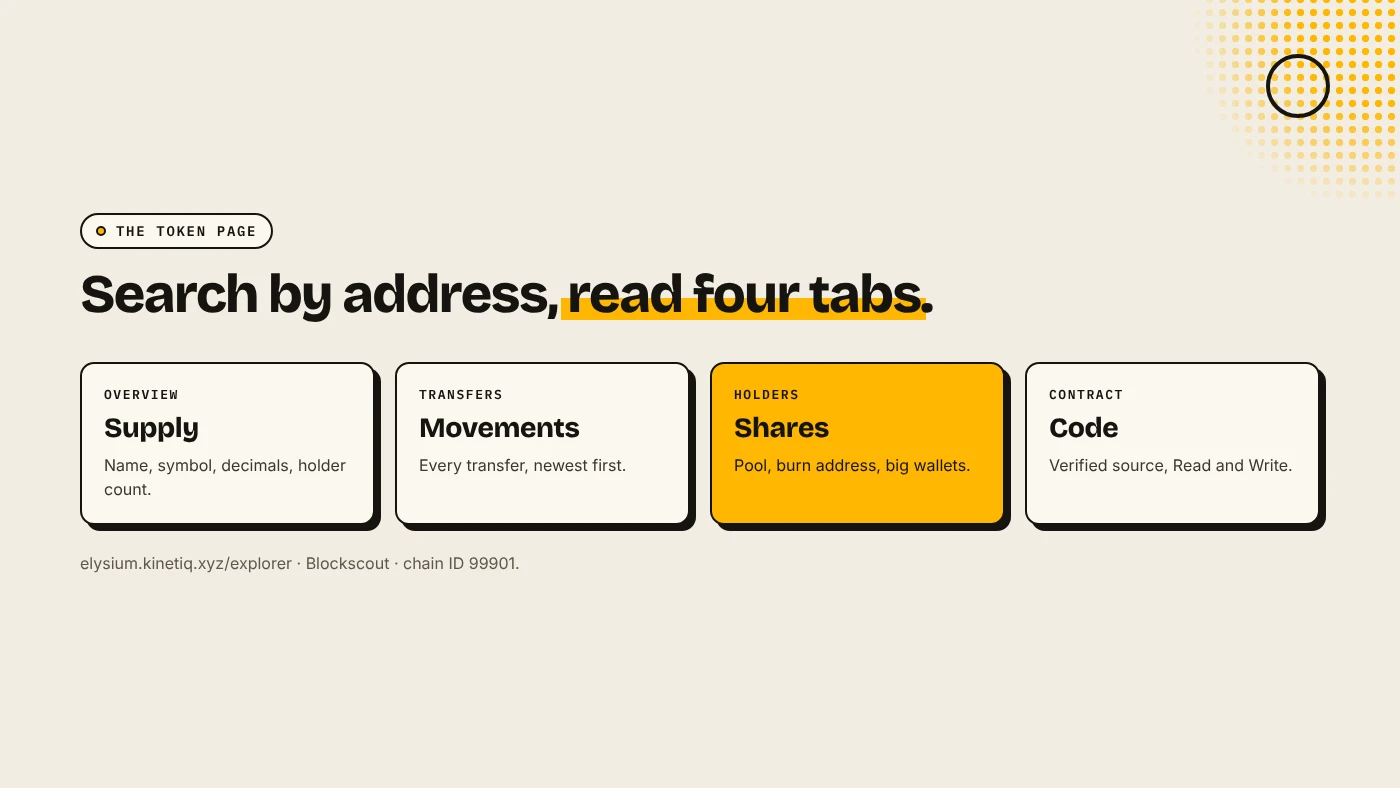
| Section | What to look at |
|---|---|
| Overview | Name, symbol, total supply, decimals, holder count |
| Transfers | Every movement of the token, newest first |
| Holders | Each wallet's balance and share of supply |
| Contract | Source code if verified, plus Read and Write functions |
Our general guide to reading a token page on Etherscan or Blockscout explains each tab in detail. The steps are the same on Elysium.
What should you check on the Holders tab?
- The Uniswap pair address is usually one of the top holders. That is the pool and is expected.
- A burn address such as 0x…dEaD holding tokens means those tokens are gone.
- One normal wallet with a large share can sell into the pool at any time.
- For the LP itself, open the pair contract and check who holds the LP tokens. See Elysium liquidity lock.
What should you check on the Contract tab?
- Is the source verified? A verified contract lets anyone read the code. An unverified one hides it.
- Read functions such as
ownershow whether an owner still exists. For a tax token, the buy and sell rates appear here too. - Write functions are for the owner. Never connect your wallet to them unless you are the owner and know what you are doing.
A token made with DegenKit's Token Creator has fixed supply, no owner and no mint function. A Tax Token has an owner until it is renounced. See the Elysium tax token guide.
What are the warning signs?
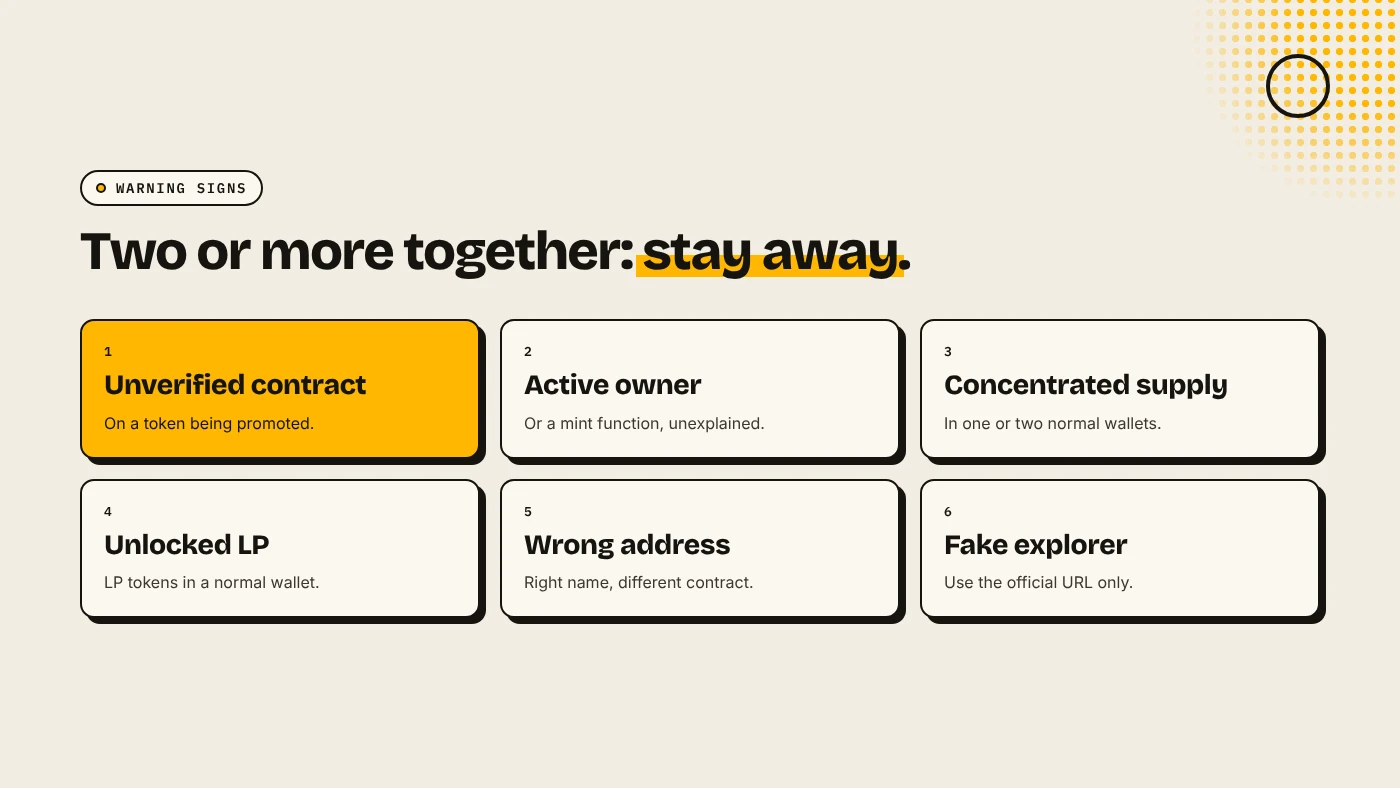
- An unverified contract on a token that is being promoted.
- A mint function or an active owner with no public explanation.
- Most of the supply in one or two normal wallets.
- LP tokens in a normal wallet instead of a locker or burn address.
- A token page with the right name but a different address from the official one.
What are the risks?
- New chain. Explorer data and labels are still sparse.
- Fake explorers. Use the official address from Kinetiq or Chainstack's documentation.
- Logos prove nothing. Anyone can copy a token's name and image.
You can lose money in crypto. This is not financial advice.
FAQ
What is the Elysium block explorer?
A Blockscout explorer at elysium.kinetiq.xyz/explorer for Elysium, chain ID 99901.
How do I check holders of an Elysium token?
Search the contract address and open the Holders tab.
Why doesn't my token have a logo on the explorer?
Blockscout takes logos from CoinGecko, CoinMarketCap or owner submissions it reviews. New tokens usually start without one.
Sources
- Chainstack: Elysium tooling
- Blockscout docs: Token info
- Kinetiq launch release (GlobeNewswire via The Manila Times)
Create a token with fixed supply and no owner on the DegenKit Elysium token creator.