Revoke Mint Authority on Solana: A Step-by-Step Guide
How to revoke mint authority on Solana, and freeze authority too, for a token you control. What changes on-chain, what it costs and how buyers can check it.
 DegenKitNovember 12, 2026 · 5 min read
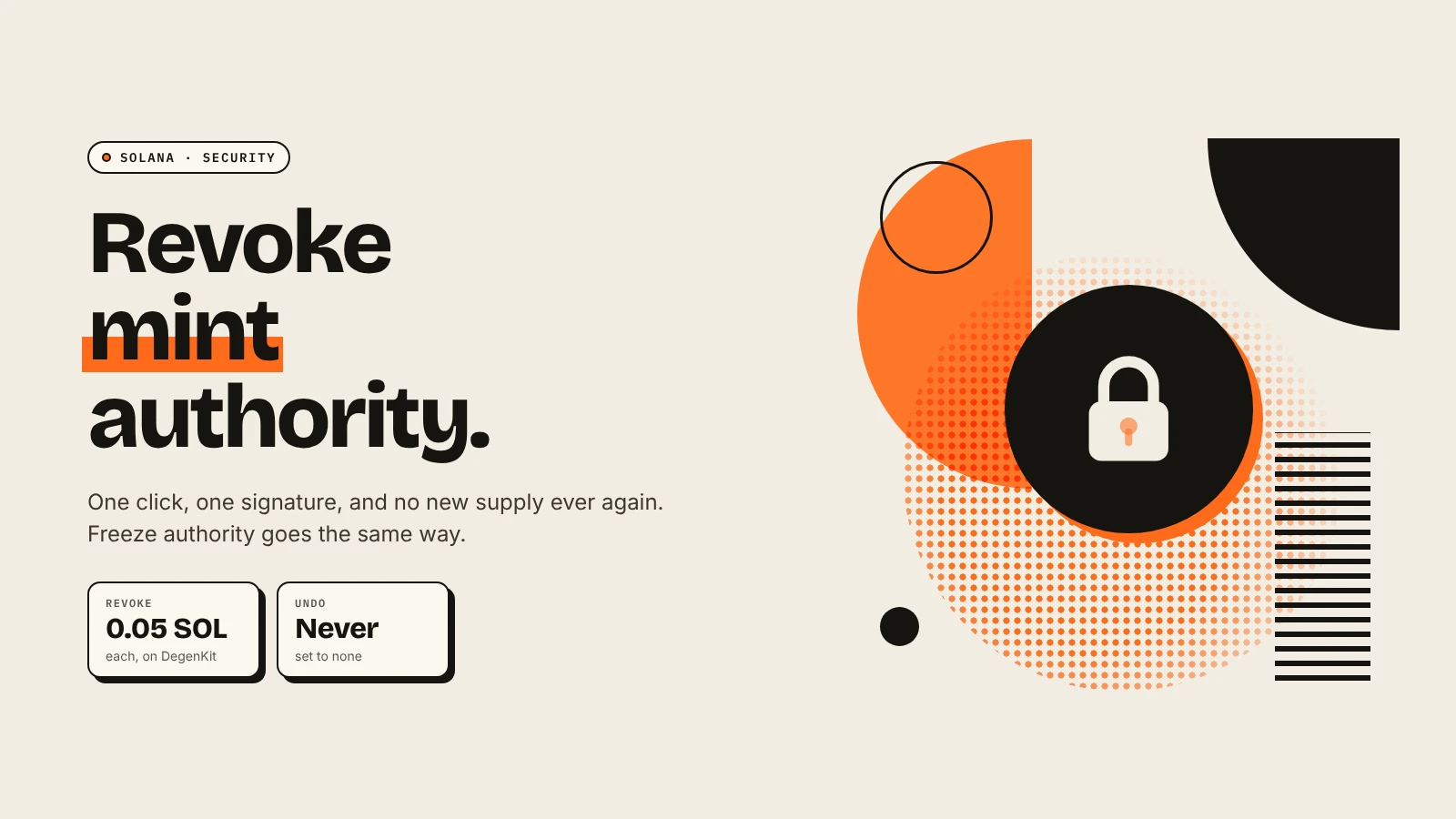
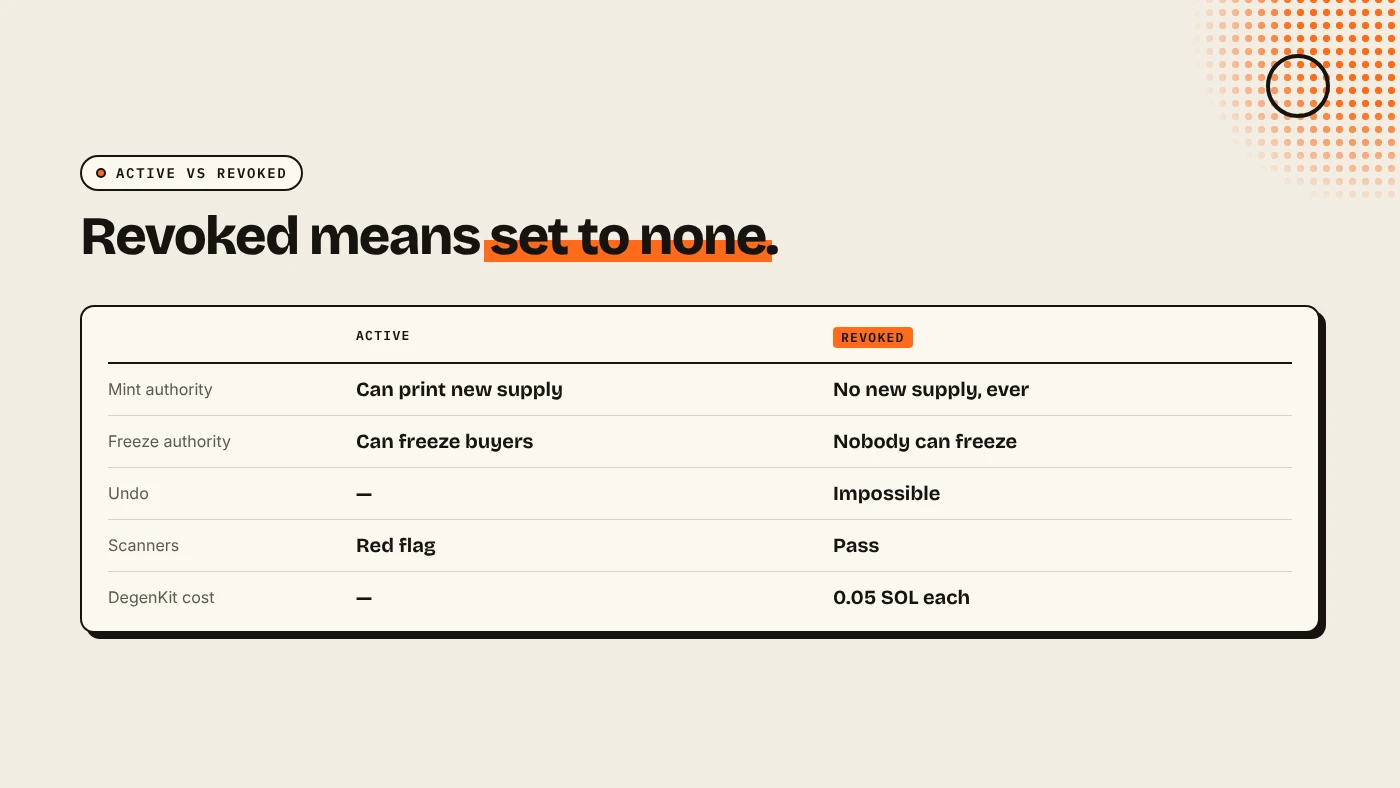
To revoke mint authority on Solana, load your token's mint address in an authorities tool, click Revoke mint and sign with the wallet that holds the authority. The mint authority is set to none, so nobody can ever create more tokens. Revoke freeze authority the same way. Both are permanent, and both are the first things buyers and scanners check.
Why revoke mint authority?
While mint authority is active, its holder can mint any amount of new tokens and sell them into the pool. Every existing holder is diluted. Buyers know this, so scanners such as RugCheck and DegenKit's own Scanner flag an active mint authority as a risk.
Freeze authority is the second check. Its holder can freeze a buyer's token account so it cannot transfer or sell. It is a common honeypot pattern. Our explainer on mint authority vs freeze authority goes deeper into both.
When should you keep mint authority?
Almost never for a meme coin. Some projects keep it for a planned emission schedule, such as staking rewards. Then they should say so publicly and ideally hand it to a multisig. If you have no written reason to mint later, revoke it.
How do you revoke it on DegenKit?
- Open the Solana launcher and connect the wallet that holds the authority.
- Choose Authorities in the sidebar.
- Paste the Token mint address and click Load. The token name and current Mint authority and Freeze authority appear.
- Click Revoke mint and sign. Then click Revoke freeze and sign.
- Load the mint again. Both should now show as revoked.
This works for any SPL token whose authority your wallet holds, including tokens created elsewhere. If you are creating a new token, turn on Revoke mint authority and Revoke freeze authority in the create form instead. It saves a step.
How can buyers check it?
- Explorer: open the mint on Solscan or Solana Explorer. Mint authority and freeze authority should be empty or show none.
- Scanner: paste the mint into DegenKit's Scanner. It shows both authorities, metadata status and holder concentration.
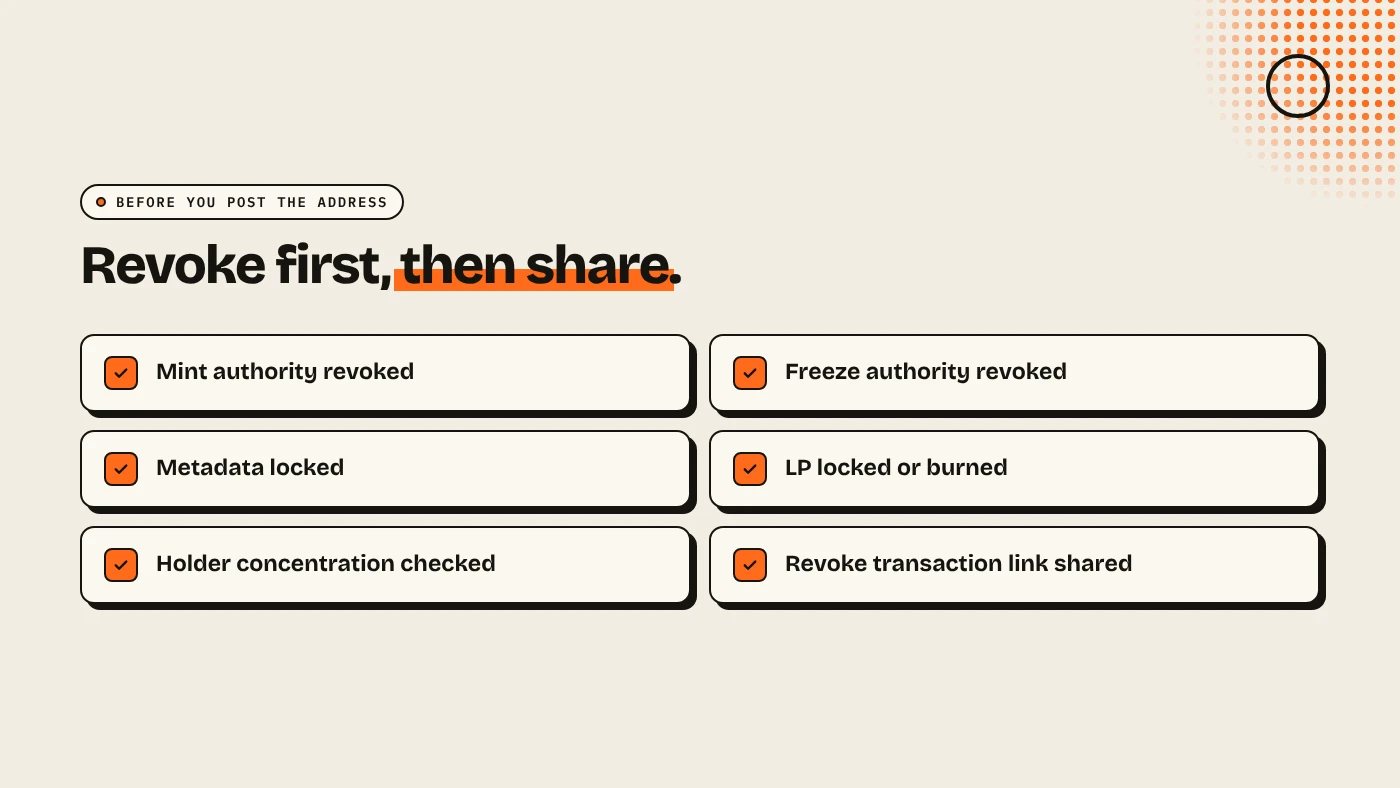
- Share proof: post the revoke transaction link with your mint address.
What else should you check?
Revoking authorities does not make a token safe on its own:
- Liquidity can still be withdrawn unless it is locked or burned. See locking liquidity on Solana.
- Holder concentration matters. One wallet with half the supply can still sell. See how to read a holder bubblemap.
- Token-2022 extensions such as a transfer fee have their own authorities. See Solana Token-2022 transfer fee.
What are the risks?
- No undo. If you later need new supply, you would have to launch a new token.
- Wrong wallet. Only the current authority can revoke it.
- False comfort. Revoked authorities do not stop rug pulls through liquidity or large holders.
You can lose money in crypto. This is not financial advice.
FAQ
Can I undo revoking mint authority?
No. Once it is set to none, no wallet can mint again.
How much does it cost to revoke mint authority on Solana?
On DegenKit, 0.05 SOL in service fees for each authority, plus a small network fee.
Does revoking mint authority affect existing holders?
No. Balances stay the same. It only stops new tokens being created.
Should I revoke freeze authority too?
Yes, for almost every token. An active freeze authority is a common honeypot warning.
Sources
Revoke both authorities with the Authorities tool on the DegenKit Solana launcher.